
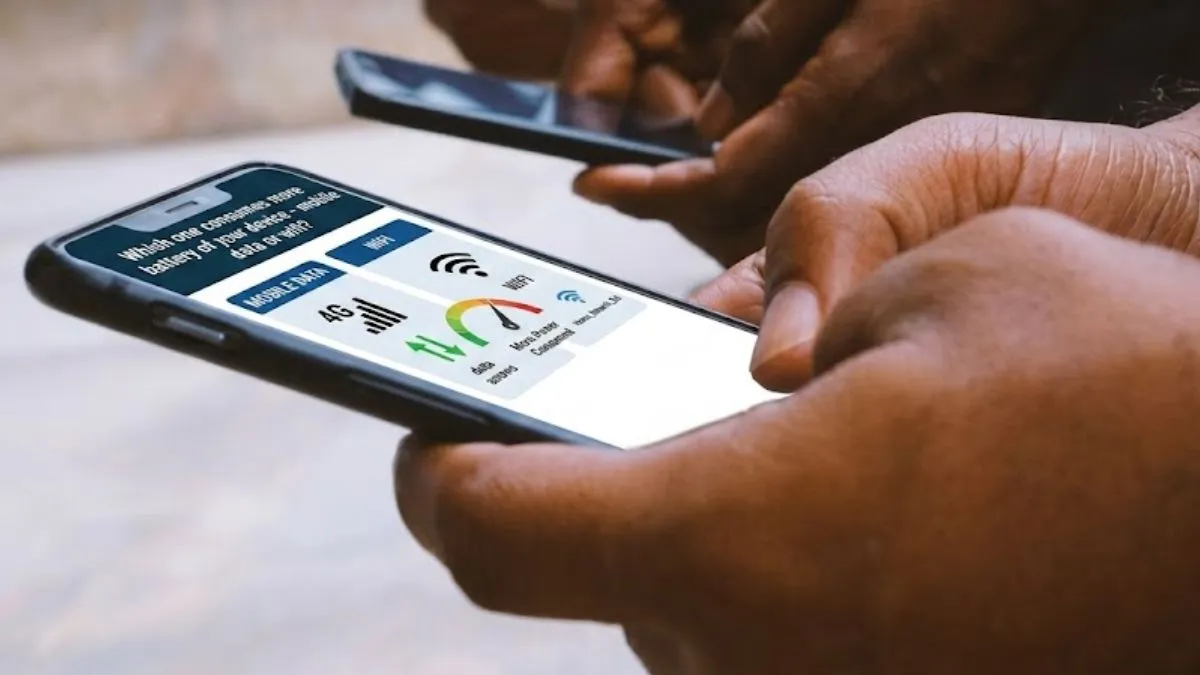
Smartphones are handling everything we do today – from calling, messaging, making payments, shopping and more. Whether you are scrolling through social media or catching up with a video, you need a steady internet connection. Most of us flick between Wi-Fi and mobile data without thinking much about it. But not everyone understands how much battery it consumes and which one is a better choice.
If you are always looking for a charger by lunchtime, your internet connection might be part of the problem.
Mobile data burns more battery
Plenty of battery tests show mobile data drains your battery faster than Wi-Fi. The numbers are pretty clear: browsing on 4G or 5G networks usually consumes 50 to 120 per cent more energy than using a solid Wi-Fi connection. No wonder your phone seems to last longer when you’re hooked up to home or office Wi-Fi.
Why does mobile data suck up more power?
- Signal distance: Wi-Fi routers usually hang out in your house or office, so your phone can talk to them easily. But your smartphone reaches out much farther to connect to cell towers, which could be blocks away. The more is the distance of tower from your device, the harder it will be for your device to work, guzzling more power just to keep the connection alive.
- Weak network signals: Ever notice your mobile battery draining like crazy when you are in a basement, an elevator or out in a remote area or maybe stuck in a traffic jam?
If your smartphone struggles to find a strong signal, it starts scanning nonstop for something better. That hunting burns through your battery.
What about 5G?
5G is fast, but in places where 5G coverage is a little uncertain, it does not really help your battery. When your smartphone keeps bouncing between 4G and 5G, all that will consume the energy even faster.
Does Wi-Fi always win?
Most of the time, yes. A strong Wi-Fi network is easier on your smartphone’s battery with a steady supply of internet. But if your Wi-Fi signals are weak, your smartphone might keep searching for better connections, which can make the battery drain a little quicker. So, for the best results, pick a stable, reliable Wi-Fi whenever you can.

Quick battery-saving tips
- Use Wi-Fi instead of mobile data when you can.
- Turn off mobile data when your signal is lousy.
- Switch off 5G if you do not need blazing speeds.
- Disable Wi-Fi when there are no trusted networks around.
- Update your smartphone’s software regularly.
Small tweaks like these really help your battery hang on longer, meaning you do not have to keep hunting for a charger halfway through the day.