
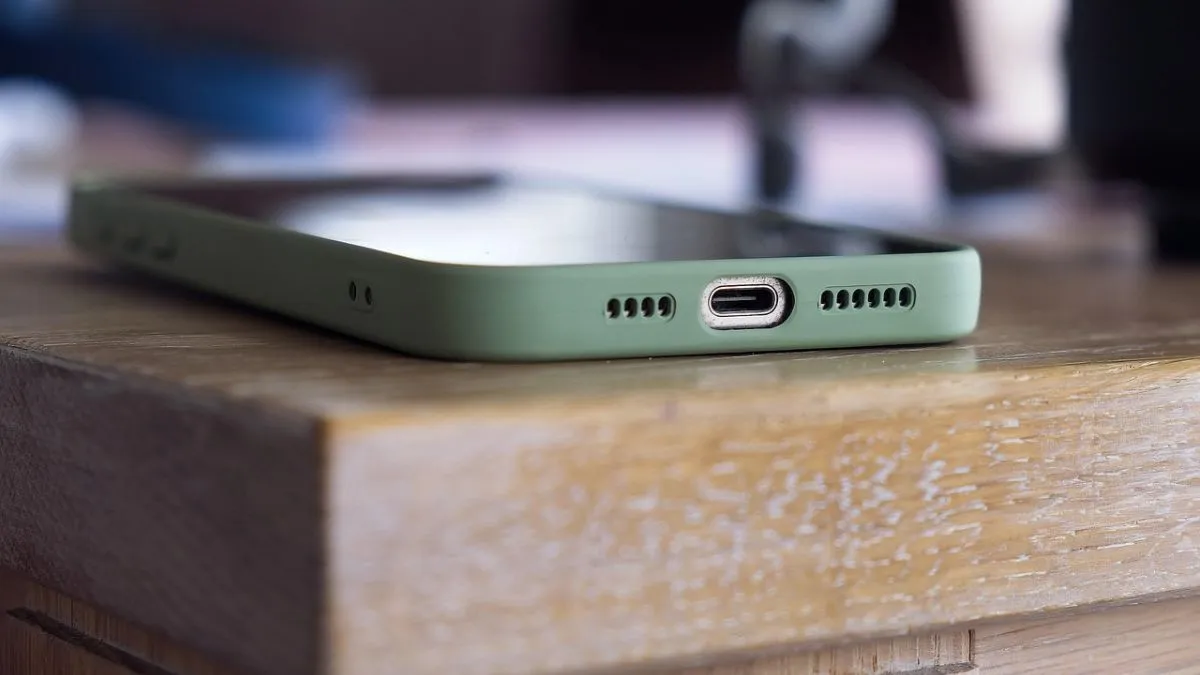
Upgrading the smartphone and selling the older version is normal, and it seems like a normal deal, but security is something important, and we tend to ignore it at times. Skipping over removing your personal information could invite all sorts of troubles and could be very risky. It could lead to privacy leaks, stolen identities, or someone might mess with your accounts as well.
Our smartphones carry a lot of sensitive personal details like photos, videos, emails, banking details, passwords, social media logins and tonnes more – which we might not even notice. If you do not erase the data properly before selling out your older device, then whoever gets your smartphone next could dig it up and may do something unwelcome. This is the major reason why people end up as victims of identity theft or get caught in the cyber fraud loop.
So, to be safe, here are some things you must not miss before handing out your device:
1. Back up everything that matters
Firstly, do not lose your important data. Back up all your photos, contacts, documents, messages, everything. Use whatever works: cloud storage like Google Drive, iCloud, OneDrive, or just dump everything onto a hard drive or your computer.
This way, you do not lose your memories or essential files while cleaning out your device.
2. Sign out of all your accounts
Make sure you delete files, but that is certainly not enough, as a lot of people forget to sign out of their main accounts.
If you are on an Android device:
- Log out of your Google account.
- Switch off Find My Device.
- Remove any Google profiles which are linked to the device.
For iPhone users:
- Sign out of your Apple ID
- Turn off Find My iPhone
- Unlink iCloud
If you skip this, you might hit activation lock snags, making life tough for the next owner.
3. Logout of your banking apps and other UPI apps
Banking apps are majorly at risk, so do not forget to remove them, but never forget to log your
- Banking app
- UPI service
- Digital wallet
- Any saved app passwords
If you only uninstall these apps, your login info or transactions might still be recoverable. Properly logging out means your money stays safe.
4. Do a factory reset
Once your backups are done and you have signed out of everything, it’s time for a factory reset.
This wipes out your photos, apps, messages, account info, and settings. For peace of mind, some people reset their device a second time just to be sure nothing’s left behind.
Dump your old phone but with attention
Lastly, remember that dumping your old smartphone without attention could be a risky affair. Always prefer to take a few extra minutes to secure your data before selling. Always back your stuff up, remove your accounts, log out everywhere and reset the smartphone.
Remember, a small effort towards data protection and privacy can save your bank accounts.
