
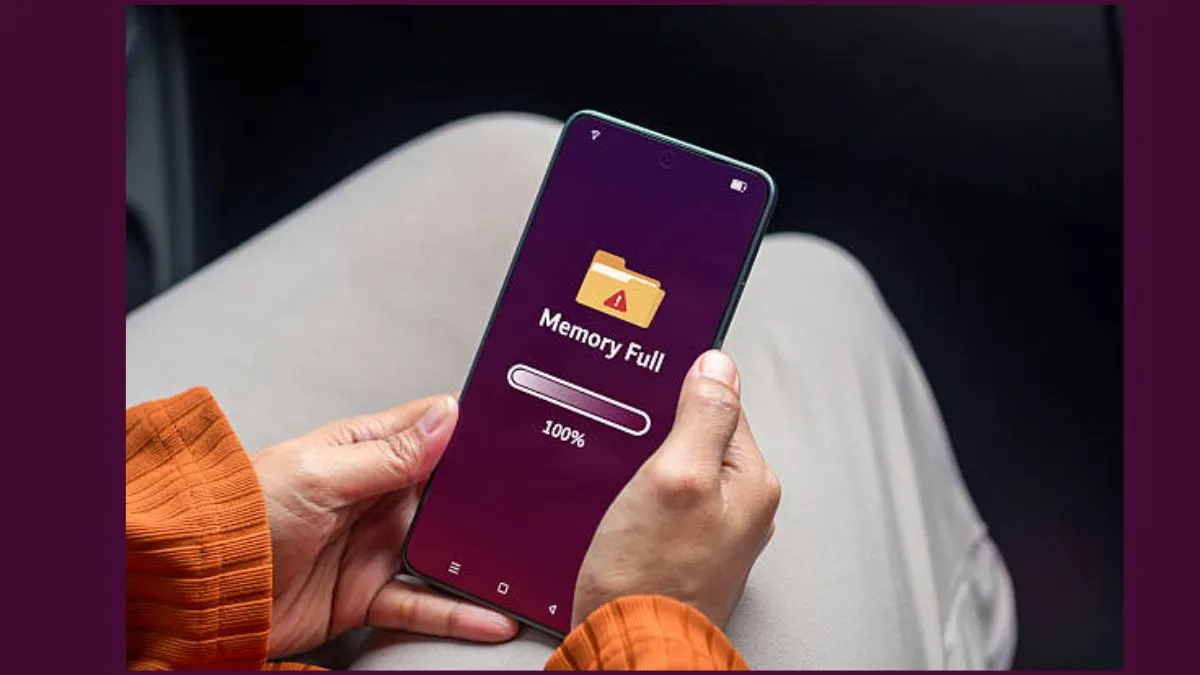
In today’s world, when people are driving their lives with their smartphones, it rather gets very annoying when your handset suddenly stops saving photos or downloading new applications because everything is stuffed full. Even with smartphones with massive storage, it’s shockingly easy to run out of room—pictures, videos, apps, and downloads pile up faster than you would expect.
If you are using an Android and your phone’s warning you about low storage, you don’t have to start deleting important stuff right away. Try these quick fixes first:
1. Use smart storage
Some Android phones come with a Smart Storage option that clears out local pictures and videos you’ve already backed up to Google Photos. If you have got tons of media saved online, this feature helps make room without losing access to your memories.
>Just head to Settings
> Storage
> Free up space
> Menu
> Smart Storage
The exact location of this feature depends on your phone and Android version, so poke around if you don’t see it right away.
2. Delete stuff you do not need
Start with files clogging up the most space.
>Go to Settings
> Storage
> Check out which categories are taking up real estate.
>Delete old or unwanted photos, videos, and other files
If everything is already backed up to Google Photos, it is safe to remove the local versions. Also, do not forget to clear out downloads from streaming apps like Google TV or YouTube Music – you would be surprised how much storage those take up.
3. Uninstall apps and clear Cache
Apps you barely use can hog a tonne of space. It’s worth reviewing all your installed apps and removing anything you honestly do not need. You can also clear an app’s cache in Settings – sometimes this frees up a little extra room.
Just make sure you avoid options like ‘Clear storage’ or ‘Clear data’ unless you are sure what you are doing, because you might lose important app info.
4. Archive rarely used apps
Android has got a nifty archive feature for apps you do not use often. Archiving kicks the app off your device but keeps its icon and personal data, so you can bring it back later without fuss. Turn this on by:
> Opening Google Play Store
> Profile picture
> Settings
> General
> Automatically archive apps
5. Clean out the downloads folder
Your Downloads folder is a sneaky culprit like:
- Old documents
- PDFs
- Images
- Videos
- Random installation files
They can eat up space on your smartphone. To get rid of it:
>Open the Files app or Files by Google
> Dive into the Downloads folder
> Clear out anything you do not need- especially big videos or duplicate files.
You may try a few of these tricks which could make your handset feel lighter in no time.
ALSO READ:
How to make your 4G phone work faster like 5G? Tips and tricks
Phone got wet in rain? These 5 simple tips can help prevent serious damage
iPhone storage almost full? Tips to free up space without losing photos, videos
