
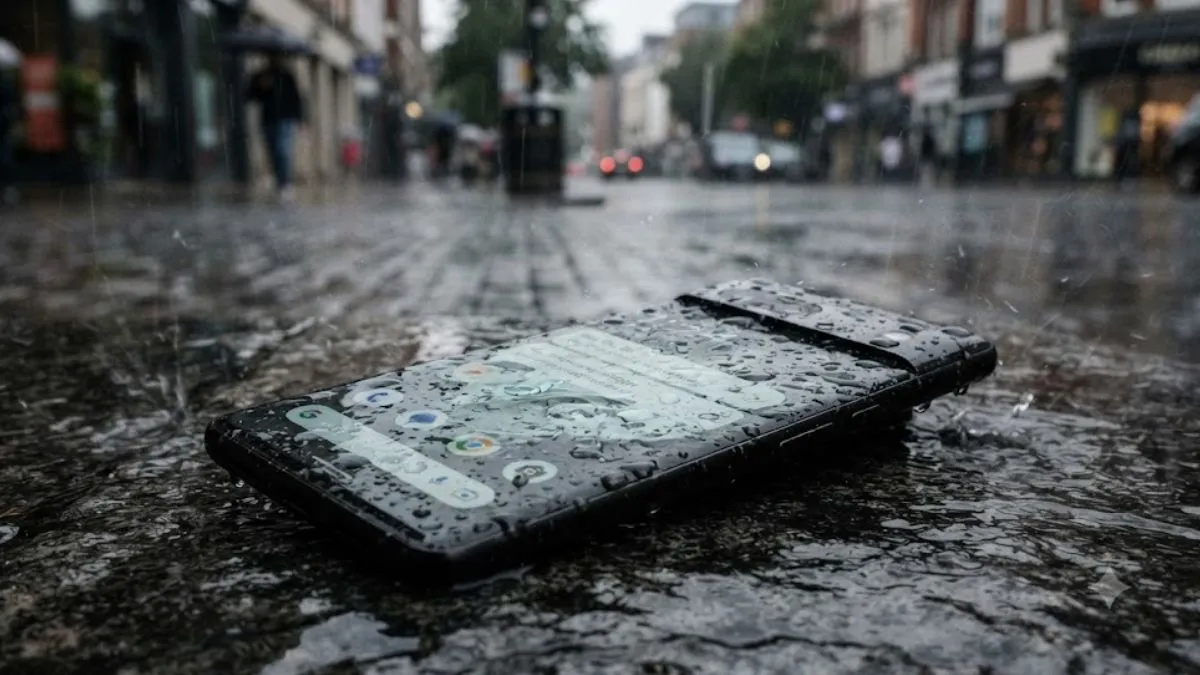
Monsoon rains are great—unless your phone gets caught in them. Whether you got surprised by a sudden downpour or just dropped your phone in a puddle, it’s all about acting fast and doing the right things. Messing up here can easily wreck your device.
Let’s start with the biggest mistake people make: trying to turn on the phone right after it gets wet, or plugging it in to see if it still charges. That’s a quick way to fry the internals for good.
Here’s what you need to do if your smartphone gets wet.
1. Turn off your phone instantly
Seriously, switch it off as soon as you can. If water sneaked inside, leaving your phone on risks causing a short circuit and permanent damage to the motherboard or other sensitive parts. Even if it looks like everything’s working fine, you’re better off letting it dry completely first. And don’t keep pressing buttons or trying to unlock it—resist the urge.
2. Do not plug in a wet phone to a charger
It is tempting to check if your smartphone is charging or not, but do not do that. Hooking a wet phone to a charger can short out the circuit and wreck the charging port, battery, or main board. Worst case, it could be a fire hazard. If you see a ‘Moisture Detected’ warning, take it seriously and only charge when the handset is 100 per cent dry.
3. Take out the SIM and memory card
After powering down, remove the SIM tray, SIM card, and microSD card if you have one. This gets more airflow into the phone and helps moisture escape. Plus, your actual cards won’t get ruined. Leave the tray out while the phone dries, if you can.
4. Pat-dry your phone or wipe it with soft cloth
Use a clean microfiber or cotton cloth to wipe the entire phone. You must focus on the edges, buttons, display, back, camera lenses, and charging port, along with speaker grills and SIM card tray. Make sure that you are not shaking the handset or banging it around- trying to push the water out. It will only make the situation worse and could just push more water from the inside.
5. Do not use a hair dryer—let it dry naturally
Do not blast it with hot air from your hair dryer—a common mistake which could be dangerous and hazardous. This will end up melting the adhesive, damaging the battery, or cracking the display.
You can, instead, just leave your phone in a cool, dry area with good airflow. Give it at least a full day, or even two, before you even think about turning it back on.
If your smartphone soaked up a lot of water or does not start after all this, then you may take it to a certified service centre. They will know what to do.
Rice trick: Does it work to fix the phone?
Everyone has heard about putting a wet phone in the rice sack. Honestly, I cannot say it does not work completely, because at times we tried, and somehow my handset worked after hours. But not with everyone.
Rice hardly pulls the moisture out from the water which has entered deep inside the phone. If you put your device in the rice bag, chances are it might risk getting bits of starch or dust in the ports.
A silica gel pack could help
If you have silica gel packets, then you may try those, as it works better. Still, if the smartphone gets really wet, professional help beats anything you can do at home.
ALSO READ:
