
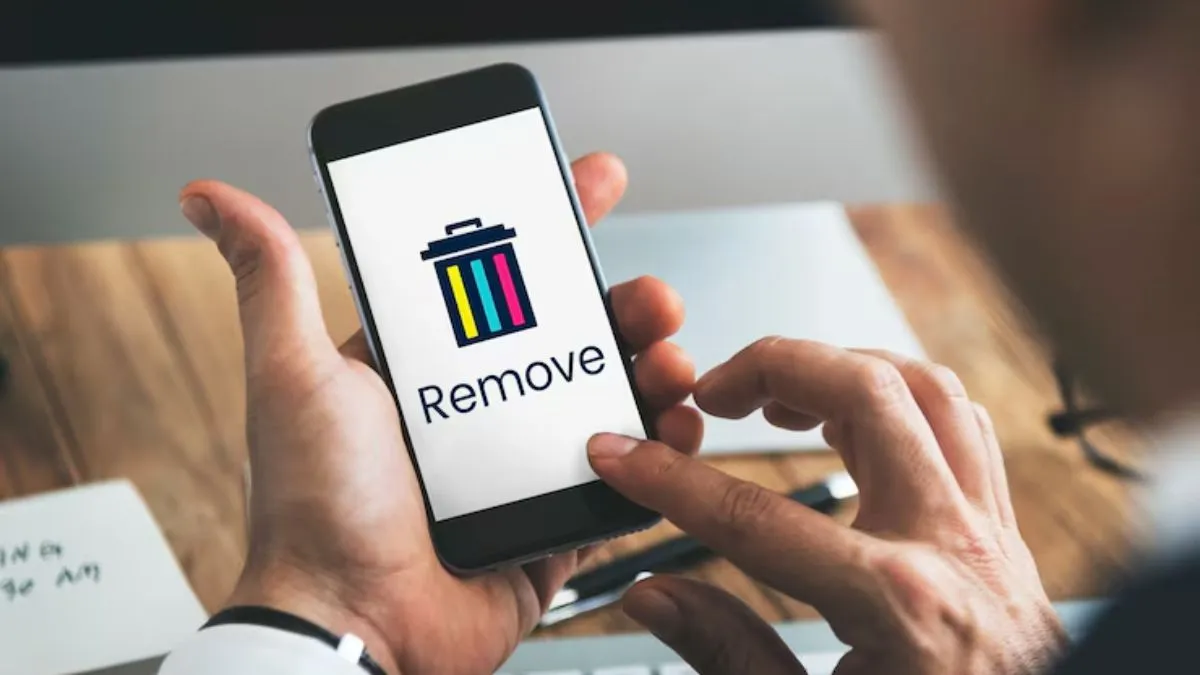
Your smartphones store everything today – from personal photos and contacts to banking information and work-related documents. If you ever lose your device or if it gets stolen, then you may act quickly. By doing this, you can help to prevent misuse of your personal information.
If you are an Android phone user, then Google has Find My Device to save you. This tool will help users track down their smartphone, lock it up or just wipe it clean, even when it is not in their hands.

Step 1: Use Google’s Find My Device
Your phone’s connected to your Google account, right? Good! Grab any other device – a laptop, a friend’s phone, whatever – and go to Google’s Find My Device site. Log in with the same Google account you use on your lost phone, then pick your missing phone from the list. A few options pop up to help you take control.
Step 2: Try Tracking or locking it first
Unless you are sure that the phone has been stolen, you may see if you can get it back. Try making it ring, even if you left it on silent—sometimes that’s all it takes.
You can also lock your phone remotely. You get to set a custom message and a contact number on the lock screen, just in case someone decent finds it. If there’s any hope of recovering your phone, lock it down before going nuclear.
Step 3: Erase the phone
If the smartphone has gone (maybe it got stolen, maybe it fell in the river), then it’s time to erase everything which is available on your device.
- Go to on Find My Device
- Choose Erase Device.
- Confirm
By doing this, Google will wipe your apps, photos, messages – everything on the device.
Heads up: after this, you cannot track your phone with Find My Device anymore. The connection ends, but your data stays safe.
What if the phone is offline?
As soon as your phone goes online- whether it is via Wi-Fi or data, Google will finish the erasing job for you. So even if someone keeps it offline, your data will not sit around forever.
Protect your accounts
- Wiping your smartphone is a big step, but do not stop there.
- Log in and switch up your Google password
- Update passwords for your bank apps, social media, and anything important.
- Log out remotely from other devices, too.
- And call your mobile provider to have them block your SIM card.
- These steps close any back doors that someone might use to crawl into your accounts.