
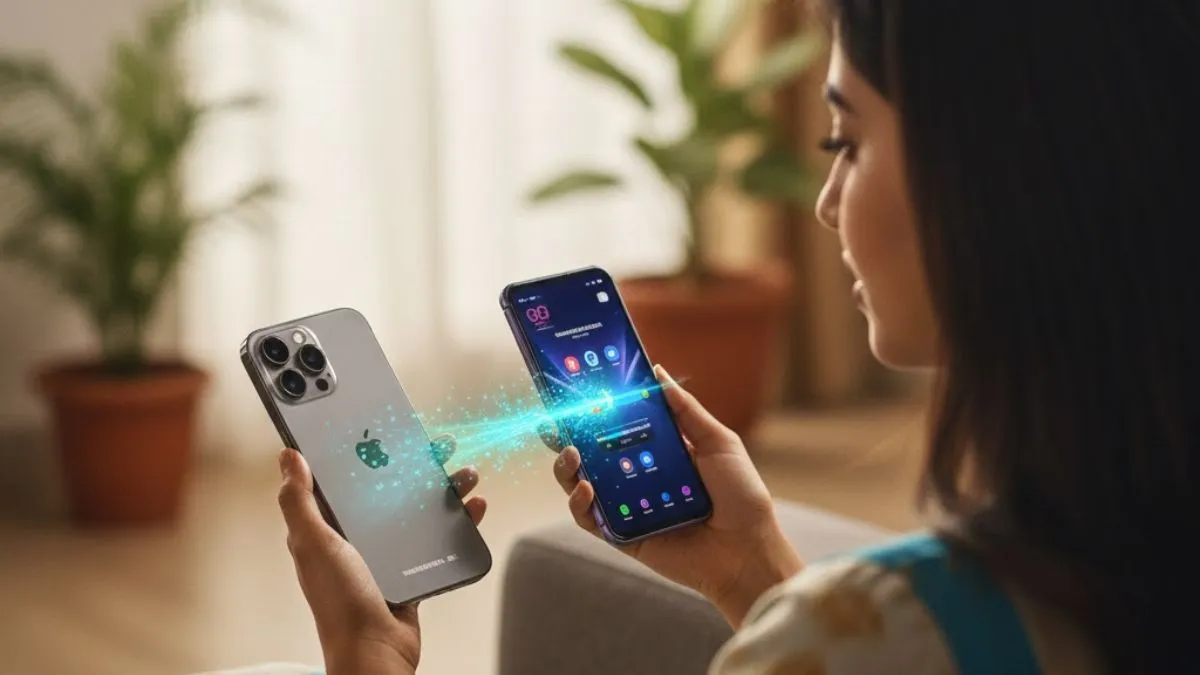
Google is making it a lot less painful to leave your iPhone behind. Android 17 now bakes in a migration tool that is part of the device setup- no more hunting down a special transfer app. Everything happens right there while you’re turning on your new phone.
With this update, jumping from iOS to Android gets much faster and a lot more hands-off. Not only can you move your photos and contacts like before, but you also get to bring over your passwords, Wi-Fi settings, eSIM info, and a bunch of other stuff people used to re-type by hand.
What can you transfer?
Android 17 really widens the list of things that come across during setup:
- Photos and videos
- Contacts
- Messages
- Calendar events
- Google Account details
- Saved passwords
- Wi-Fi information
- eSIM details (when supported)
All of it straight through the built-in migration tool. The goal here is to cut the hassle out of switching.
Which phones support it?
Right now, Google is rolling this out for select Pixel phones that are on Android 17. It is also launching on Samsung’s two latest foldables: the Galaxy Z Fold 8 and the Galaxy Z Flip 8. Google said that more Android phones from other brands will get the tool, but they are keeping everyone guessing about the exact timeline.
How do you transfer data?
Kicking off the transfer is simple. As you set up your new Android phone, you will see an option: “Copy data from iPhone or iPad”.
- Your Android then shows a QR code.
- You just scan it with your iPhone, and the two devices make a secure wireless link.
- Pick exactly what you want to move, and the process starts.
- Just keep both devices powered up and connected the whole time.
Google’s tips: Charge both phones, put your iPhone on Wi-Fi, and make sure your Android has enough free space.
What if the QR code will not scan?
If the QR code will not scan or the wireless link acts up, Google still has your back.
You can put your SIM card in during setup or re-download your eSIM (if your network allows it). So even if the wireless connection is fussy, there’s a fallback.
What about WhatsApp and iMessage?
Android 17 even smooths out messaging headaches. Once setup is done, you can move your WhatsApp chats over, no third-party hacks. Google also has solid, official guides for dropping iMessage for Google Messages, moving iCloud photos into Google Photos, and getting all your Google services up and running. Bottom line: leaving Apple’s ecosystem is less work now.
Other things in Android 17 that you should know
- Migration is not the only trick. Android 17 will bring more user-facing upgrades:
- Advanced Protection Mode cranks up security against scams and malware.
- Desktop mode is better—plug in to an external display, and it is basically a mini PC, great for multitasking.
- Google’s Gemini assistant gets smarter, rolling in new AI-powered tools across supported phones.
So, Android 17 is not just about helping iPhone users switch over. Rather, it is also about making Android safer, more productive, and honestly, just easier to live with day-to-day.
ALSO READ:
