
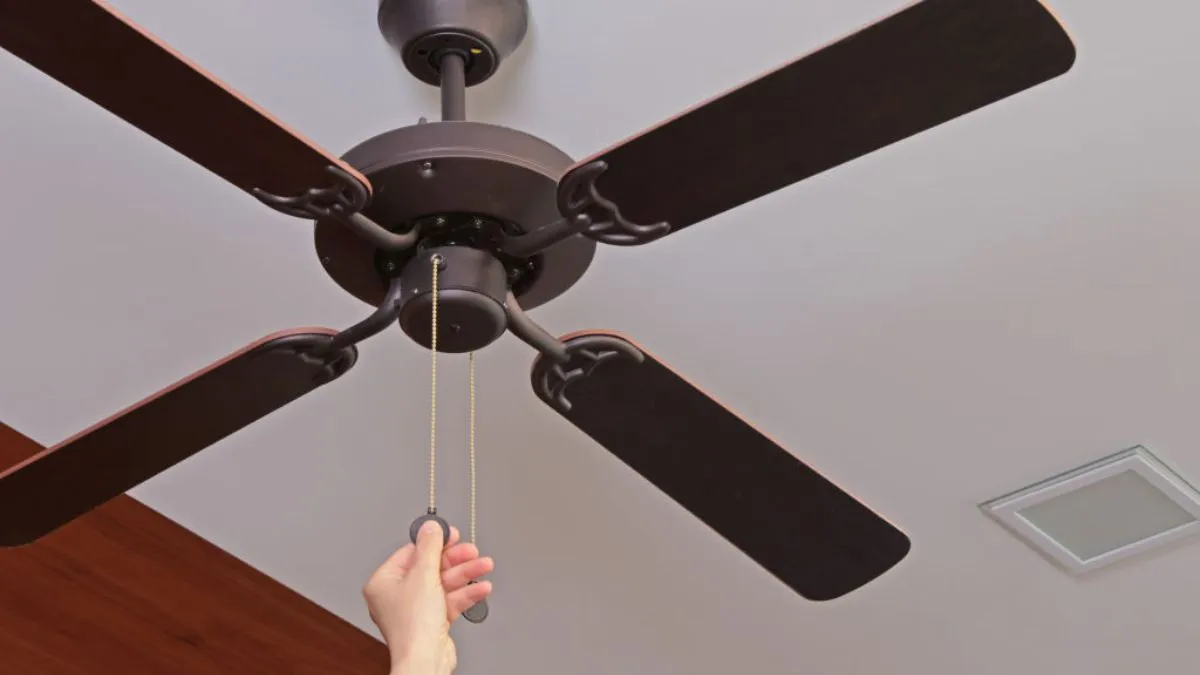
In Indian homes, ceiling fans are lifesavers in summer; sometimes they are all you have got standing between you and a night drenched in sweat. Sure, air conditioners and coolers help, but running them nonstop is not cheap or always practical. And then there’s that moment when, even after cranking your fan to the highest speed, the airflow feels more like a sigh than a breeze. Suddenly, your trusty fan seems tired, dragging along, and you start to wonder if it’s time to toss it out and get a new one.
Do not jump to that just yet. Before shelling out cash for a new fan, run through a few basic checks. Most of the time, a quick fix breathes new life into your old fan.
1. Swap out a weak capacitor
The first thing I check is the capacitor. This little part gets your fan started and keeps it running at full speed. When it gets weak, your fan struggles to spin as fast as it used to. If your fan spins quietly but just crawls along, odds are, the capacitor’s done for. The good news? Replacing a capacitor is cheap and simple; most fans use a common 2.5 µF type you can grab from any electrical shop.
2. Check the regulator
Now, sometimes, the regulator is to blame. Especially with those newer electronic ones—if they start acting up, your fan can’t draw enough voltage to run properly. So if your fan isn’t ancient but it’s still moving slowly, swap out the regulator. It’s an easy and affordable fix that can solve the problem right away.
3. Clean those blades
It’s easy to forget, but layers of dust and grime really drag your fan down. Dirty blades weigh more, slowing the motor and choking the airflow. A good cleaning every month—or even more often during the hottest weeks—does wonders for speed and circulation.
4. Inspect blade alignment
Misaligned or bent blades are sneaky. Maybe someone bumped them during cleaning, or they got knocked around during a repair.
Even a tiny bend on the fan blade throws off the balance and airflow. This makes your fan work harder while feeling weaker. If the breeze feels off, step back and check if the blades look even. If not, then giving a gentle nudge could bring it back to its place.
5. Lube those bearings
If your fan sounds like it’s groaning or squeaking, the bearings are hungry for oil. Dry or dirty bearings bog everything down and tax the motor. Sometimes, all you need is a few drops of lubricant to get it spinning smoothly again. If the bearings are too far gone, though, you’ll need an electrician to swap them out.
Keep your cool and your wallet happy
A slow fan is not always doomed. Most of the time, some basic maintenance – changing the capacitor, checking the regulator, cleaning and straightening the blades, or oiling the bearings – will have your fan whirring like it used to. Spend a little time and a few rupees on a tune-up now, and you can skip the fan aisle for years.
