
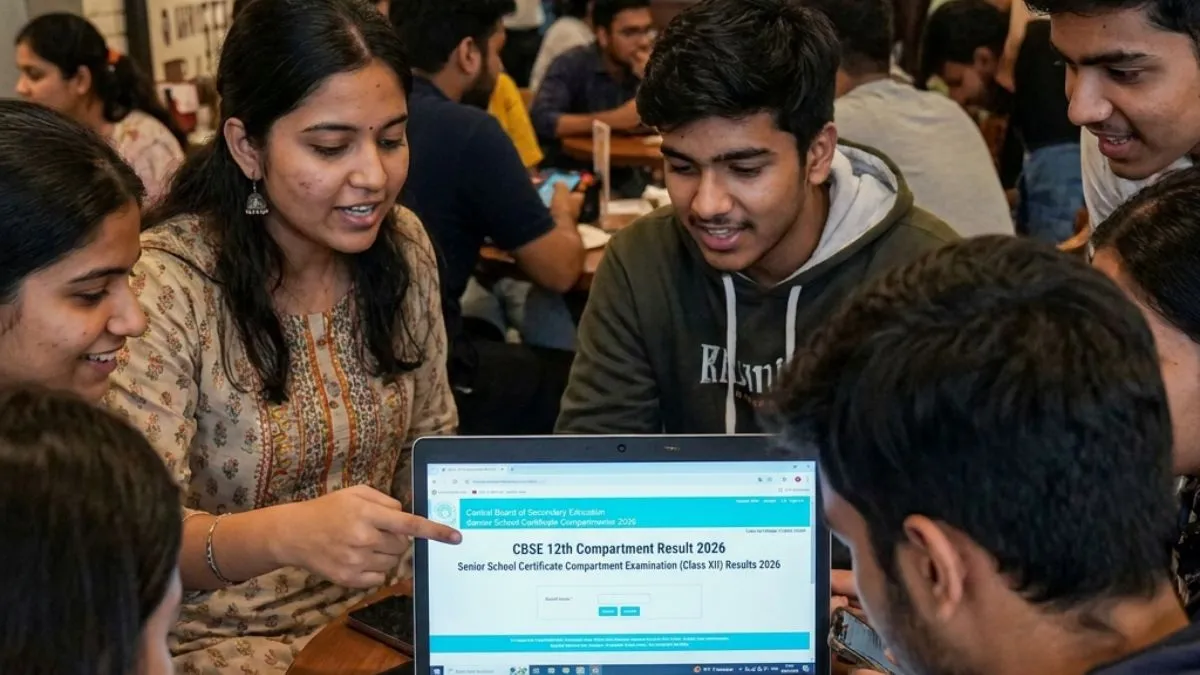
The CBSE Class 12 Compartment exam result 2026 is likely to be announced this week, by August 16, as per reports. CBSE 12th Compartment result once announced, the scorecard will be available for download on the websites- cbse.gov.in, results.cbse.nic.in. CBSE 12th Compartment exam was held on July 28.
How to download CBSE 12th Compartment scorecard at results.cbse.nic.in
The students can follow these steps to download CBSE 12th Compartment scorecard PDF. To download, candidates need to click CBSE 12th Compartment scorecard link at results.cbse.nic.in. Enter login credentials - application number, date of birth. CBSE 12th supplementary scorecard PDF will be available for download, save CBSE 12th supplementary scorecard PDF and take a print out.
- Visit the official websites - cbse.gov.in, results.cbse.nic.in
- Click on CBSE 12th supplementary scorecard PDF link
- Use application number, date of birth as the required login credentials
- CBSE 12th supplementary scorecard PDF will appear on the screen for download
- Save CBSE 12th supplementary scorecard PDF and take a hard copy out of it.
How to download CBSE 12th Compartment scorecard via Digilocker
To download CBSE Class 12 supplementary scorecard PDF, students need to first register with the school-provided 6-digit access code, school code and Class 12 roll number. Then confirm your mobile number through OTP. Now login to Digilocker with your mobile number, email ID and password. Locate your CBSE 12th supplementary scorecard PDF and take a hard copy out of it.
- Download Digilocker app from Google playstore
- Students need to first register with the school-provided 6-digit access code, school code and Class 12 roll number
- Confirm your mobile number through OTP
- Now, login with your mobile number, email ID and password
- Locate your CBSE 12th supplementary scorecard PDF
- Take a print out.
How to download CBSE 12th supplementary scorecard 2026 via UMANG App
- Download UMANG app from Google Playstore
- Enter the login credentials - registration number/ mobile number
- Select CBSE 12th supplementary marksheet PDF link
- CBSE 12th supplementary marksheet PDF will be available for download on the screen
- Save CBSE 12th supplementary marksheet PDF and take a hard copy out of it.
For details on CBSE 12th Compartment result 2026, please visit the websites - cbse.gov.in, results.cbse.nic.in.
Also Read:
UGC NET result 2026 delayed; candidates and expert share it's impact on academic, career prospects
