
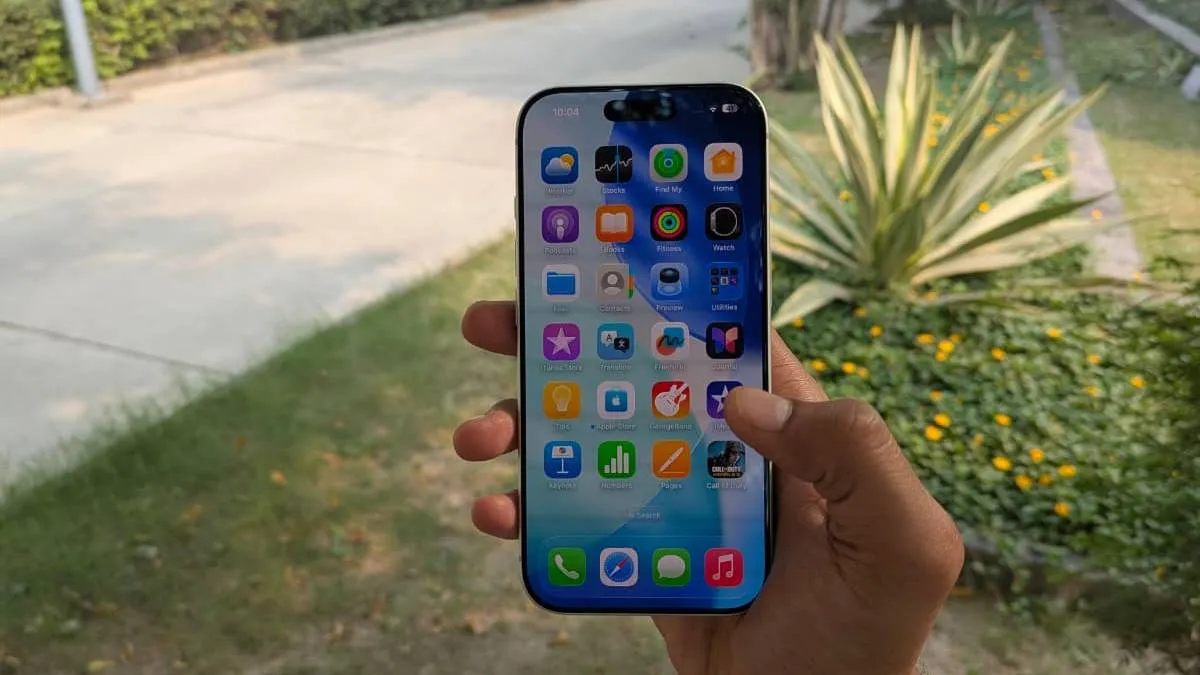
Apple has introduced a new way for iPhone users to adjust the Liquid Glass interface on their screens. With the latest iOS 26.1 beta 4 update, users can now choose to reduce the transparency effect of iOS 26. The Liquid Glass interface, released with iOS 26 in mid-September, gave the iPhone a transparent look.
Some users found the style attractive and refreshing, while others complained that it was too reflective and strained their eyes. Apple has taken this feedback into account with the release of this latest beta.
Users can choose their preferred look
First reported by 9to5Mac, Apple's iOS 26.1 beta has added a toggle that allows users to switch between 'Clear' and 'Tinted' modes. This new option can be found in Settings > Display & Brightness > Liquid Glass. The company states that users can now "choose their preferred look for Liquid Glass". The Clear setting maintains the original transparent style, while the Tinted option adds more opacity for better contrast.
Settings also being tested on iPad and Mac
The same setting is also being tested on iPadOS 26.1 and macOS 26.1. Currently, this new option is available in the developer beta, and a public beta will be released soon. iOS 26.1 is expected to be released in late October or early November.
Apple first launched iOS 26 on September 15 for the iPhone SE (second generation) and later models, including the new iPhone 17 series, which come pre-installed with the operating system.
Meanwhile, Apple has officially launched its new MacBook Pro in India. The redesigned notebook features the latest M5 chip and enhanced battery life. Notably, the laptop now includes the Center Stage camera, a feature that first debuted with the iPhone 17 Pro.
ALSO READ: iPhone 17 Pro review: A camera and performance powerhouse but too hot to handle
