
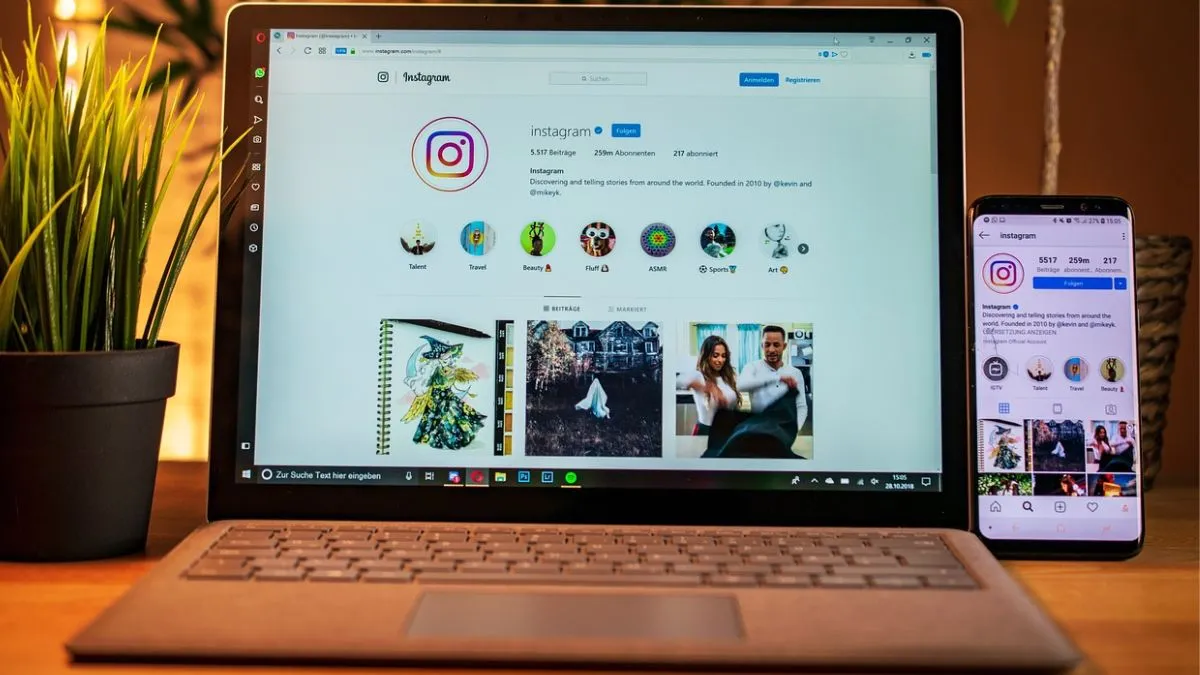
Instagram has just given users more privacy to maintain under the hood while watching everything online. The latest update on the platform will let you hide your active status – even when you are online. So now, you can scroll, watch reels, and check out photos without everyone knowing you are around. No more pressure to respond right away. You can just enjoy the app on your own terms.
Instagram is huge in India and all over the world
We all know that Instagram is being used for everything: for sharing photos, chatting with friends, creating content, or just killing time.
But that little ‘Active Now’ dot?
It can make you feel like you have to answer messages instantly. This new setting puts you back in control. You decide when people get to see you online.
What’s active status, anyway?
Active Status is the thing that shows a green dot next to your profile in DMs, letting others know you’re online or when you last checked in.
If you do not want people tracking your activity, you can now easily turn it off. And here’s something handy—if you disable it on one device, it switches off everywhere, even on Instagram Lite for Android.
Why bother turning it off?
Honestly, nobody wants to feel watched all the time. When you turn off Active Status, your friends and followers cannot see when you are around. It is a small switch, but it makes a difference. You get to:

- Scroll without feeling rushed
- Ditch the pressure to reply instantly
- Keep your digital life a bit more private
- Use Instagram without all the social stress
How to turn off Active Status
It’s quick and painless. Here’s what you do:
- Open Instagram on your phone.
- Head to your profile.
- Tap the three lines in the top right.
- Go to Settings and Activity.
- Tap Messages and Story Replies.
- Find Show Activity Status and turn it off.
That’s it. Once you have switched it off, no one can see when you are online.
Although this may look like a tiny change, it actually gives you more freedom. Whether you are a student, working professional, or just someone who likes to lurk, having control over your online status means less stress and more peace of mind. And that is a win.