
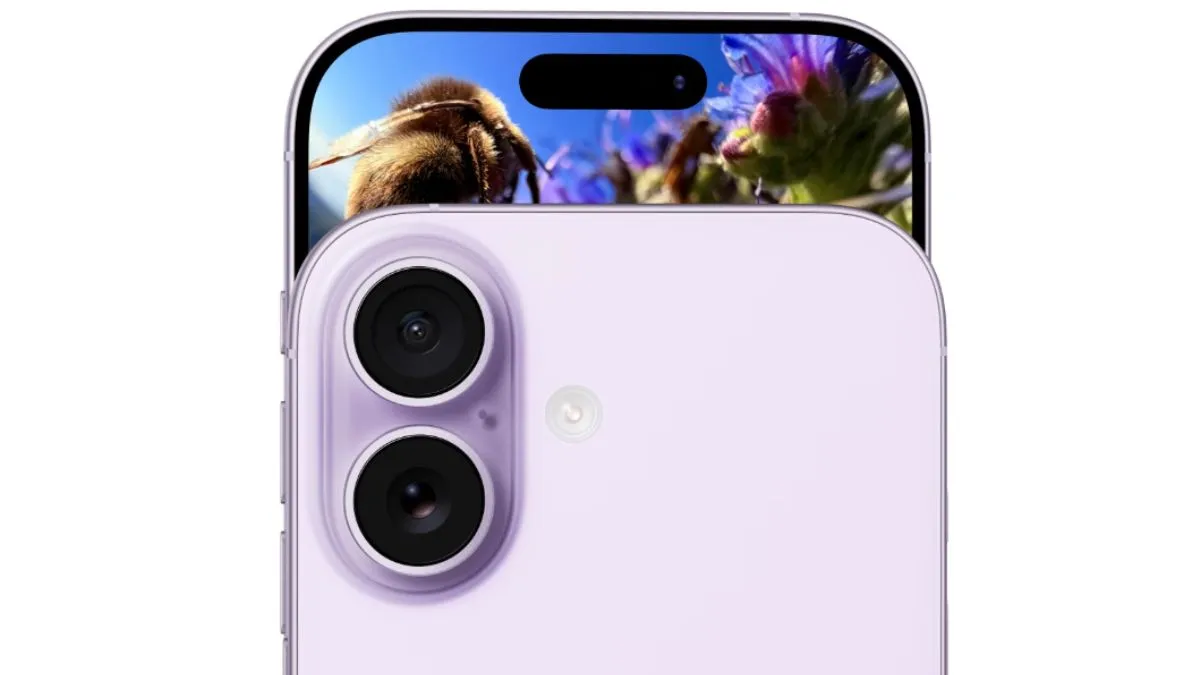
Buying a new iPhone is always exciting for many customers, but at times, they forget to update their device and activate a few important security settings. It is important that new iOS users update their devices in order to have a safe and secure experience.
So, in case you got your hands on a new iPhone and you are planning to dive in and start downloading multiple applications or start taking photos, then you need to take a few minutes to set things up right. Here are a few settings that need to be tweaked for better security, more privacy, and longer battery life for the users.
Here are five things you really want to turn on right away:
1. Turn On ‘Face ID’ with attention awareness
Face ID is great, but it’s even better when it only works if you’re actually looking at your phone. This stops people from unlocking your phone while you’re asleep or distracted.
- Just go to settings.
- Tap on Face ID & Passcode
- Then go to require attention
2. Activate Find My iPhone
Losing a phone is the worst feeling, and if you have not even used it, then it could be worse. With Find My switched on, you can track your iPhone, lock it or even erase it from afar.
- Go to settings.
- Then to [your name]
- Then tap on ‘Find My’
- Navigate to ‘Find My iPhone’
It works with your other Apple devices, too, so you are covered across the board.
3. Enable optimised battery charging
If you want your battery to stick around for a longer time, then you need to go for ‘Optimised Battery Charging’ and activate it.
- Go to settings.
- Go to Battery
- There, go to Battery Health and Charging.
Your iPhone will learn and adapt your routine and will keep the battery from charging past 80 per cent until you actually need it. It is an easy way to make your battery last longer.
4. iCloud Backup
Do not risk losing your stuff and turn on iCloud Backup. With this, your iPhone will automatically back up your data – messages, photos and applications – whenever the user is on Wi-Fi connectivity.

- Go to settings.
- Tap on [your name].
- There, go to iCloud.
- Then tap on iCloud Backup
5. Enable Two-Factor Authentication (2FA)
This is one of the most secure and safe features to keep the device protected. With this, you will keep your Apple ID safe. With 2FA, even if someone has your password, they will not be able to get through to the device, as it will need some special code which will be sent to your device only.
- Go to settings.
- Then tap on [your name]
- Then Sign-In and security.
- Tap onto Two-Factor Authentication
Tweak these settings instantly, and you will set up your iPhone for a smoother, safer experience.