
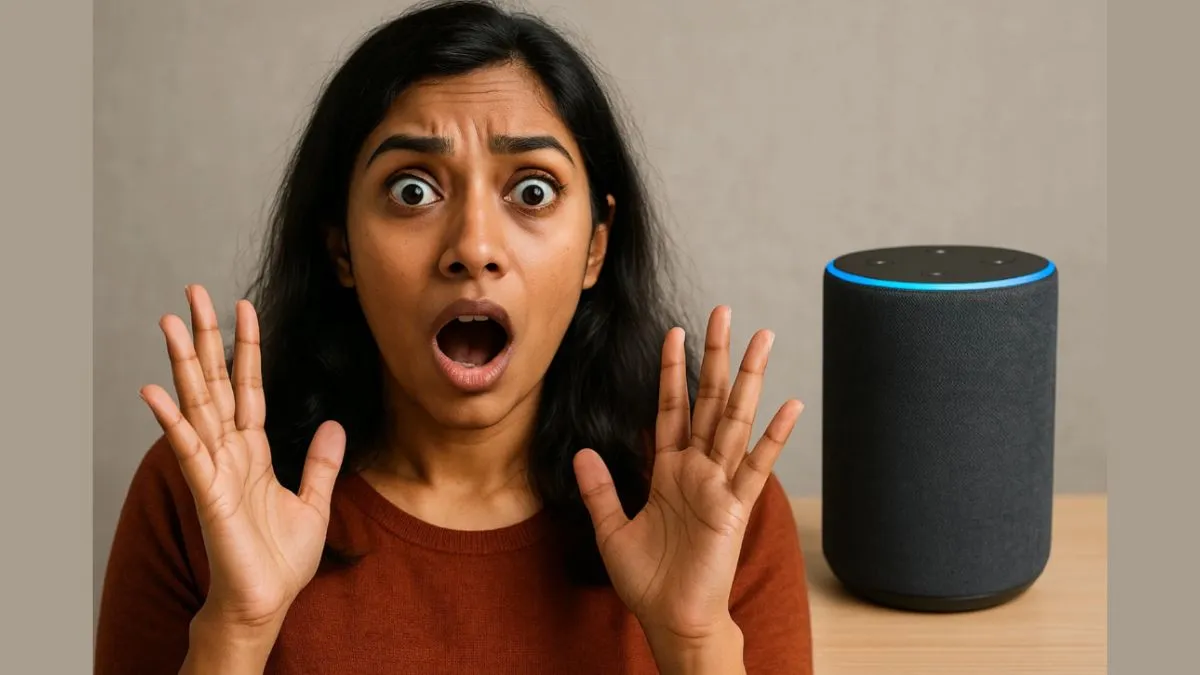
Amazon Alexa speakers are smart, helpful, and incredibly popular. From playing your favourite music to answering questions and controlling smart home devices. But there’s a growing concern about privacy and data safety, with many users wondering: Is Alexa always listening?
While Alexa is designed to activate only after hearing its wake word, it is still a microphone-equipped device that can, at times, unintentionally record or store conversations.
Here are 7 practical tips to help you use Alexa safely and protect your privacy while still enjoying its benefits.
1. Mute the microphone when not in use
Every Echo speaker comes with a physical mute button. When you press it, Alexa stops listening until you manually turn the mic back on. Use this feature during private conversations or when the device isn’t needed.
Look for the red ring light to confirm Alexa isn’t listening.
2. Change the wake word
Alexa may accidentally wake up during conversations when it hears something that sounds like “Alexa.” You can change the wake word to “Echo,” “Amazon,” or “Computer” in the Alexa app to reduce unintentional activations.
3. Regularly delete voice recordings
Amazon stores your voice interactions to improve Alexa’s performance. But you have control over this data.
- Go to the Alexa app > Settings > Privacy > Manage Your Alexa Data and:
- Select “Delete recordings manually” or set it to auto-delete every 3 or 18 months.
- You can also say, “Alexa, delete what I just said.”
4. Turn off “Improve Alexa” option
Alexa improves responses by reviewing voice recordings. If you're uncomfortable with Amazon analysing your voice, turn this feature off:
- Open the Alexa App > Settings > Alexa Privacy > Manage Your Alexa Data
Then disable “Use Voice Recordings to Improve Amazon Services”.

5. Review connected skills and apps
Third-party “skills” can access certain information. Regularly audit your enabled skills and disable the ones you don’t use or trust.
- Go to Alexa App > More > Skills & Games > Your Skills and remove unnecessary ones.
6. Secure your Amazon account
Your Echo device is linked to your Amazon account, so use strong passwords and enable two-factor authentication (2FA). This prevents unauthorised access in case someone gets hold of your login credentials.
7. Place Alexa in non-private areas
Avoid placing Alexa in bedrooms, bathrooms, or areas where confidential conversations happen. Keep the device in common rooms like the living room or kitchen for general use.
While Alexa can be an incredibly helpful assistant, it's important to treat it like any other internet-connected device, with caution and awareness. By adjusting a few settings and being mindful of its capabilities, you can enjoy the convenience of Alexa without compromising your privacy.