
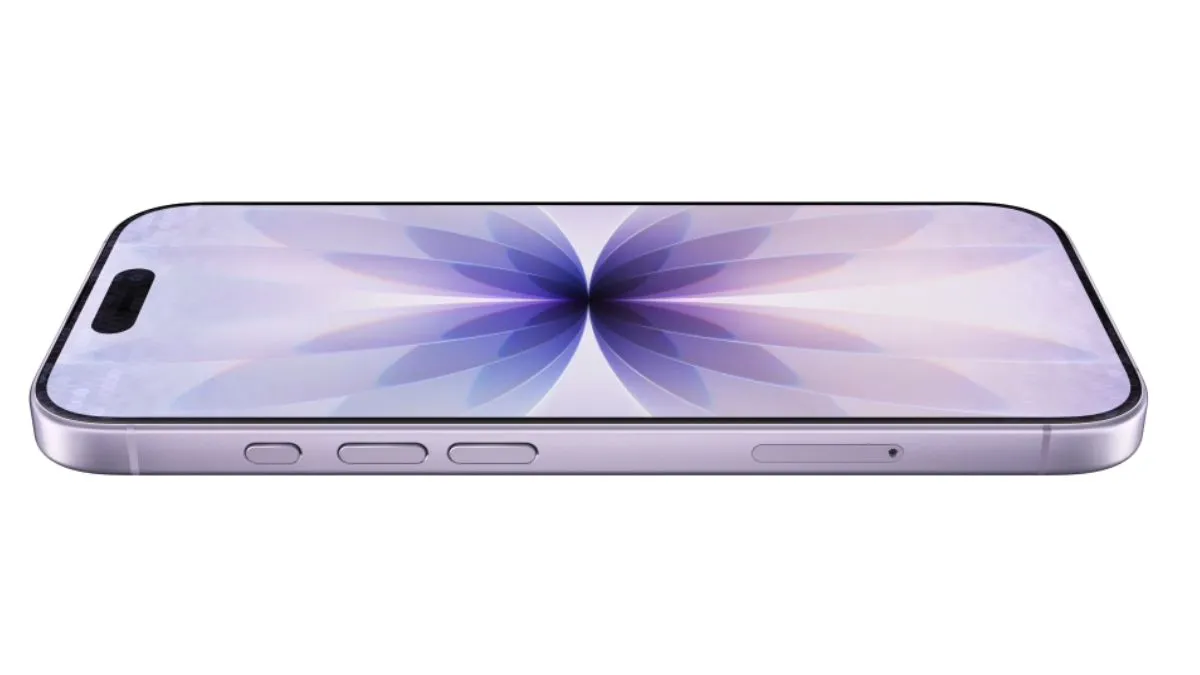
Apple iPhones are packed with so many features that are yet to be explored by users. These features could make users’ daily experience smoother, faster, and smarter, but many users are even unaware of them. More lesser-known tricks can save you time and effort. Here are five hidden iPhone features every user should explore today.
1. Take screenshots with a back tap
One of the most useful yet underrated features of the iPhone is the gesture control feature, where you need to back tap on the logo, and it will help you take a screenshot. Not only screenshots, but you can also perform other quick actions by simply tapping the back of your iPhone.
To enable it:
- Go to Settings
- > Accessibility
- > Touch
- > Back Tap.
You may choose Double Tap or Triple Tap, and assign an action like taking a screenshot, Siri activation, or screen lock. It’s a neat shortcut that adds convenience without extra effort—but many users are unaware.
2. Create text shortcuts for quick replies
Tired of typing the same phrases repeatedly? The Text Replacement feature could help you save time by converting short abbreviations into full sentences automatically.
To set it up:
- Go to Settings
- > General
- > Keyboard
- > Text Replacement
Tap the plus (+) icon, then type your phrase like “On my way,” and assign a shortcut such as “OMW.” Now, whenever you type “OMW,” your iPhone will instantly expand it.
3. Set a timer directly from the Control Centre
You will not have to open the Clock app every time you need a timer. Simply open Control Centre and long-press the Timer icon. After that, you need to drag the slider to set the desired duration and tap Start.
It’s a convenient, faster, and easier way to manage your time during workouts, cooking, or even study sessions.
4. Get alerts for important sounds
The Sound Recognition feature is designed for accessibility but is useful for everyone. It listens for specific sounds like doorbells, alarms, or a baby crying, and sends a notification to your iPhone.
Enable it by:
- Visiting Settings
- > Accessibility
- > Sound Recognition
- Then you may choose the sounds you want to be alerted to.
5. Dim brightness beyond the default
For those who are new to iPhones and use them frequently at night (low-light conditions), the Reduce White Point option is available, and it is a must if you want to protect your eyes. It dims the bright colours beyond the normal brightness level, which makes it more convenient for the eyes.
- Go to Settings
- > Accessibility
- > Display & Text Size
- > Reduce White Point
- Then adjust the slider to your comfort level.
