
The MP Board Class 10 and 12 results are expected to be announced today, April 15, 2026, at 11 am. For many students, this is a big moment. But result time also comes with one common problem. Websites can slow down or stop working because too many people are trying to check their scores at once.
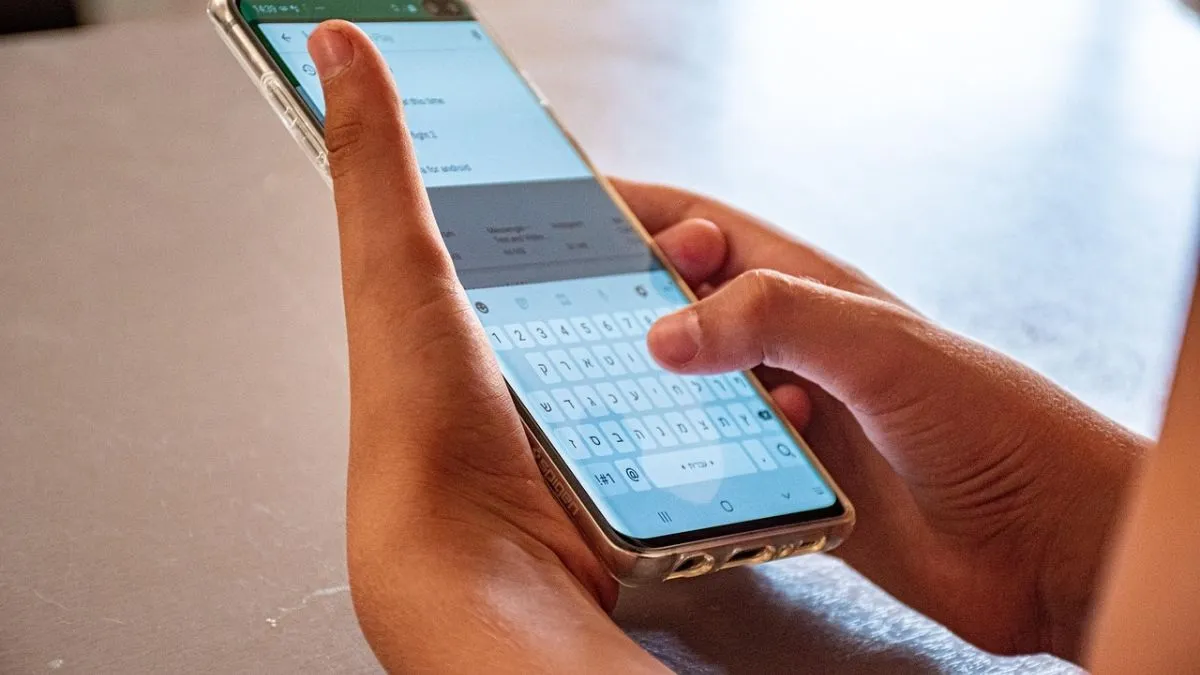
That is where the SMS option becomes useful. It is simple, quick and does not depend on internet speed. Even if websites are not opening, you can still check your result on your phone.
MPBSE 10th, 12th result 2026 via SMS: How it works
Students can check their MP Board results through SMS by sending their details in a specific format. Once the message is sent, the result is delivered directly to the mobile number.
You will need your roll number or registration number to use this method. Make sure you enter the correct details to avoid errors.
Steps to check MP Board result via SMS
Follow these basic steps:
- Open the messaging app on your phone
- Type the required format using your roll number
- Send the message to the official number provided by the board
- Wait for a reply SMS
Your result details will be sent to your phone as a text message.
Details required to check MPBSE result
To use SMS or any other method, you will need:
- Roll number or registration number
- Date of birth
Keeping these ready will save time.
Other ways to check MPBSE 10th, 12th result
Apart from SMS, students can also check their results through:
- Official websites: mpbse.nic.in, mpresults.nic.in, mpbse.mponline.gov.in
- DigiLocker app or website
- MPBSE mobile application
- Alternative websites like indiaresults.com
These options help in case one method is not working.
What to do after checking your result
Once your result appears, download the scorecard PDF if you are checking online. It is also a good idea to take a printout for future use.
The SMS result is useful for quick checking, but you should still download the official marksheet later from the website or DigiLocker.
Having multiple ways to check your result makes things easier. If one option fails, you always have another to rely on.
