
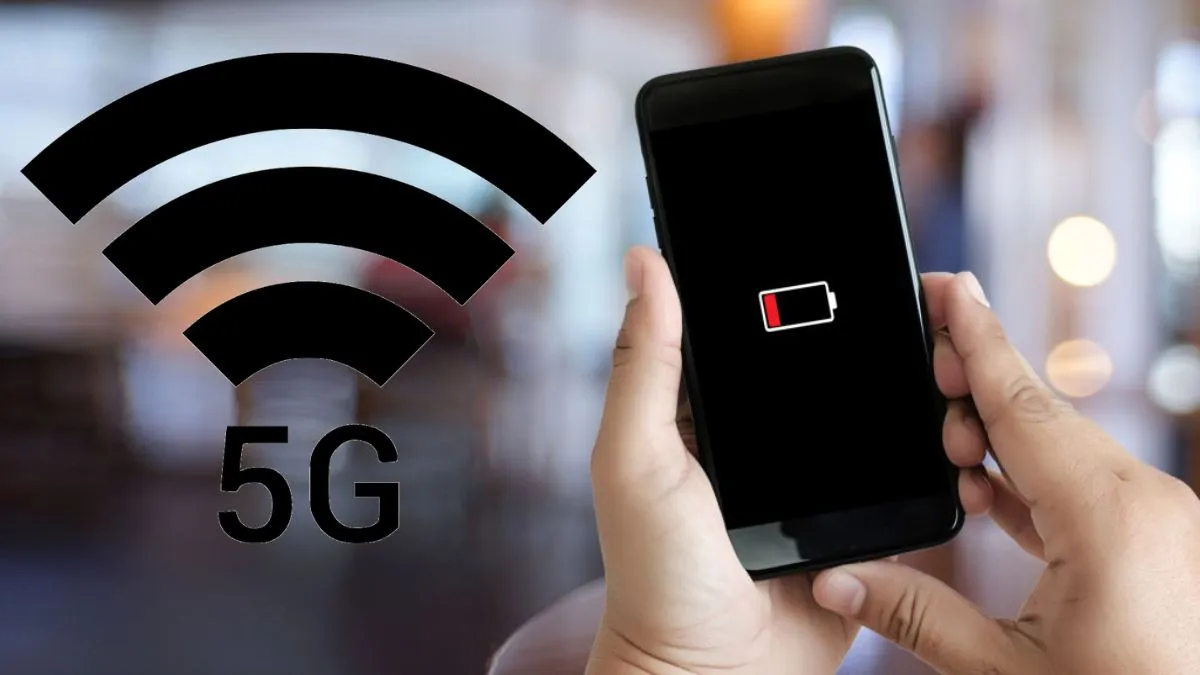
5G networks have picked up and are now in every household, having been spread across the country at a very high speed, faster than ever before. Jio and Airtel have pulled the next-gen connectivity into nearly every corner. People love the faster downloads, smooth streaming and online gaming, but there is one big gripe: phones just do not seem to last as long on a single charge anymore.
If you have noticed your battery tapping out sooner these days, you are not imagining things. In many cases, 5G is the culprit.
Does 5G really consume more battery?
To be true, 5G does use up more battery when compared to 4G. The network speed, deliveries and performance all consume battery to be more efficient. It pushes more data, and the handset works harder than before to keep up with the processor and network.
And more speed means more pressure on the software, which helps the background activity to keep running. This means more power can be drawn from your battery.
The latest smartphones come with smarter processors and beefier batteries to handle all this extra work. If you have a newer device, you probably notice the battery dip less than someone holding onto an older model.
Why does battery drain increase while travelling?
This is where things get tricky, network switching. You move through highways and cities or even walk indoors, and 5G coverage is not rock solid everywhere just yet. Your phone keeps flipping between 4G and 5G, searching for the best signal.
All that hunting drains your battery in record time. You will see the same effect while roaming or when you’re in a zone with patchy mobile networks.
Tips to improve battery backup on 5G phones
Try these quick tips:
- Enable Adaptive Battery: Most Androids have this setting. It lets your phone learn how you use apps and cuts down on unnecessary background energy use.
- Turn on Battery Saver Mode: Use Battery Saver Mode when you are running low. All you need to do is to flip this on, and it restricts background tasks, trims location checks, and limits unnecessary network actions.
- Disable mobile data when not needed: Disable Mobile Data When You Don’t Need It. Seriously, if you’re just killing time in areas with bad network or do not need the internet every minute, turn off mobile data and save some charge.
- Use 4G in weak coverage areas: Manually Switch to 4G. If your area has shaky 5G coverage, go into your network settings and set it to 4G. You will avoid nonstop network switching, and your battery will thank you.
Big speed boost with 5G, but battery management is needed!
5G does offer a big speed boost, but inconsistent coverage and constant network hunting can really hammer your smartphone’s battery. Tweak your battery and network settings, and you’ll get more out of both your phone and your data plan, even in this new 5G world.
