
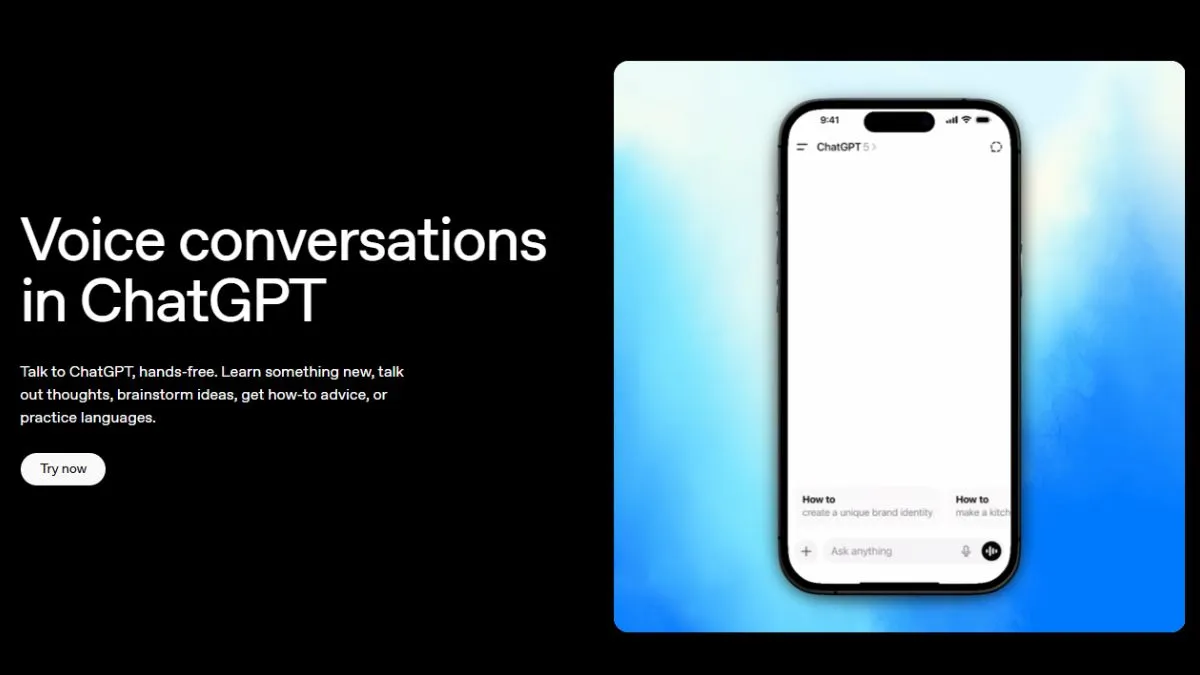
OpenAI just rolled out GPT-Live, the latest update for ChatGPT’s voice models. This upgrade brings smoother, quicker, and a lot more natural voice conversations. Now, ChatGPT can listen and talk at the same time, pick up on interruptions, translate as you speak, and help out with everything from daily tasks to work projects. Free users get GPT-Live-1 mini, but if you have a paid subscription, you get access to the full GPT-Live-1 model.
Here’s what stands out about the new ChatGPT voice mode:
1. Voice conversations feel real
This is the upgrade everyone’s been waiting for—talking to ChatGPT actually feels like a real chat now. The days of “say something, then wait” are gone. Before this, ChatGPT would wait for you to stop, process what you said, then reply all in one chunk. But with GPT-Live, it listens and responds on the go. You can cut it off mid-sentence, and it reacts just like a person would.
One smart touch – the model does not jump to answer every time you pause to think. It gauges if you're just collecting your thoughts or have actually finished.
This would result in fewer interruptions and less awkwardness. OpenAI says GPT-Live’s always analysing the conversation, constantly deciding whether to keep listening, answer now, pause, or even bring in another tool—all within seconds.
2. A real productivity boost
GPT-Live is not just for chit-chat; rather, it handles real work, too. You can do the following:
- Bounce around ideas during meetings or on the go
- Get a hand preparing presentations or business docs
- Have reports and papers summarized instantly
- Draft emails and messages in real-time
- Practice your interviews and presentations
- Learn new skills through Q&A, all by voice
- Ask for quick explanations of tricky stuff
What’s cool is it can keep up background processing while you talk, making multitasking actually easier, not messier.
3. Instant Translation while you speak
Live translation is game-changing. You talk in one language, and ChatGPT could keep the things flowing by translating on the spot- which needs no stopping and type anything in.
It is said to be perfect for travelling, working with international teams or even studying. The translation process is smooth, and it helps people to understand each other better with ease of understanding.
4. Smarter help with everyday stuff

GPT-Live is not just about work. It also fits right into daily life as your voice assistant. It can:
- Help plan trips and vacations
- Build your shopping lists
- Compare items before you hit ‘buy’
- Suggest recipes and cooking tips
- Get you started with a new hobby
- Help practice foreign languages
Talk about your workouts, routines, and personal goals
And because the model’s better at tuning out background noise, you can use it almost anywhere—even if things are hectic.
5. Getting started with GPT-Live Voice
It’s easy to use:
- Open the ChatGPT app or use it on the web
- Tap the voice or soundwave icon
- Pick “Live” mode
- Start talking
You can tweak how smart (and fast) the replies are. There are three modes:
- Instant: Quicker replies, less depth
- Medium: Balanced speed and smarts
- High: Slower, but more thoughtful answers
Free accounts get GPT-Live-1 mini, while Plus and paid subscribers access the more advanced GPT-Live-1.
Voice is the next big step for AI
With GPT-Live, OpenAI’s making voice the go-to way to interact with AI. Instead of typing, you just speak naturally – at work, at home, whenever you need help or want to explore something new. There are still a few bugs to iron out, but the leap forward in how human AI conversations feel is hard to ignore. This is where AI’s heading—straight into voice-first territory.