
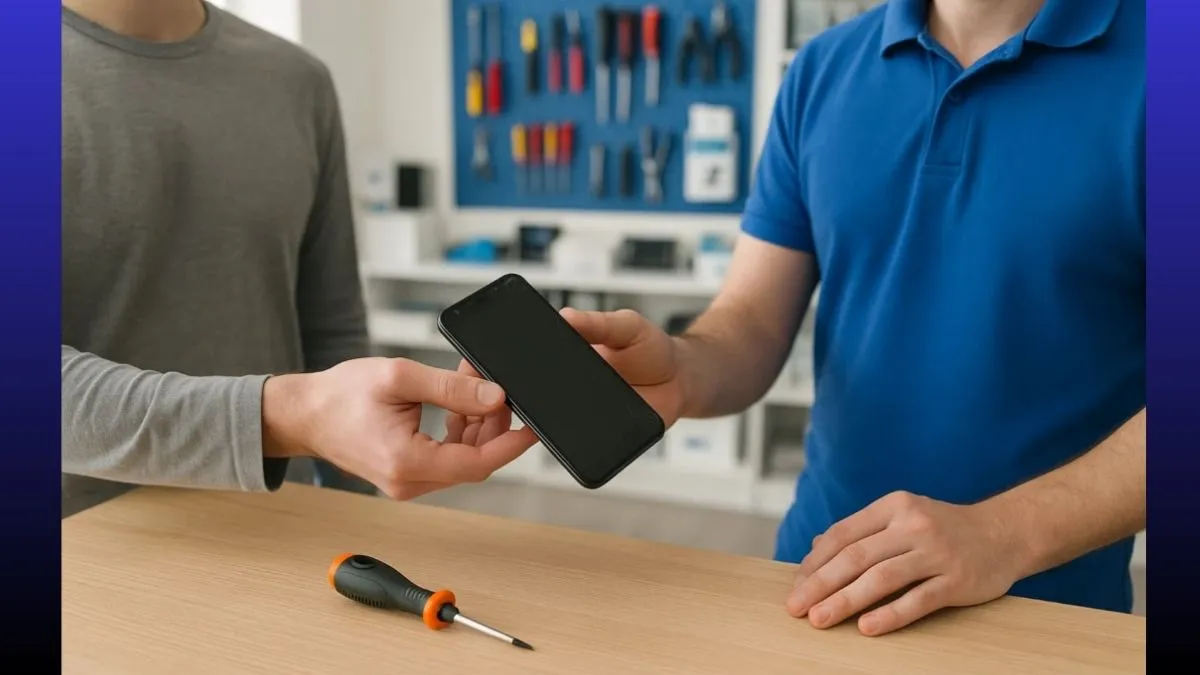
When your smartphone breaks down, a visit to the service centre becomes inevitable. But before handing it over, it is important for you to think about your privacy. Most Indian smartphone users store personal photos, OTP messages, banking apps, Aadhaar scans, and more on their devices, making them an attractive target for data misuse.
We bring to you several important ways to enhance your privacy before handing over your smartphone to the repair centre.
1. Back up your data
Before handing over your device to a repair centre, you must back up your data to Google Drive, a hard drive or iCloud. This will ensure that you do not lose anything important in case your handset needs a reset or parts replacement.
2. Log out of accounts
One must sign out of all the important accounts like Gmail, WhatsApp, Facebook and banking apps. If possible, you must deactivate your biometric access too (with fingerprint or face unlock).
3. Enable Guest Mode or create a second space
On Android, switch to guest mode or create a “second space” with no personal data. This will give limited access for your phone to the technicians.
4. Remove SIM and memory cards
Always take out your SIM card and microSD card before handing over your phone to the repair centre. Make sure to store contacts, messages and even your photos.
5. Encrypt your data (Optional)
Some users may choose to encrypt data through settings. This will add an extra layer of protection to your device and make it difficult for unauthorised access.
6. Factory reset (if possible)
If the repair is not related to data (like screen or battery replacement), then it is suggested to go for a factory reset, but ensure to back up everything first.

7. Get an official job sheet
If you are visiting a local repair shop, ensure they provide a job sheet with details of your device, problem, and the technician's name. Visit only authorised service centres if possible.
Protecting your digital life is just as important as fixing your phone. With these simple steps, you can avoid major privacy risks and keep your personal information safe during phone repairs.