
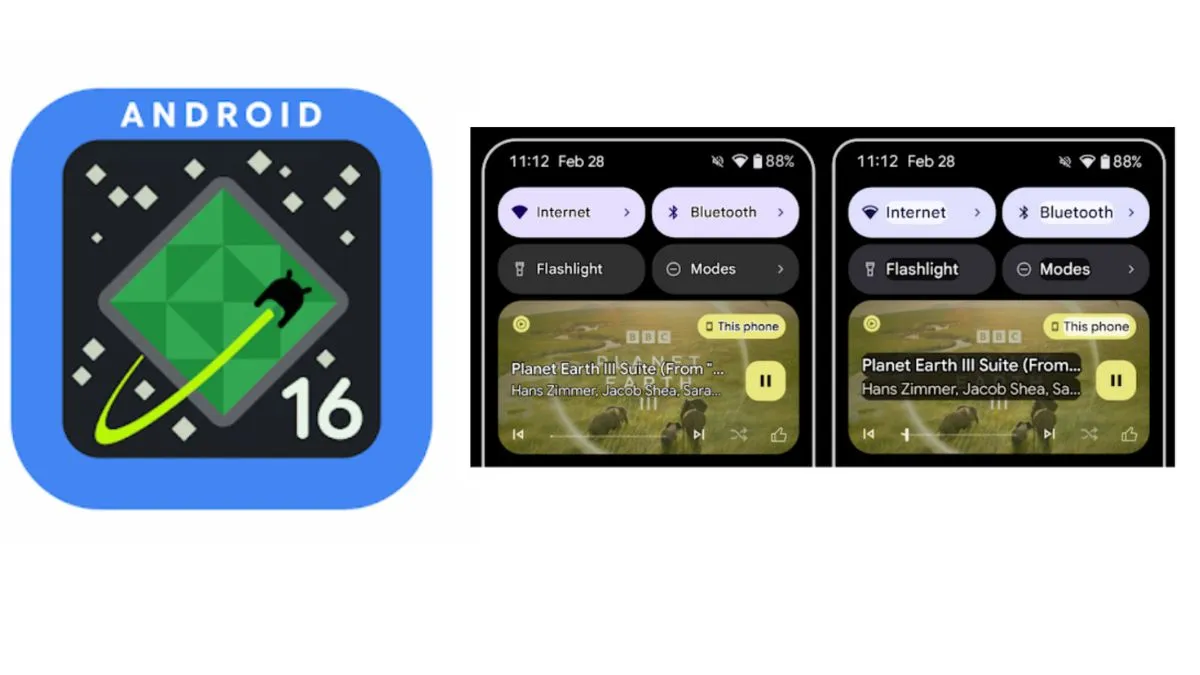
Google is pushing forward with its Android 16 development, and the latest Android 16 Beta 3 update has now been released for select Google Pixel smartphones. This marks another step towards the much-awaited stable version of Android 16, which is expected to roll out globally in the second quarter of 2025. Early leaks had hinted at a mid-March release for Beta 3, and now, it is officially here for eligible users.
Android 16 Beta 3: Who can download it?
Google has made Android 16 Beta 3 available for a limited number of Pixel devices. If you own a compatible model, you can now test the latest features ahead of the stable rollout. Here’s the list of supported devices:
- Pixel 9 series (Pixel 9, Pixel 9 Pro, Pixel 9 Pro Fold)
- Pixel 8, Pixel 8 Pro, and Pixel 8a
- Pixel 7 series (Pixel 7, Pixel 7a, Pixel 7 Pro)
- Pixel 6 series (Pixel 6, Pixel 6a, Pixel 6 Pro)
- Pixel Fold
The official Android 16 stable version is expected to launch in Q2 2025, following a few more beta updates before the final public release.
Android 16 Beta 3: New Features
1. Enhanced Accessibility Features
One of the major highlights of Android 16 Beta 3 is the focus on accessibility. The update introduces improved text visibility and colour enhancements to make reading on the screen easier.
2. Auracast Bluetooth support for clear audio
A major addition is Auracast Bluetooth support, which allows users to connect Bluetooth devices like earbuds and hearing aids to public audio systems in places such as airports, classrooms, and conferences. This feature is expected to be particularly beneficial for users with hearing difficulties.
3. New Privacy features for enhanced security
The Local Network Protection feature is now available for testing. While Google has not confirmed whether this feature will be included in the final version of Android 16, it could give users better control over which apps access devices on their local network, offering an additional layer of privacy.
4. More AI features coming in Android 16 Beta 4
Android 16 Beta 4 is expected to roll out in the coming months with new AI-powered tools. Google has already been integrating AI-driven features into Android to enhance the user experience, and more upgrades are anticipated in the final version.
With better performance, improved accessibility, and enhanced privacy controls, Android 16 is shaping up to be one of Google’s most refined mobile OS updates yet.
How to download Android 16 Beta 3 on your Pixel device?
If you own a Google Pixel 6a or a later model, you can enrol in the Android 16 Beta Program through the Samsung Members app and download the latest beta update.
Follow These Steps to Install Android 16 Beta 3:

- Open the Samsung Members app on your Pixel device.
- Look for the One UI 7 Beta banner at the top.
- Tap on it and fill in the required details.
- After enrolling, go to Settings > Software Update > Check for Update.
- If the Android 16 Beta 3 update is available, tap Download and Install.
Once the update is installed, you will be running One UI 7 Beta on your compatible Pixel phone. The stable version of Android 16 will be available in a few months, and users won't need to roll back to previous versions—it will automatically update once the final release is rolled out.
What’s next for Android 16 OS?
With Android 16 Beta 3 now live, it is evident that Google is focusing on improving accessibility, user control, and AI enhancements. The final version of Android 16 is expected to arrive by mid-2025, and with the increasing interest in AI-powered smartphones, we can expect more smart features in the upcoming Beta 4 release.
ALSO READ: Holi Aftermath: 5 Safe ways to remove colours from your smartphone and gadgets
ALSO READ: Instagram testing new ‘Blend’ feature to personalize Reels sharing