
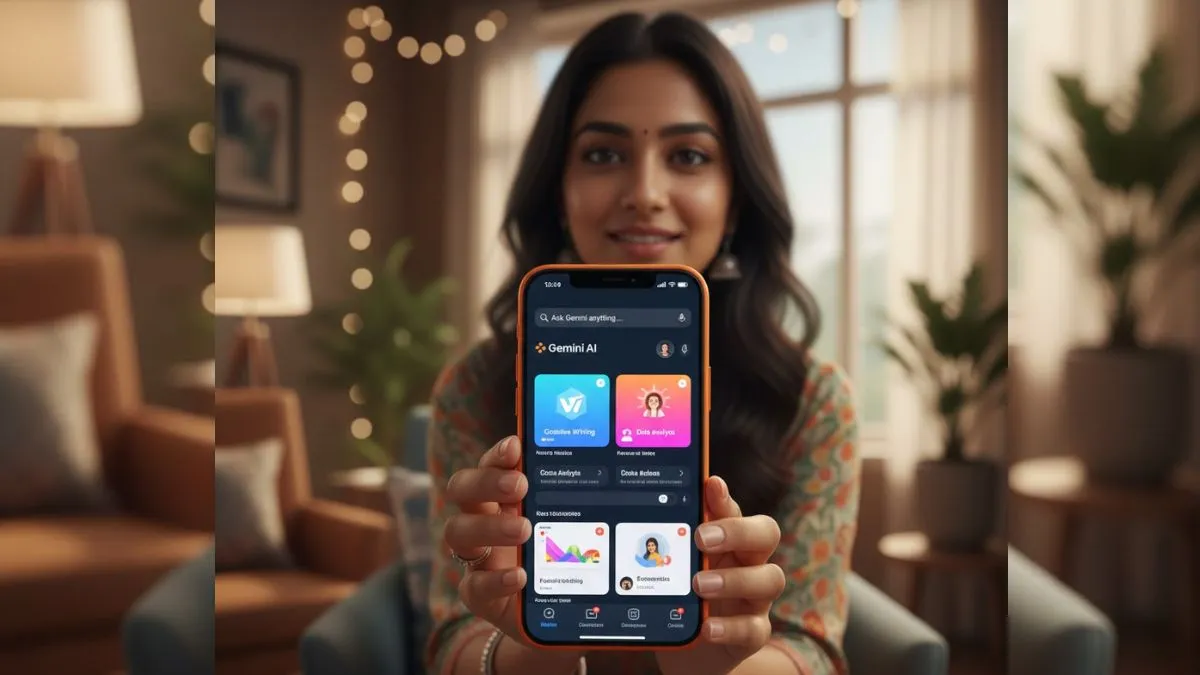
Google just rolled out its Gemini Omni video editing feature for users in India, making it a lot easier to edit videos right inside the Gemini app or on the web. The feature will enable users to upload a video and tell the AI about the changes they need, without needing to wrestle with complicated editing tools.
This feature was announced at the Google I/O 2026 event, which is a considerably bold approach to video content creation. Gemini Omni is not choosy about the kind of input you give, meaning it can easily handle text, images, audio and video.
There are several precise commands which have to be given to the chatbot to do the work. All you need to do is describe your edit in plain language, and the AI takes care of the rest.
How to edit the videos by Gemini Omni
Editing a video is straightforward:
1. Upload the video which you are willing to work on.
2. Type out the exact change you want.
3. Let the Gemini process the video and edit accordingly.
4. After a while, you will be able to preview the result and save your video if you like what you see.
You can do all this through the Gemini app on your phone or straight from a browser.
So what can Gemini Omni actually do?
Google is reportedly pushing the idea that it is not just about basic cuts or tweaks. This thing ‘thinks’ through the editing process, maintaining scene flow and keeping characters and settings consistent, even if you add new elements or change the visual style.

Want a different background? Just ask
Want to insert an object or a new character? Then you will have to type it in, and Gemini will handle the details.
You can even keep refining your video over multiple rounds—the model remembers your previous instructions to maintain consistency.
Google built Gemini Omni to understand real-world physics
There’s more under the hood. Google built Gemini Omni to understand real-world physics, which means your edits look believable. Characters walk, objects fall, liquids pour—just as you’d expect in real life. And since it leans on Gemini’s broader knowledge of storytelling, science, and culture, the content is not just visually sharp—it makes sense in context.
You’re not limited to videos, either. Upload photos, sketches, reference images, or even voice samples; Gemini can use all of these as material for generating new content. Google’s also adding support for digital avatars, so you’ll be able to create a video version of yourself using your voice and appearance. For now, only audio references are available for voice, but full-scale voice generation features are on the way.
Transparency and safety
Every video made with Gemini Omni comes with SynthID, Google’s invisible watermark, so people can always verify if a video’s AI-generated. You’ll spot these verification tools not just in the Gemini app, but in Chrome and Google Search. Plus, Google is not doing this alone, as they are working with NVIDIA, and other big AI players like OpenAI and ElevenLabs are jumping on board with SynthID for better transparency across the web.