
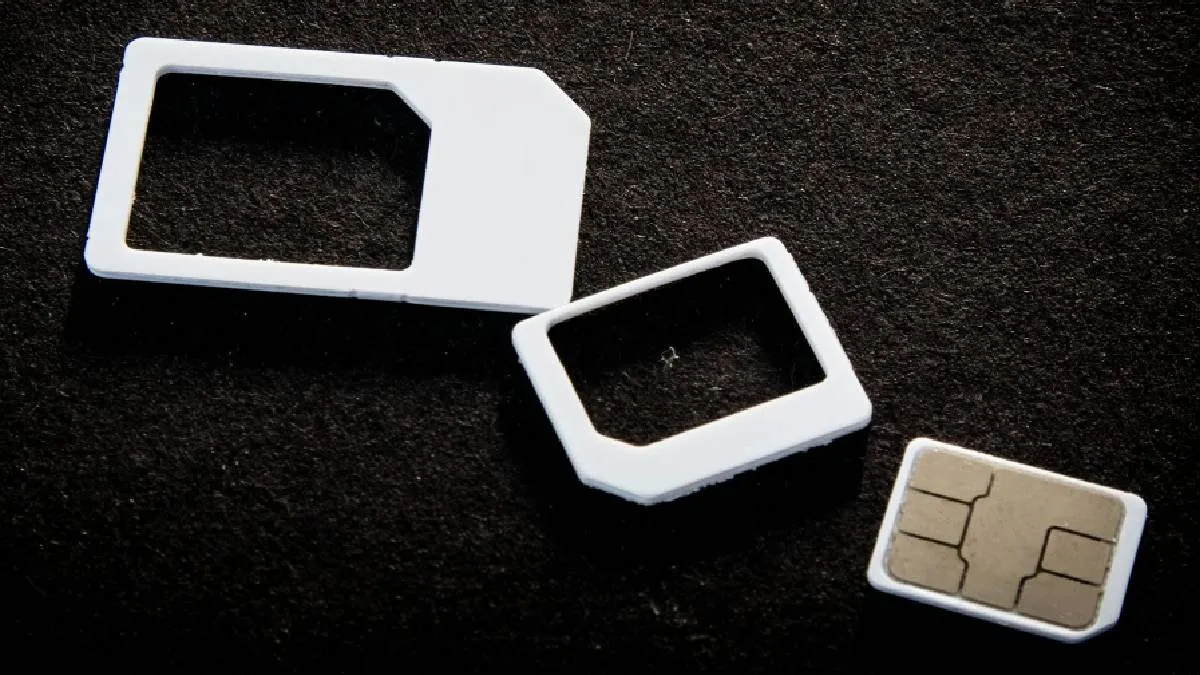
BSNL recently joined private telecom giants Airtel, Jio, and Vi (Vodafone Idea) by launching eSIM service in select circles. An eSIM functions just like a physical SIM card, providing better network connectivity on compatible devices, such as the Apple iPhone, Google Pixel, and Samsung Galaxy S series.
Why switch to an eSIM?
Unlike a physical SIM card, an eSIM cannot wear out or become damaged. However, it's important to exercise caution: accidentally deleting the eSIM from your phone will cause an immediate network loss.
How to request your eSIM
The request process varies slightly depending on your service provider:
- Jio Users: Request an eSIM through the MyJio app or by visiting the nearest Jio store.
- Airtel and Vi Users: You can apply through the official app. Alternatively, send an SMS to 121 or 199 (check your carrier's specific number) with the text: eSIM
. - BSNL Users: You must visit your nearest customer service center to apply. You will need to complete KYC, which requires your Aadhaar card.
The activation process
- Once your request is successfully submitted, follow these steps to download and activate the eSIM:
- Receive QR Code: You will receive a QR code for the eSIM via your registered email address.
- Access eSIM Settings: Go to your phone's Settings and select "Mobile Networks," "Cellular," or "SIM Services."
- Add eSIM: Choose "Add eSIM" or "Download eSIM."
- Scan Code: Select "Use QR Code" and scan the QR code you received in your email.
- IVR Confirmation: You will then receive an IVR call to confirm and process your request.
The entire process may take up to 4 hours to complete.
Final steps and security
Once the eSIM is successfully activated, the network connection to your physical SIM will disappear, and you can begin accessing all your services with the eSIM.
Important Security Note: According to TRAI regulations, you will not receive or be able to send any SMS messages for the first 24 hours after activation. This crucial step is in place to prevent SIM swap fraud.
ALSO READ: Bought an iPhone on sale? 4 Checks to verify if it's genuine or fake
