
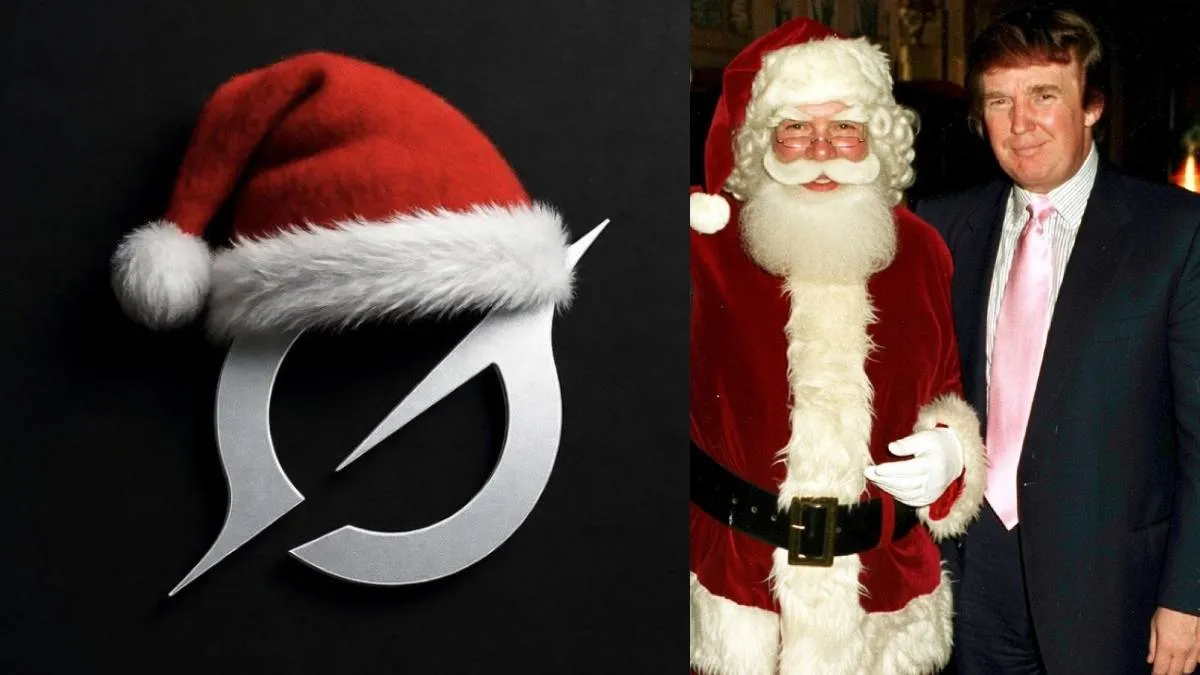
This Christmas, you can celebrate the holiday by sharing photos and videos of yourself with Santa Claus on X (formerly Twitter). Elon Musk recently announced a festive new feature for Grok AI, allowing users to seamlessly integrate Santa into their favorite memories, whether they are old family photos or brand-new holiday videos.
This special AI feature is available to both free and paid users. Musk highlighted in a recent post that this is a fun way to share the holiday spirit with friends and family. Grok’s official handle also confirmed the update, demonstrating how the AI can insert Santa into a scene simply by analyzing an image or video URL.
How to use the "Santa Photobomb" command
To see yourself or your family alongside Santa, you just need to give Grok a specific prompt. Upload your media or provide a URL and type the following:
"Imagine Santa photobombing your holiday dinner—jolly beard and all! Merry Christmas 2025!"
Based on this command, Grok AI will generate a realistic or festive version of your photo or video featuring Santa Claus.
Much like Google’s Gemini or ChatGPT, Grok's creative capabilities are rapidly gaining popularity. X is already buzzing with users sharing their AI-generated Christmas photos, making it one of the most talked-about trends this holiday season.
Step-by-Step Guide: How to create your Santa photo
If you want to try it yourself, follow these simple steps:
- Open X: Access the X app on your smartphone or visit the website on your PC.
- Access Grok: Navigate to the Grok AI tab on the sidebar or menu.
- Upload Your Media: Click on the "Create Image" or "Upload" icon and select your photo or video.
- Enter the Prompt: Type the command mentioned above (or a similar request for Santa).
- Generate and Share: Press Enter or Send. Once Grok generates your image, you can download it or post it directly to your timeline.
ALSO READ: Type '67' into Google Search for a hidden surprise—you won’t want to miss this!
