
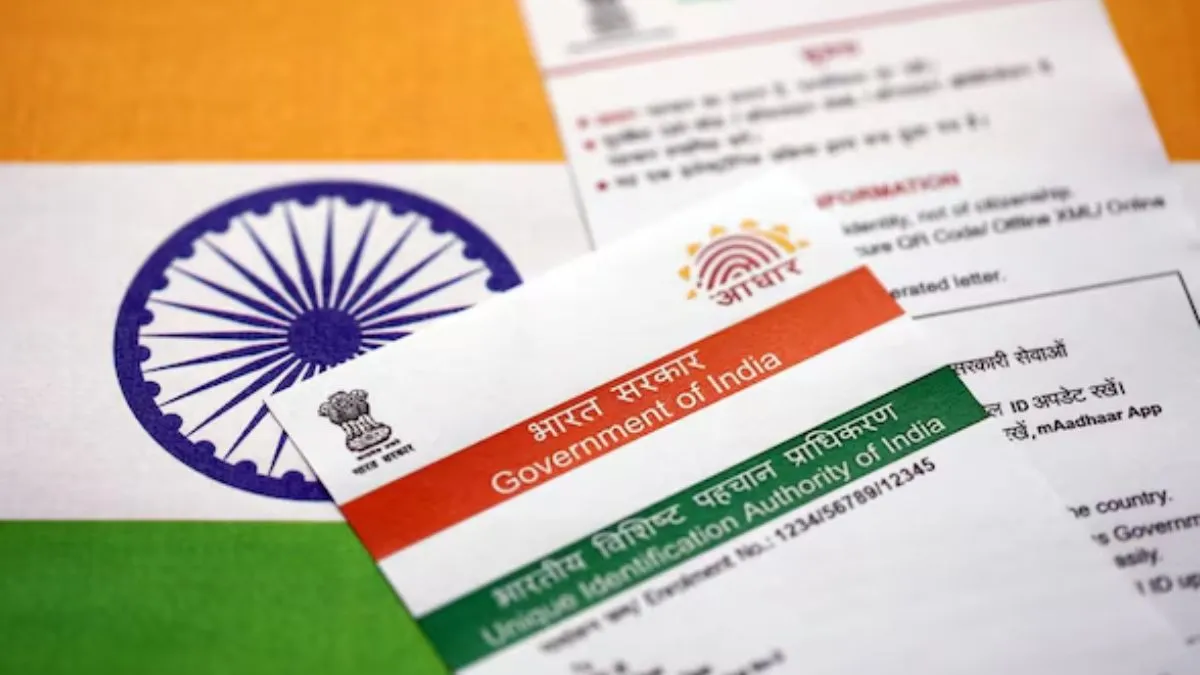
The Aadhaar card, one of the most important documents used for verifying identity in India, has upgraded the long queues and paperwork to update the card. The Unique Identification Authority of India (UIDAI) has just made Aadhaar updates a lot easier. Now, you can update your mobile number and address right from your phone—no need to visit a centre at all. The official Aadhaar app handles everything, cutting out the wait and making the process simple wherever you are.
Why does this matter?
Aadhaar updates have always meant a trip to the enrolment centre. Not anymore. This change is a game-changer, especially if you’re in a location where finding an Aadhaar centre is not easy. With just your phone, you are all set.
How to update your mobile number?
Here’s what you need to do:
- Download the Aadhaar app from the Google Play Store or Apple App Store.
- Open the app
- Then tap “Update Mobile Number.”
- Type your new mobile number.
- Enter the OTP you will get on that number.
- Complete face authentication when prompted.
- Send in your request.
After you submit, UIDAI will verify your details. Once they’ve checked everything, you’ll get confirmation. In the meantime, you can keep an eye on your request status right in the app.
How to change your address?
Updating your address is easy too:
- Log in with your Aadhaar number and your registered mobile number.
- Authenticate yourself with MPIN, biometrics, or face recognition.
- Go to "Services",
- Then tap “Address Update.”
- Pick the update method—Family Aadhaar or upload supporting documents.
- Enter your new address.
- Upload the required documents, and double-check your personal details.
- Pay the Rs 75 update fee, then hit submit.
After you are done, UIDAI starts the verification. You can track progress straight from the app.
Why use the online update system?
It saves you serious time. No more commuting or standing in lines. Less paperwork, too. You can do it all from home, on your schedule, and check your status anytime. For people in remote locations, this is not just convenient; it’s essential.
Do not forget
Make sure your internet connection is solid before you start. Keep your documents ready and double-check your mobile number so you don’t miss the OTP. Monitor your update status after submitting—sometimes, extra verification is needed, and it’s faster if you’re prepared.
Digital convenience, delivered!
With these updates, UIDAI is moving Aadhaar firmly into the digital era. Now, updating your details is not just easier—it’s faster and more secure. This is another step forward as India bets big on digital-first services.
