
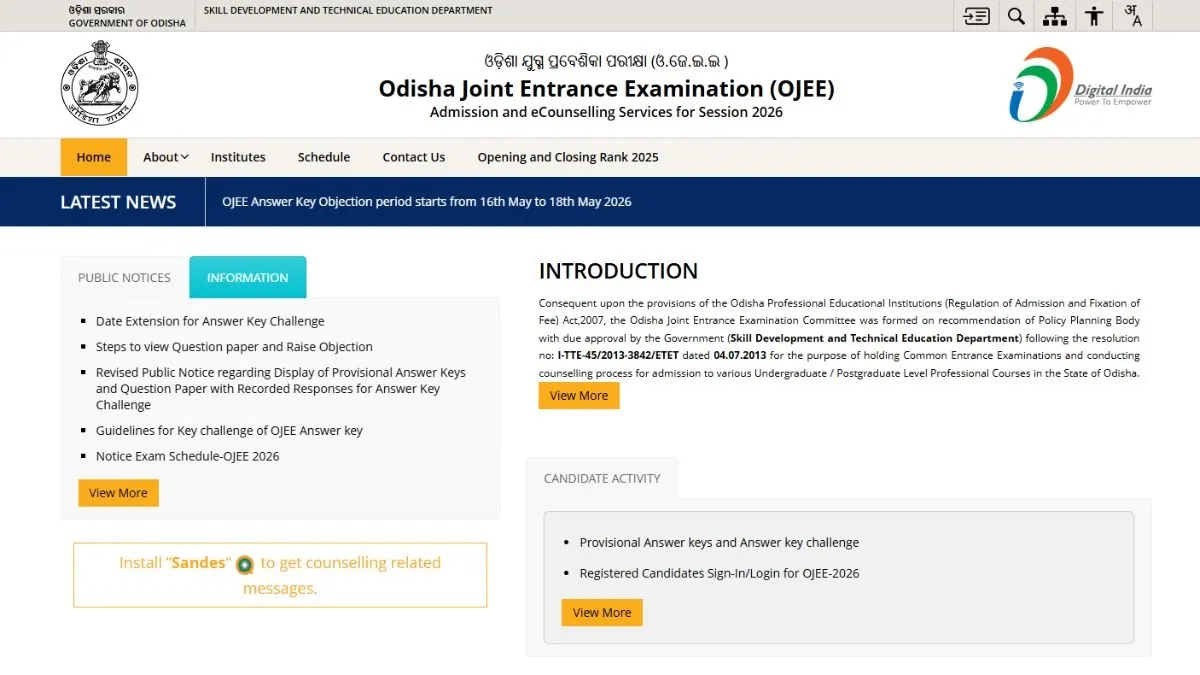
The Odisha Joint Entrance Examination (OJEE result 2026) will be announced soon, the candidates can check and download OJEE scorecard PDF on the official website - ojee.nic.in. OJEE was held from May 4 to 10, with the provisional answer key released on May 16, 2026.
The candidates can follow these steps to download OJEE scorecard PDF. To download OJEE scorecard PDF, candidates need to visit the official website - ojee.nic.in and click on OJEE scorecard PDF link. Enter login credentials - application number, date of birth. OJEE scorecard PDF will be available for download on the screen. Save OJEE scorecard PDF and take a print out.
- Visit the official website - ojee.nic.in
- Click on OJEE scorecard PDF link
- Use application number, date of birth as the required login credentials
- OJEE scorecard PDF will be available for download on the screen
- Save OJEE scorecard PDF and take a hard copy out of it.
OJEE scorecard will contain candidate's name, roll number, aggregate marks, subject-wise marks, rank, pass/ fail status, other details.
How to download OJEE merit list PDF at ojee.nic.in
The candidates can follow these steps to download OJEE merit list PDF on the official website - ojee.nic.in. To download OJEE toppers list PDF, candidates need to visit the official website - ojee.nic.in and click on toppers list PDF link. OJEE toppers list PDF will be available for download on the screen, save OJEE topper list PDF and take a print out.
- Visit the official website - ojee.nic.in
- Click on OJEE topper list PDF link
- OJEE topper list PDF will be available for download on the screen
- Save OJEE topper list PDF and take a print out.
OJEE final answer key: How to download at ojee.nic.in
- Visit the official website - ojee.nic.in
- Click on OJEE final answer key PDF link
- OJEE final answer key PDF will be available for download on the screen
- Save OJEE final answer key PDF and take a print out.
For details on OJEE result 2026, please visit the official website - ojee.nic.in.
