
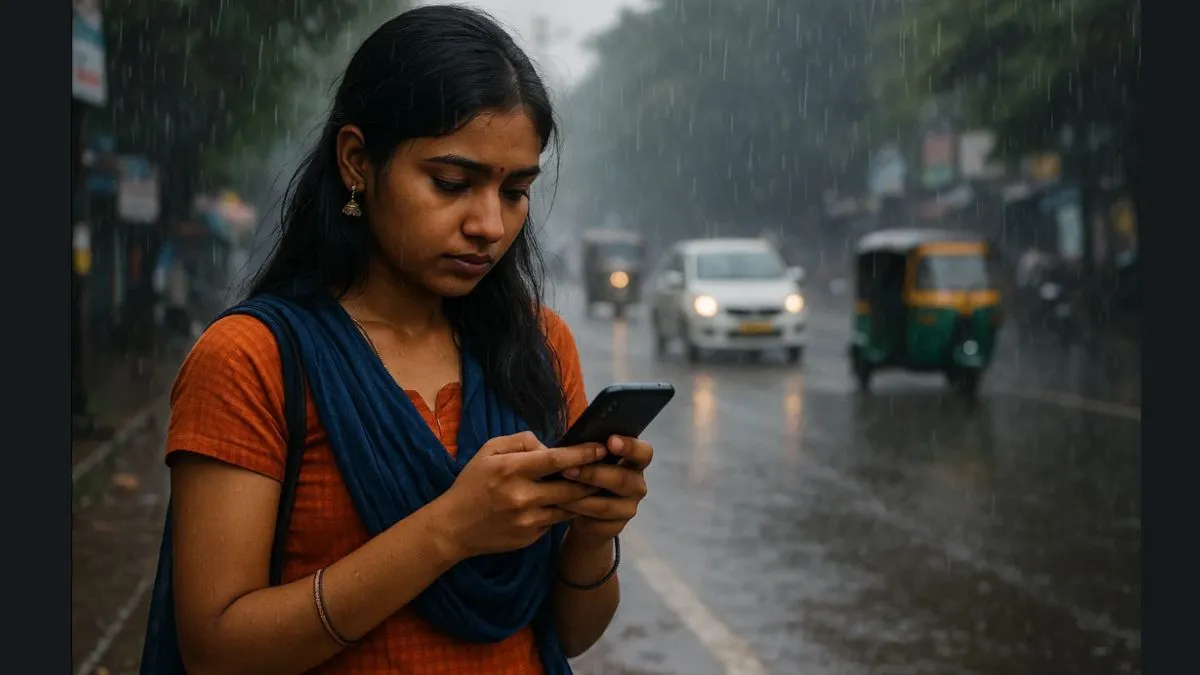
It's raining, and many of you must be heading for work and might get caught up in the rain. Your wet hands might make it difficult to use your smartphone, and might be risky as well. So we bring to you some smart tips to help you use your handsets during the monsoon season, when the sky is pouring. This will help you to safeguard your handset and have a secure as well as smooth experience.
1. Use a waterproof pouch or ziplock
Invest in a good-quality waterproof mobile pouch or at least carry a few ziplock bags to protect your handset from sudden rain or water splashes could be considered a good investment, especially during commutes.
2. Avoid charging with wet hands
Water and electricity are a deadly combo. Never plug your smartphone into the charger if your hands or the charging port are wet. This may look like a normal condition, but it could cause permanent damage or short circuits. You might also get an electric shock, which could be lethal at times.
3. Switch on Battery Saver in humid weather
Humidity increases the background activity of your handset. Smartphone users are advised to enable battery saver mode on their devices to conserve battery, especially if they are away from a power source during travel or emergencies.
4. Turn off the phone immediately if it is wet
If your phone gets wet, you must focus on turning it off instantly and do not use a hairdryer on it (many users make the mistake of instantly drying up the device). Rather than using a hair dryer, you may do the following instead:
- Wipe it with a dry cloth.
- Keep it in uncooked rice or silica gel packets for 24–48 hours.
5. Enable cloud backup for safety
Monsoon often causes phone failures. Back up your contacts, photos, WhatsApp chats and important documents to Google Drive or iCloud to avoid data loss. Also suggested to keep transferring your mobile data to your laptop, to ease the space.
6. Use anti-moisture hacks
Keep your phone in a bag with silica gel packets or store it with blotting paper inside the case to absorb internal moisture buildup.
7. Use a rugged or water-resistant case
If you travel often or ride a two-wheeler, you must invest in a military-grade or IP68-rated phone case for better protection from water and shock.
8. Clean the charging port regularly
The smartphone catches dust and humidity, not only in monsoon, but during other seasons as well. It could clog the USB-C or the Lightning port of the device. Use a soft brush or blower to gently clean the port every few days.
9. Avoid talking in the rain
Even a water-resistant phone can fail if rainwater enters the earpiece or mic. Use wired earphones or Bluetooth buds to take calls safely.
10. Monitor phone temperature
Moisture is another major cause of the overheating of your phone. If your handset feels unusually warm during charging or use, unplug it immediately and let it cool down.
