
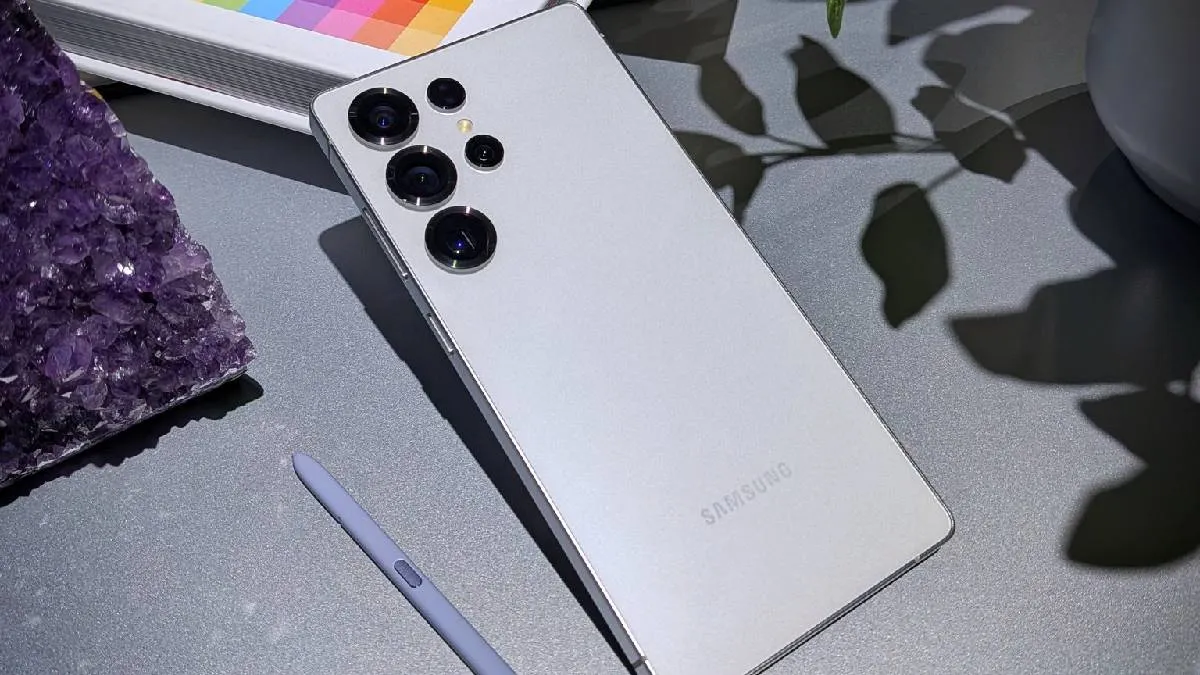
Anticipation is building around the launch of the new Samsung Galaxy S26 series, which is expected to debut in February. Ahead of the official announcement, several leaks have surfaced online, hinting at the features users can expect from Samsung’s upcoming flagship smartphones.
A recent leak suggests that the Samsung Galaxy S26 Ultra could introduce a new Privacy Display feature. Here’s what it is and how it is expected to work.
Privacy Display feature spotted in One UI 8.5
According to a report by SamMobile, the Privacy Display feature has been spotted in the upcoming One UI 8.5 update, which is set to bring enhancements to Samsung’s Good Lock customisation suite. The report suggests that this feature will be exclusive to the Samsung Galaxy S26 Ultra.
In the Good Lock announcement, a screenshot revealed a Privacy Display toggle within the Quick Settings panel, indicating easy access for users.
How the Privacy Display feature works
The Privacy Display feature is designed to use hardware-based technology to replicate the effect of traditional privacy screen protectors commonly used to prevent others from peeking at smartphone screens.
Conventional privacy screen protectors often have drawbacks such as reduced brightness and altered colour accuracy. Samsung’s upcoming solution aims to overcome these limitations.
Better visibility without compromising colours
Unlike physical privacy screen protectors, the Privacy Display feature on the Galaxy S26 Ultra is expected to combine hardware and software to maintain colour accuracy, contrast, and brightness, even in sunlight conditions.
The feature will limit screen visibility from side angles, ensuring that on-screen content remains visible only to the person viewing the device directly.
Adjustable privacy levels and smart AI integration
According to SamMobile, content viewed from off-centre angles may appear blurred, blacked out, or distorted, depending on user preferences.
Additionally, the device may use Galaxy AI for smarter privacy control. The feature could activate automatically when sensitive applications such as banking apps or digital wallets are opened. It may also detect nearby individuals, especially in public environments like public transport, and obscure screen visibility without any manual input.
