
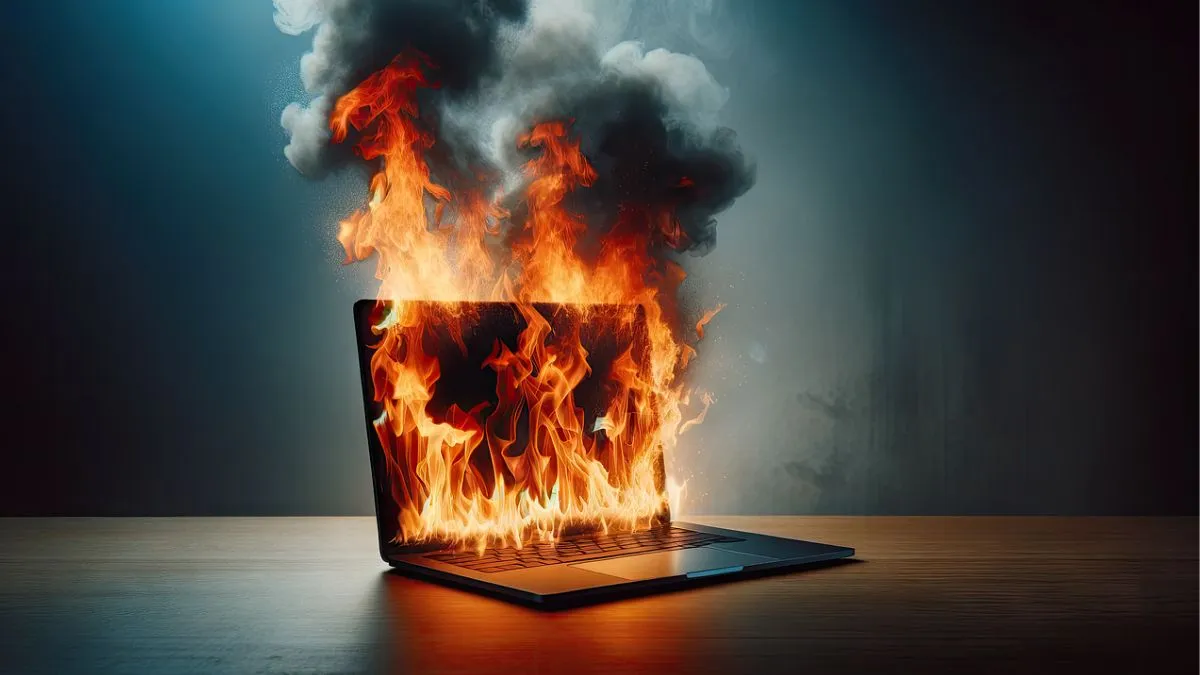
Laptop heating is a common problem faced by people who are using the machine for their day-to-day activities. The long working hours, including video calls, content writing, research work, video editing or even gaming sessions, all consume battery as well as take a load on the processor as well which could lead to the heating of the machine.
Overheating can slow down the performance of the laptop, damage hardware and even shorten your device’s lifespan. Here are the top 5 reasons why your laptop gets too hot and what you can do to keep it cool.
1. Dust and blocked air vents
One of the biggest hurdles is the dust which might build up inside the laptop, leading to blocking the airflow and trapping heat. Blocked vents prevent the cooling system from working efficiently, leading to overheating.
- How to fix it?
- Regular cleaning with compressed air or a service check can help.
2. Overloaded CPU and GPU
Running heavy software, games, or multiple apps simultaneously may put your laptop under a lot of stress, specifically on the processor and graphics card. This might heat up the system quickly.
- How to fix it?
- Closing unnecessary applications in the background and using performance mode wisely could help protect your machine to be protected.
3. Old or faulty thermal paste
Thermal paste transfers heat from the CPU/GPU to the cooling fan. Over time, it dries out and loses efficiency, which may cause excessive heating.
- How to fix it?
- Reapplying thermal paste can significantly improve heat management.
4. Weak or faulty cooling fans
If your laptop’s fan is damaged or running at low speed, it will not cool your system properly.
This often would lead to abnormal heating even with light use.

- How to fix it?
- Replacing it with repaired faulty fans is the best solution. Do not delay it.
5. Using a laptop on soft surfaces
Placing your laptop on a bed, pillow, or blanket may block the air ventilation from the exhaust fan placed on the bottom of the laptop. Without proper airflow, the device gets hotter quickly.
- How to fix it?
- Always use a hard surface or a laptop cooling pad for better heat dissipation.