
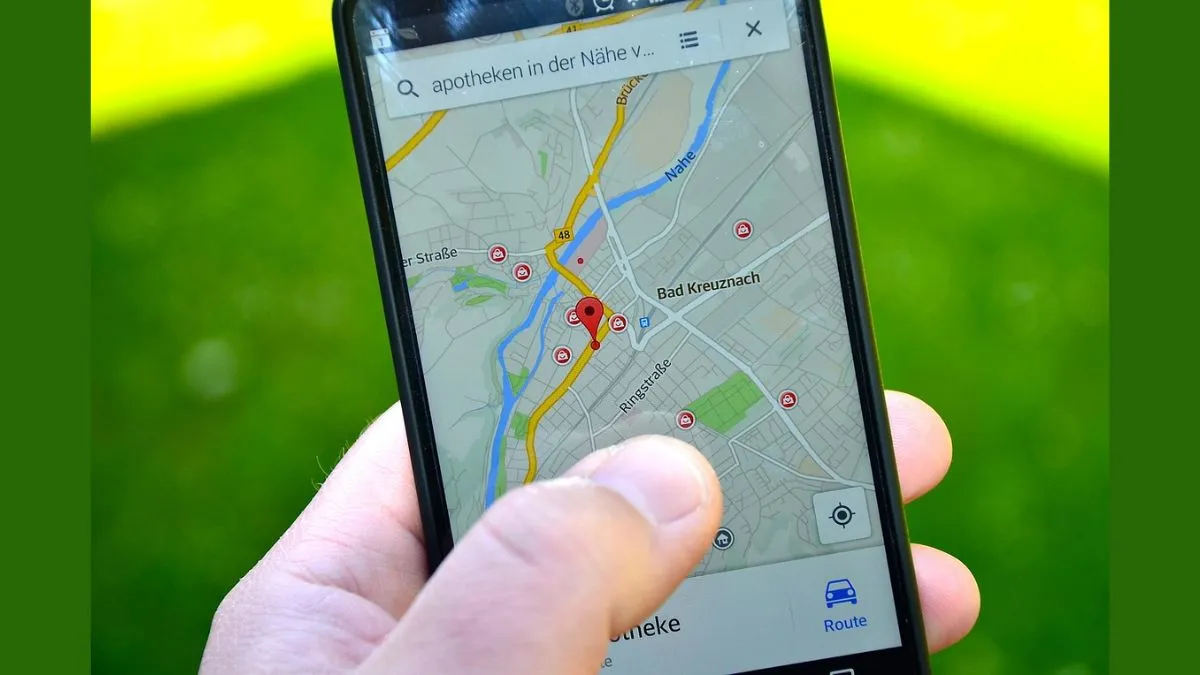
In today’s digital era, smartphones have become an essential part of our lives, and we do everything with this palm-sized device- from making calls to sharing content and details. From staying connected with friends and family to managing daily tasks and enjoying entertainment, everything happens through our phones. However, as our dependence on smartphones grows, so does the risk of scams, hacking, and privacy breaches.
One major threat is location tracking. If someone is secretly tracking your location, your privacy and even your safety could be at risk. Here's how you can quickly check if your location is being tracked — and stop it!
How to check if someone is tracking your location
Your smartphone holds a lot of sensitive information, including personal and banking details. That’s why it's crucial to ensure that no one is secretly tracking you. Here's a simple method to find out:
- Open the Settings app on your smartphone.
- Scroll down and tap on the Google option (or search for it if you don't find it easily).
- Tap on Manage Your Google Account.
- Now, go to the People & Sharing section.
- Under this menu, you’ll see a list of people with whom you have shared your location.
- If you find any unknown or unwanted people, immediately disable location sharing.
These steps will ensure that your location is not being accessed by anyone without your permission.
Check which apps are accessing your location
Apart from people, many apps also request access to your location, sometimes even when it's not needed. To check and control this:
- Go back to Settings on your smartphone.
- Tap on the Location option.
- Select App Permissions or App Location Access.
- Here, you’ll see a list of apps that have permission to access your location.
- You can choose to allow, deny, or allow access only while using the app.
It’s a good idea to regularly review these settings and restrict location access for apps that don’t need it.
