
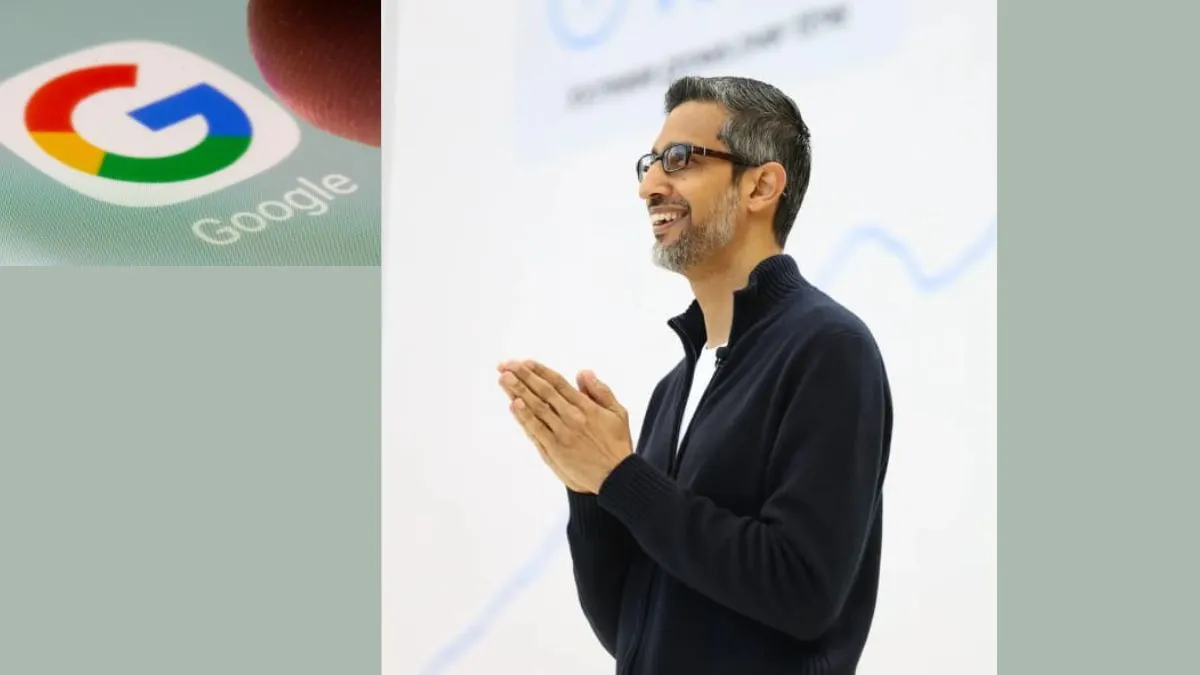
Social media has gone into overdrive in recent days, with claims that Google is secretly using Gmail data to train its AI models. Posts warning that your emails and attachments are being mined for Gemini's brainpower have spread like wildfire, accusing the tech giant of quietly tweaking its privacy policy for its own benefit. The alleged fix, according to viral posts, is turning off Gmail's "smart features", like spell check and predictive text, to avoid being part of the AI experiment.
Google insists that's just not true. In a statement to The Verge, company spokesperson Jenny Thomson dismissed the claims outright. "These reports are misleading – we have not changed anyone's settings, Gmail Smart Features have existed for many years, and we do not use your Gmail content for training our Gemini AI model," she said.
Still, the story has stirred enough concern to send many users diving into their settings to see what's on or off.
What's actually happening with Gmail's smart features
Much of the confusion seems to be a result of an update that Google rolled out back in January that allowed users to toggle "smart features" on or off separately for different services. You can, for example, turn off smart features in Google Workspace – a combination of Gmail, Calendar, and Docs – and leave them on for Maps, Wallet, or other apps.
But as The Verge had noted, those settings had silently reset, turning back on features they previously opted out of. It’s unclear how widespread that glitch might be, but it’s helped fuel suspicions that Google is being sneaky about its AI ambitions.
Those smart features do a lot more than correct typos. They power things like automatic flight additions to your calendar, order tracking, and email summarisation. When you turn them on in Workspace, the app explains that “you agree to let Google Workspace use your Workspace content and activity to personalise your experience across Workspace.”
That might sound ominous, but Google insists that personalisation doesn't mean data extraction. It uses contextual understanding to improve your individual experience, not to feed its Gemini AI. In other words, your emails help Gmail work better for you, not for Gemini.
Gemini 3 Steals the Limelight
The Gmail debate comes as Google rides the wave of attention for Gemini 3, its newest and most sophisticated AI system yet. It describes it as capable of interpreting information with human-like depth and nuance, pushing its AI tools into new creative and analytical territory.
The model brings together Google's research in multimodal understanding, long-context reasoning and agentic behaviour in one system, said CEO Sundar Pichai. "Gemini 3 is state-of-the-art in reasoning, built to grasp depth and nuance, whether it's perceiving the subtle clues in a creative idea or peeling apart the overlapping layers of a difficult problem," he wrote in a blog post.

Pichai added that Gemini 3 “is also much better at figuring out the context and intent behind your request, so you get what you need with less prompting. It's amazing to think that in just two years, AI has evolved from simply reading text and images to reading the room.”
The model can process everything from handwritten notes and dense research papers to video lectures; Google suggests it could be used to digitise recipes, summarise academic material, or break down long videos into step-by-step explanations.
So, is Google secretly turning your inbox into an AI classroom?
Absolutely not, says the company. But with AI tools increasingly tied up in everyday apps, it's no surprise that users are double-checking the fine print. A quick peek at your Gmail settings might not yield any dark secrets, but you'll at least know who's really reading your emails.