
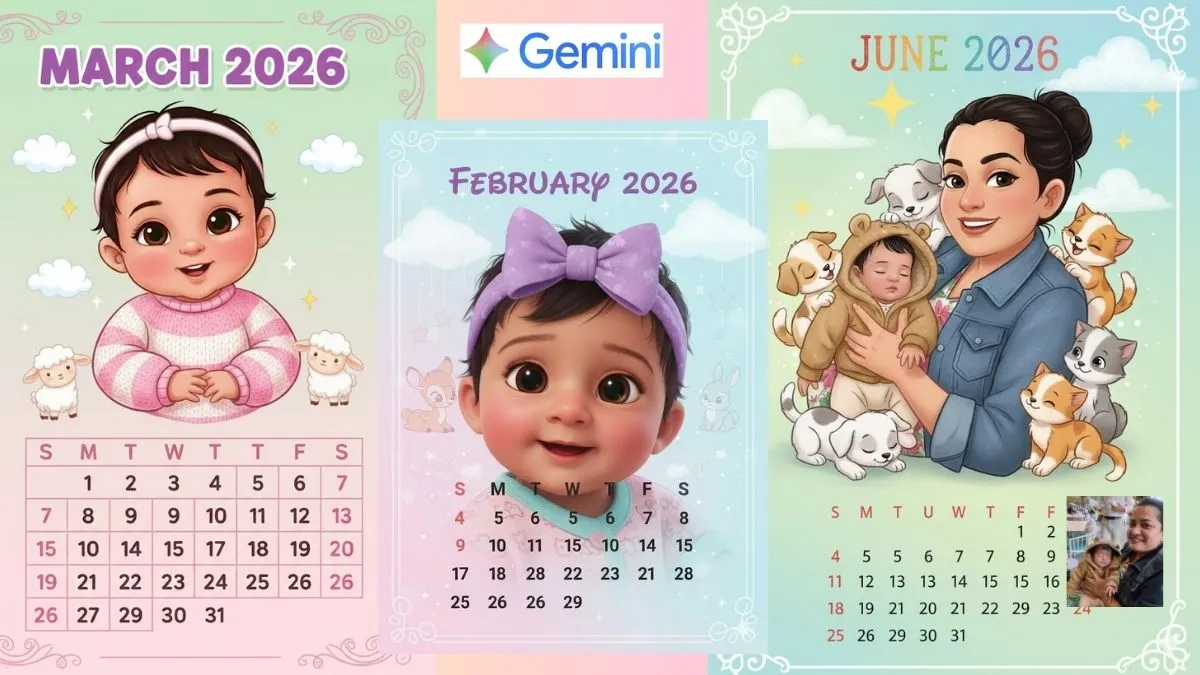
As 2026 is just a month away (or less than that), you may look for a more personalised table calendar for your home or office desk. And Google's Gemini Nano Banana can certainly help you with quick designs for your personal 2026 calendar, month-wise. You can easily add a picture, make it animated or add a cartoon character of your choice, or even add family members. You could even add motivational quotes, a festival theme or even your business branding – Gemini Nano Banana will give you the best generated layouts, templates and monthly designs within seconds.
In this article, we will let you know the process of making a personalised 2026 table calendar using your smartphone; prior graphic design knowledge is not needed.
Step 1: Determine the type of your calendar
Before you begin designing, determine the style you would prefer:
- Simple and clean
- Photo-based
- Festival highlight calendar: Indian holidays, moon phases, bank holidays.
- Work planner with notes
- Business-branded table calendar
- This makes it easier for Gemini Nano to generate the right structure.
Step 2: Open Gemini Nano on Your Device
Gemini Nano works offline on supported Android smartphones.
Once enabled in settings:
- Open Google Messages or the system-level writing tools.
- Tap the panel for AI suggestions
- Choose Help me write / Generate
Step 3: Create a calendar template, based on the prompt
Ask Gemini Nano to produce a 2026 monthly layout.
- Sample Prompts
- Create a table calendar template for 2026, indicating months, dates, and Indian festivals.
- Create a printable 2026 calendar with note space and reminder areas.
- Design a colourful desk calendar for the year 2026, incorporating a motivational quotation for each month.
- "Create a business-themed 2026 calendar layout with my brand colours: blue and gold.
- Gemini Nano will produce a formatted layout that you can export or copy into Google Docs.
Step 4: Add Personal Photos or Themes
If you want photos:
- Select 12 high-quality images: family, pets, travel, nature.
- Ask Gemini Nano:
- “Place this photo as the background for January 2026 in my table calendar.
- You can do this for all months.
Step 5: Adding Indian Holidays and Important Dates
Ask:
- “Add all major Indian festivals, full moon days, bank holidays, and national events in the year 2026.”
Gemini Nano will auto-complete:
- Makar Sankranti
- Republic Day
- Holi
- Eid, Diwali, Gurpurab
- Long weekends
- Moon phases (optional)
Step 6: Export and Print
- Once your design is ready, export it as a PDF or PNG.
- Print on thick A5 or A6 matte paper. Get a spiral binding to allow for a clean tabletop stand.
Tips for Better Outcomes
- Use high-contrast, bright images for clarity.
- Keep text minimal and readable.
- Apply the same theme to every month; that is, colour and font style.
- Ask Gemini Nano to resize, simplify, or make it aesthetic.
- Avoid clutter – desk calendars look best when simple.
