
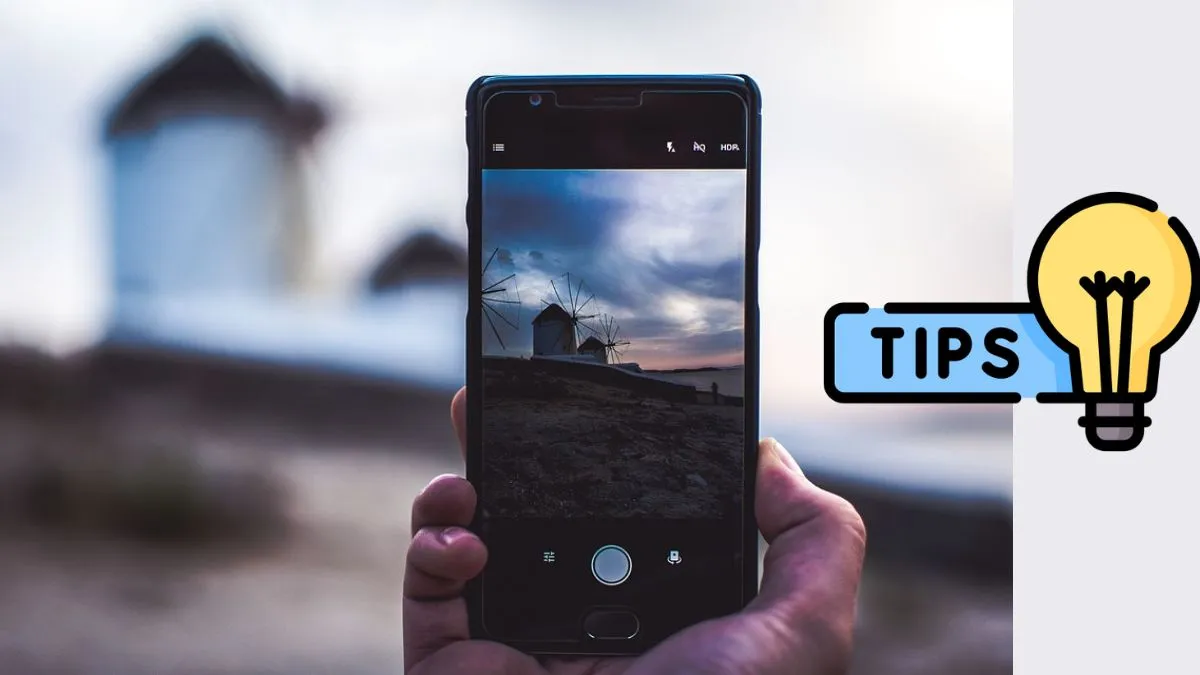
Smartphone cameras have become an integral part of our lives, and over the years, they have improved significantly. But to truly get the best photos, you will need more than just tapping the shutter. With the right techniques of phone photography- like using some features available in the phone, like using Pro Mode, adjusting lighting, cleaning your lens, and trying third-party apps could let you can instantly get an enhanced result, and you will witness the photo quality upgrade drastically.
In this article, we bring to you some really smart tips which could easily be used in your Android phone to click sharper, brighter and more professional-looking photos.
Use Pro mode for more control
Most smartphones come with a Pro Mode (or Manual Mode) in their camera app. This will let the user have control over settings like ISO, white balance or shutter speed- just like we have it on a DSLR.
For example, lowering the ISO helps reduce grain in low light, while adjusting the shutter speed can capture motion shots or light trails. Explore this mode to fine-tune photos instead of depending only on auto mode.
Adjust lighting for clearer shots
Good lighting is the secret behind every great picture. Natural daylight always works the best, so try clicking outdoors or near a window for photos. If you are shooting at night, avoid using flash directly. Instead, use nearby lights or adjust exposure in the camera app. Indian festivals like Diwali or Holi are perfect for experimenting with low-light photography by playing with brightness and contrast.
Try third-party camera apps
While the default camera app works fine, third-party apps can unlock extra features. Apps like Google Camera (GCam), Open Camera, or Adobe Lightroom offer advanced tools such as HDR+, RAW photo support, and professional filters. These apps are especially useful for budget phones where the built-in camera software is limited.
Keep your lens clean
It may sound simple, but a dirty camera lens is one of the biggest reasons for blurry photos. Dust, fingerprints, or oil smudges reduce clarity. Always clean your lens gently with a microfiber cloth or a soft cotton cloth before clicking pictures. This small step can make a huge difference in sharpness and colour quality.
Improving smartphone photography doesn’t always need expensive devices — just smarter usage of what’s already available. With Pro Mode adjustments, good lighting, helpful apps, and a clean lens, you can take DSLR-like photos straight from your pocket. So, the next time you capture memories, try these tricks and see the difference yourself.
