
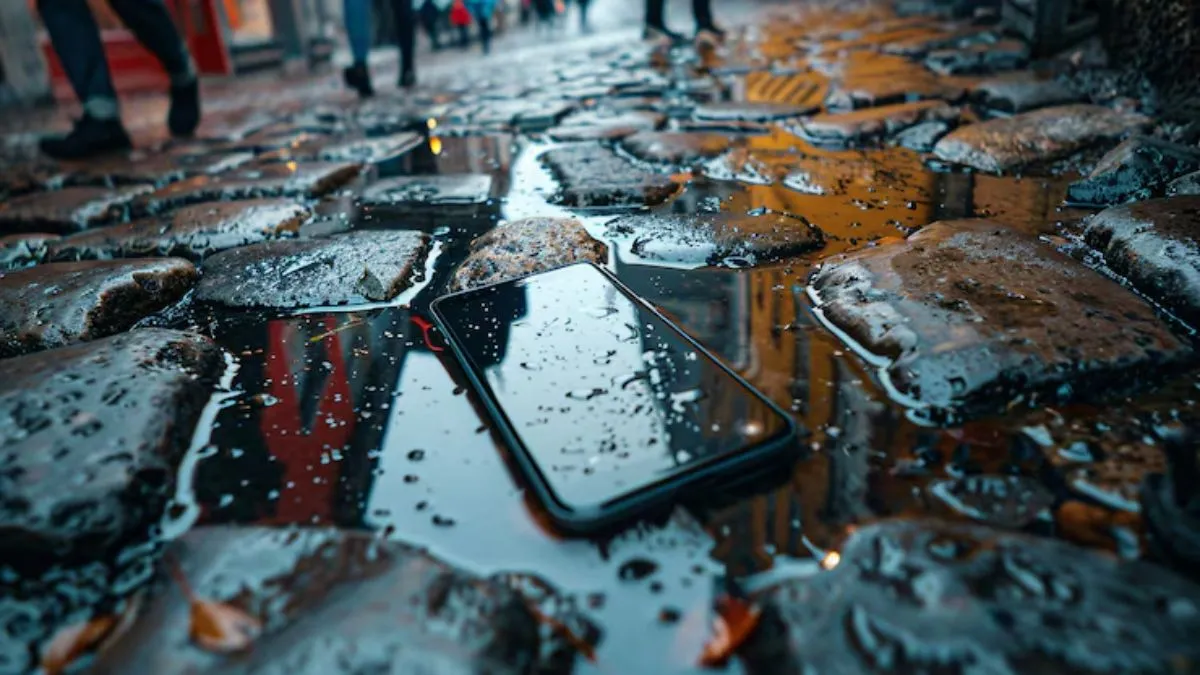
If you have accidentally dropped your smartphone in water or had it drenched in rain, you need to fix it quickly before it becomes unusable. Do not panic if you find yourself in a similar situation and take quick action instead. You can easily save your device from permanent damage by following these 5 effective ways to fix a water-damaged device at home.

1. Switch off your phone immediately
The very important first step is to stop using the device- switch it off right after you pull the device out of water (pool, rail, from a pot-hole or anywhere your device got overexposed in water). If you keep it on for a while after being drenched, then it may cause short-circuiting inside the device, so you need to make it stop instantly. Also, note that if you press any random buttons on your smartphone, then this might push water further inside the phone’s system.
2. Wipe and remove accessories
Now comes the cleaning process- you must use a soft cotton cloth or a tissue to wipe off all visible water from the screen and body.
Next is to remove the SIM card, memory card and any external accessories like the back cover, screen guards, charger or earphones. This will help the device dry faster.
3. Do not use a hair dryer or heat gun
For years, we have seen people using the hair dryer to dry the wet handset, but it turns out to be more harmful. One must note that the direct heat could damage the delicate circuits and battery cells in the phone. Instead, you must keep your smartphone in natural air or use a fan for safe drying instead.
Avoid placing it under direct sunlight for longer hours.
4. Use the rice bag trick or silica packets
You may call it an old-school trick, but keeping your phone inside a rice bag still works- you must have seen it in several movies too (It works!). Rice is known for absorbing moisture effectively.
If you leave your wet handset inside an airtight bag filled with rice for at least 24–36 hours. If you have silica gel packets (small packets known for absorbing any kind of moisture, and are faster than rice), they are practically better at absorbing moisture.
5. Wait before switching on your smartphone
You will have to wait, and patience is the key. After drying your smartphone, you must wait for at least a day before trying to switch it back on for safety purposes. If it does not power up, you must try to charge it after a few more hours.
Even after all the remedies, if the device still fails to switch on, then you must visit an authorised service centre is the safest option.
Final tip for the Indian users
Although the monsoon is over, but not the rains and water become a prime concern who are travelling avidly. So, it is always better to use a waterproof pouch or case for the extra safety of your smartphone. Remember- prevention is better than cure, and being ready and protected is better than getting your device repaired.