
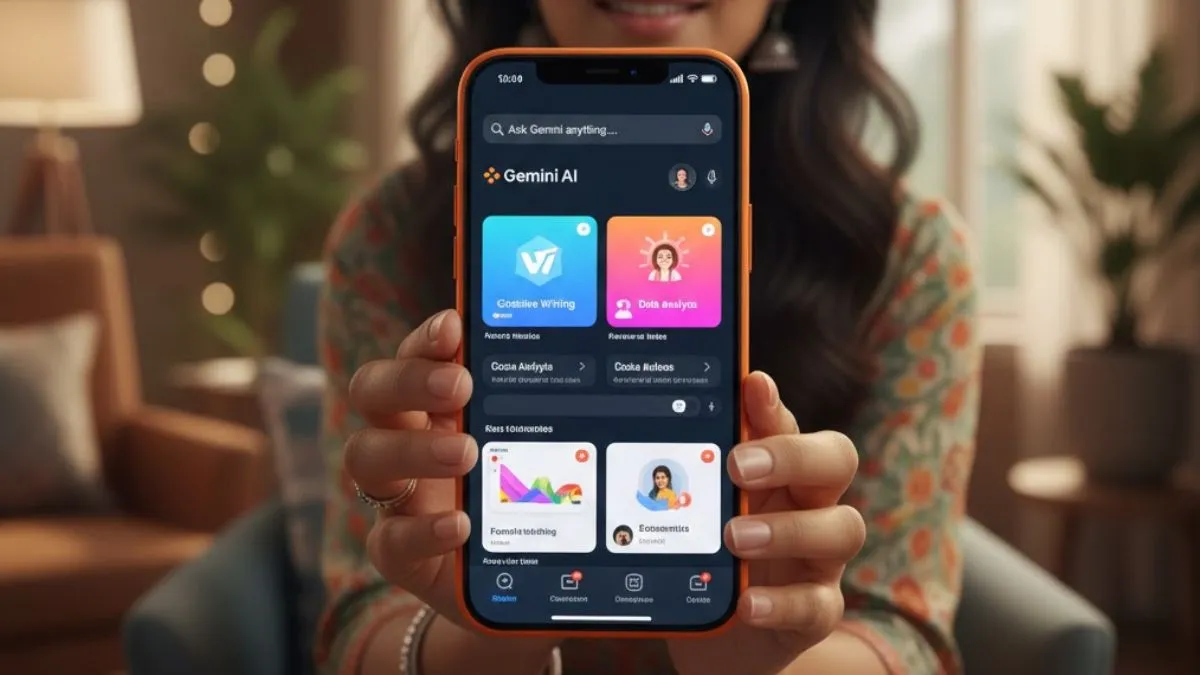
Google is working on a new way for people to control Gemini Live, a toggle that lets you turn off its Guided Vision feature. Someone spotted this in a not-yet-released version of the Google app for Android. Basically, this means you’d be able to stop Gemini Live from using your camera for visual input during conversations. So far, Google has not said anything official about when this will launch or what exactly happens if you turn Guided Vision off.
A new toggle could control camera access
The toggle showed up in the Android app version 17.38.5.sa.arm64. Screenshots show a new setting called “Guided Vision in Live” right in the Gemini options, so you can switch it on or off as you like. Details are still pretty vague, but turning this off would likely stop Gemini Live from accessing your camera for real-time visual analysis.
Right now, Guided Vision lets Gemini Live see what’s around you, understand objects or scenes, and offer suggestions on the spot—all through your camera feed. Google will probably share more soon, maybe in their next app update.
What is Gemini Live guided vision?
Google first launched it (sometimes called Visual Guidance) alongside the Pixel 10. Later, they rolled it out to other Android and iOS devices. It basically gives the AI the power to “see” through your camera. You can point your phone at something, ask Gemini questions, and get immediate answers or advice. It’s all about mixing real-time camera input with Gemini’s conversational AI to make the tool more helpful when you’re out in the world.
How Gemini Live Visual Guidance can be used
There are plenty of ways to use this. Shopping gets easier because Gemini can help you compare products or give you styling ideas. It can help you identify random tools or explain what you are looking at – just by pointing your camera. Screen sharing opens up other uses, like getting feedback on blog posts, social media content, photos, or even choosing a perfect profile picture. The AI can even help brainstorm captions or improve your design ideas on the fly.
More control over AI features
Adding this Guided Vision toggle is not just about convenience; rather, it is about privacy, too. As a lot of people worry about apps having camera access all the time. By letting users decide when Gemini can see through their camera, Google’s giving folks a bit more control over their information and surroundings.
We will have to wait for the next official update to see exactly how it will work, but it’s a step toward giving users more choices with AI tools.
