
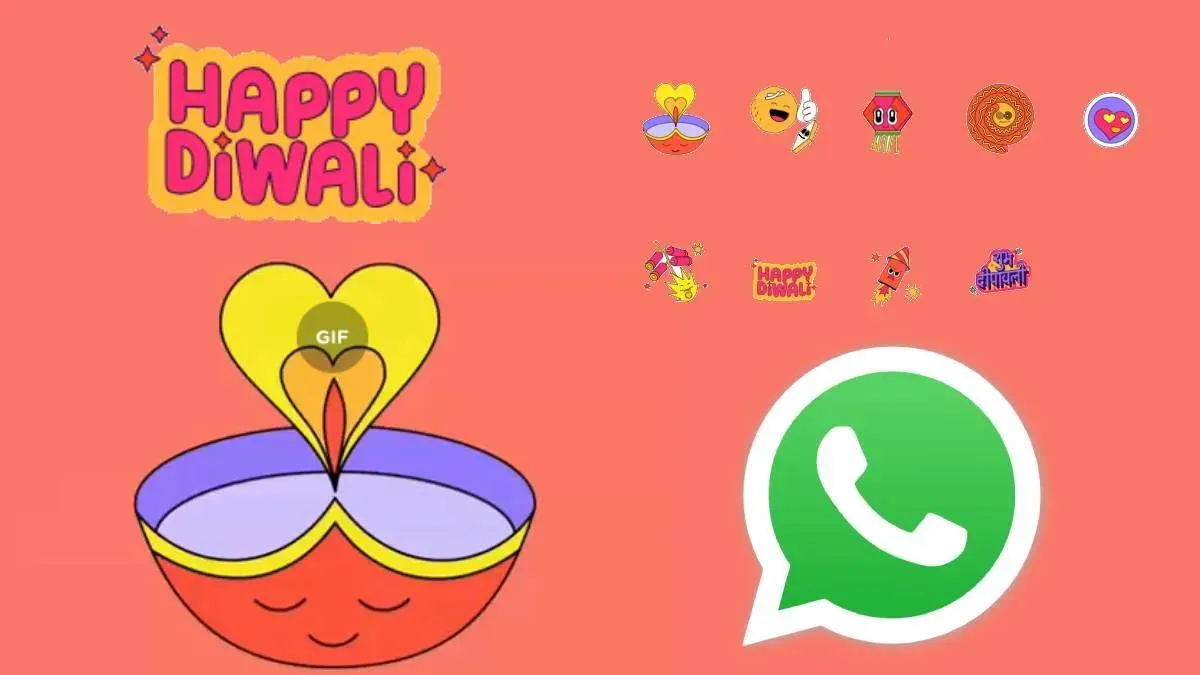
WhatsApp is spreading festive cheer among its Indian users this season! Meta's instant messaging platform has released a new animated sticker pack specifically for the Dhanteras and Diwali celebrations. This new pack features GIF stickers with animated Diwali lamps, festive lanterns, candles, firecrackers, rangoli designs, and "Happy Diwali" messages. Users can now easily use these vibrant stickers to wish their loved ones a Happy Diwali.
WhatsApp announced the availability of this special sticker pack through its community channel.
How to download the Diwali sticker pack
To use this new special sticker pack for Diwali and Dhanteras, follow these simple steps on the mobile app:
- Open the WhatsApp application.
- Open any chat window and tap the Sticker icon next to the text input field.
- A list of your current stickers will appear. Tap the '+' icon at the bottom of the sticker panel.
- Find and select the new Happy Diwali sticker pack and tap to download and add it to your collection.
- Go back to the chat window of the person you want to send wishes to.
- Select the Diwali sticker icon from your sticker list.
- Choose your preferred animated sticker from the list and send it to your loved ones.
How to Send the Diwali Sticker Pack on WhatsApp Web/desktop
Users of WhatsApp Web or the desktop app can also easily send these new Diwali stickers from their PC:
- Log in to WhatsApp Web or the Desktop application.
- Navigate to the direct sticker pack link: https://wa.me/stickerpack/DiwaliFestivities
- The new Diwali sticker pack will be displayed.
- Select the sticker you wish to send, open the chat window of your contact, and send it.
- This process allows you to quickly and joyfully send Diwali wishes to your friends, family, and other loved ones.
ALSO READ: Meta AI can suggest edits to photos on your phone, raising major privacy concerns
