
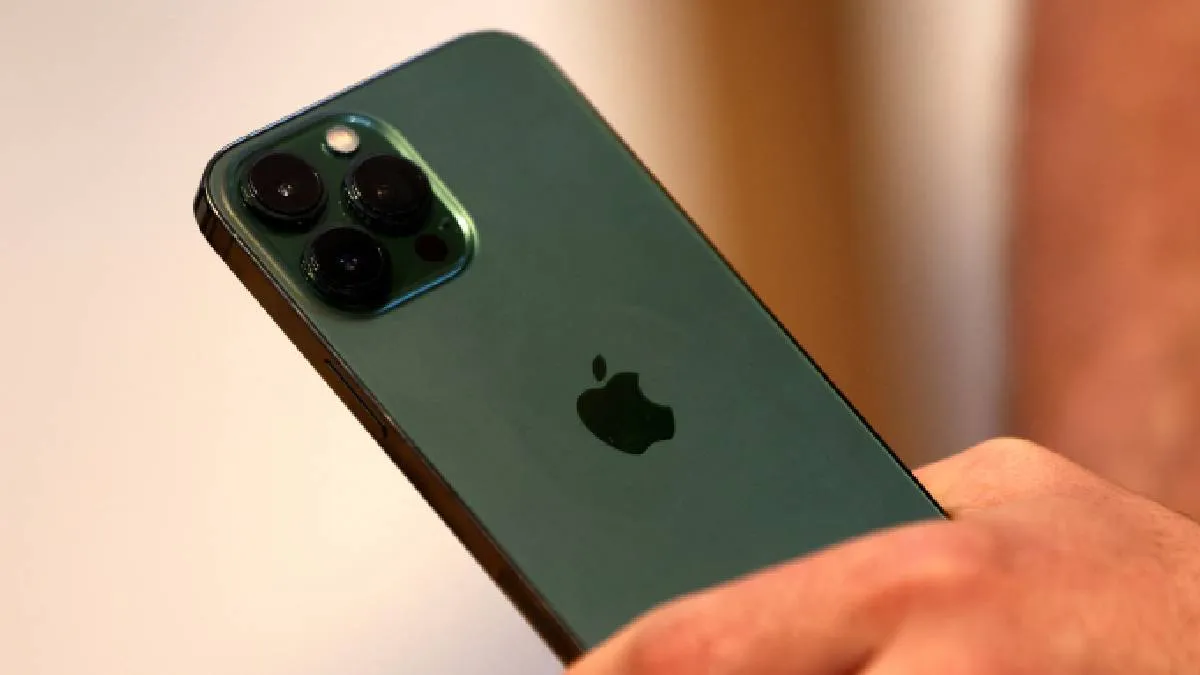
Apple iPhones are powerful devices packed with advanced processors, bright displays, attractive designs and 5G capabilities. But many users have been troubled with the heating concerns, noticing more than usual. This usually happens when they are playing games, connected to the charger or multitasking.
Occasional warmth is normal, but consistent overheating can affect performance and battery life. Here are the top 5 reasons for your iPhone’s heating issue and some smart, quick fixes that could be tried on.
1. Background apps consuming power
The most common reason for your iPhone heating up is that too many apps are running in the background continuously, which is using CPU, battery and network resources- generating heat.
How to fix it: Close the unused apps by swiping up from the bottom (or double-pressing the home button on older models). Restarting your iPhone occasionally also helps.
2. Heavy gaming or streaming
High-end heavy graphics games, AR apps or long streaming sessions could push the GPU and processor to their limits, which may cause heating issues.
How to fix it: Take breaks during long sessions, and reduce the screen brightness. This will enable Low Power Mode to minimise the background activity.
3. Charging while using the iPhone
Using your iPhone heavily (gaming, calls or video streaming) while connecting to the charger could generate extra heat. Fast charging can save it from the concern.
How to fix it: Avoid using the iPhone for intensive tasks while charging. Use only Apple-certified chargers and cables to prevent overheating.
4. Poor network signal or 5G usage
When your iPhone struggles to maintain a network connection, it works really hard, consuming more power than usual and producing heat. Constant 5G usage could also drain the battery quickly than usual.
How to fix it: Switch to Wi-Fi when available, or turn off 5G if not needed. Check your network settings and reset them if connectivity issues persist.
5. iOS Bugs or Outdated Software
Sometimes, heating issues are linked to software bugs or outdated iOS versions. Background indexing after a major update can also temporarily heat up the device.
How to fix it: Keep your iPhone updated with the latest iOS release. If heating continues, try resetting settings or doing a clean reinstall via iTunes/Finder.
