
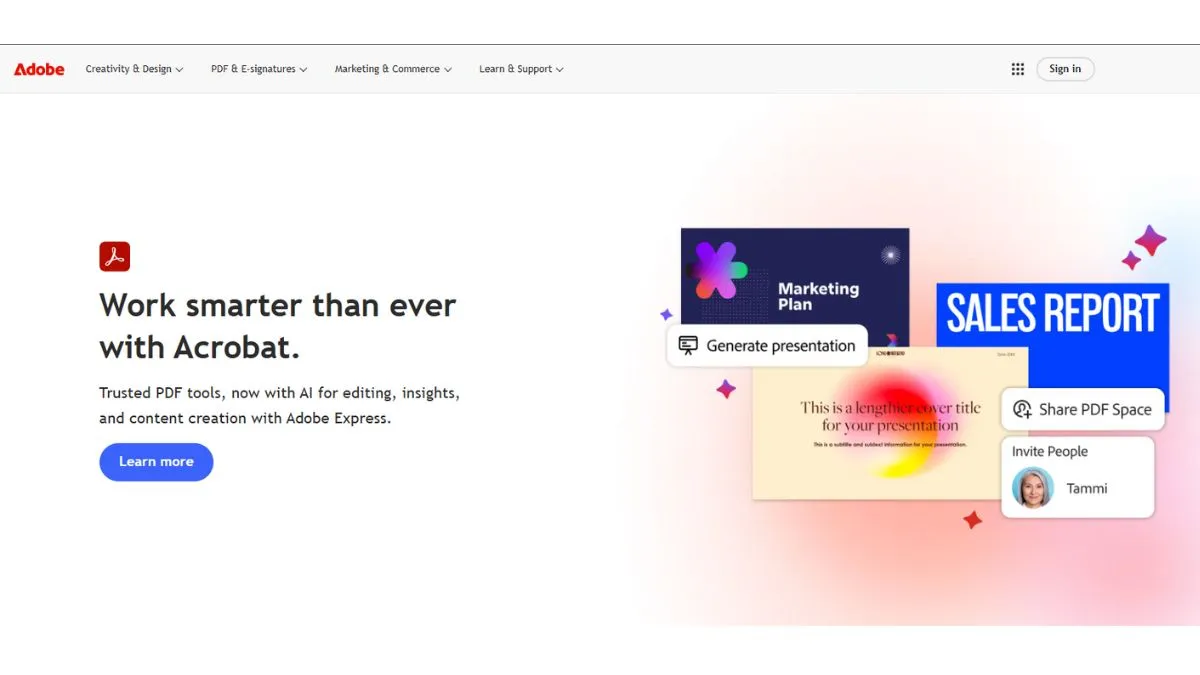
Adobe is rolling out a range of new AI features for Acrobat, and some of them sound particularly interesting for users. With the new feature, you will be able to edit files simply by typing out what you want, create podcast-style summaries, or have Acrobat put together presentations for you. This means that there will be no more endless clicking and dragging. TechCrunch reported that it is all part of Adobe’s push to bake AI-driven tools into everything they do.
What’s new in Acrobat
If you remember Adobe Spaces, which was launched last year (2025) as a spot to stash and collaborate on files and notes. Now, it is getting smarter, as you can ask Acrobat’s AI to turn whatever you have got sitting in a Space, like the financial data, roadmaps, and competitor analysis, into a polished presentation just by describing what you need.
AI features
The AI spits out an outline you can tweak, then you dress it up with your own branding, images, or Adobe Express themes. In other words, Adobe’s coming after Canva and Google NotebookLM with this one.
Another handy upgrade is the podcast-style summaries. Instead of slogging through a long document, you can just listen to a quick audio recap right inside Acrobat. Sure, other apps like Speechify or ElevenLabs do something similar, but Adobe’s version is built right into the workflow, so you do not have to bounce between tools.
Editing PDFs is getting way easier.
You can tell Acrobat what to do to remove a few pages, swap out certain words, drop in an e-signature, or lock down a file with a password—just by typing a prompt. There are a dozen of these prompt-based editing actions, and they make working with complex PDFs a lot less painful.
Sharing gets an upgrade
When you send a file through Spaces, Acrobat can now attach smart summaries with direct citations, so people can see exactly where the info comes from. Everyone can comment, tweak things, or clean up the doc as needed.
And if you want a little extra help, you can pick from different AI assistant “roles”—analyst, instructor, or entertainer—or even create your own custom assistant just by describing what you want.
