
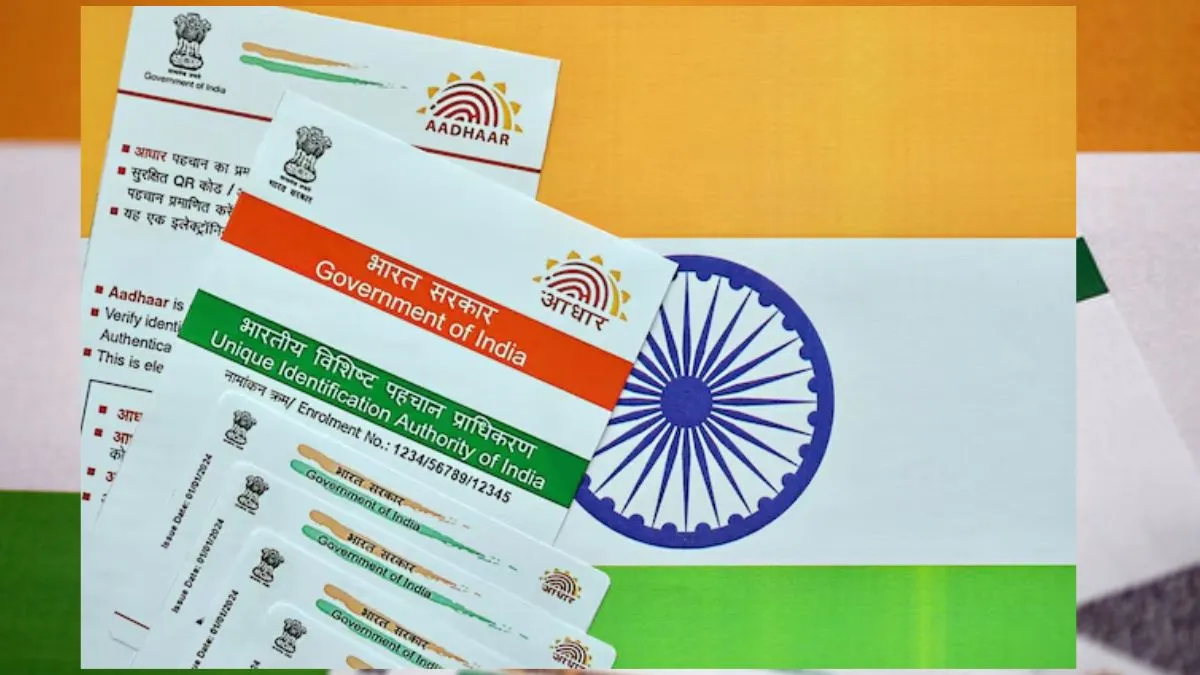
Aadhaar is an essential part of daily life in India. But with that, the risk of identity theft and unauthorised use of your biometric data is real. To give people some peace of mind, UIDAI set up an online tool so you can see exactly where and when your Aadhaar was used.
This tool lets you track all Aadhaar authentication activity. If something looks off or unfamiliar, you’ll catch it fast.
How to check your Aadhaar authentication history
It feels simple, as everything can be done online from the official UIDAI portal.
Here are the steps to follow to authenticate. All you have to do is the following:
- Go to the My Aadhaar portal from your mobile or desktop/laptop.
- Log in with your Aadhaar number
- The UIDAI will be sending a one-time password (OTP) (Security code) to your registered mobile.
- Once you receive it, enter ‘continue’. You will be in.
- Once you are in, you need to look for ‘Authentication History' written there.
- Now, choose your date range (you are allowed to go back up to 6 months)
- Then choose how you want to filter (either biometric, OTP or both).
- Once done, tap on submit
You will see a full report showing when and how your Aadhaar was used.
You can do this from anywhere easily without going to the Aadhaar centre.
What does the report tell you?
The authentication history spells out every Aadhaar verification request tied to your number. You’ll see:
- How Aadhaar was authenticated — was it your fingerprint, iris scan, or an OTP?
- The exact date and time each request came in.
- Which organisation, bank, cellphone company, or government office accessed your details.
If you see a request you don’t remember, you’ll know right away.
Lock your Biometrics for more security
UIDAI doesn’t stop there. You can lock your biometric data — your fingerprints and iris info — so nobody can use them without your OK. Locking and unlocking biometrics is simple using either the My Aadhaar portal or the mAadhaar mobile app.

Once your biometrics are locked, even if someone tries, they can’t use fingerprint or iris authentication for your Aadhaar. Need to use it yourself? No problem — you can unlock it briefly, then lock it again right after.
Noticed Something Suspicious?
If you spot any Aadhaar activity you do not recognise, immediately do the following:
- Call UIDAI’s helpline number at 1947. Do not wait!
- Submit a written complaint via the UIDAI portal itself from your mobile or desktop.
- Choose to lock your biometrics to immediately block your authenticated number from being misused any further.
Keep an eye on your Aadhaar authentication history. Checking it regularly helps you catch fraud early so you stay in control of your identity and personal data.