
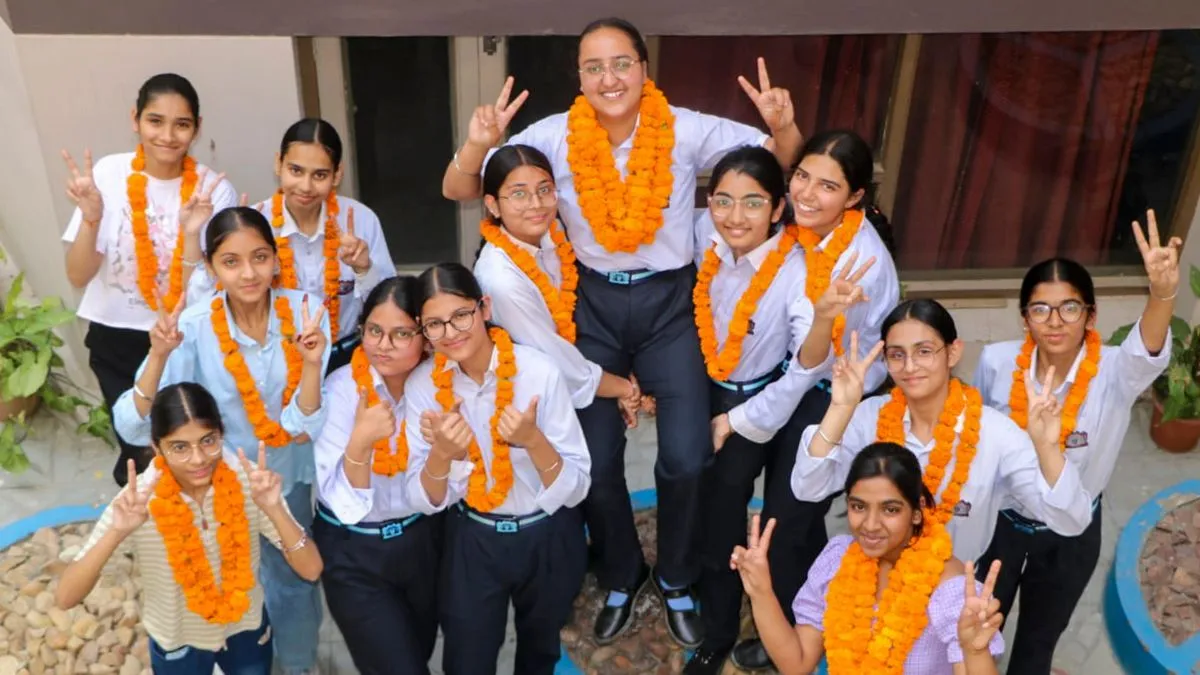
The Karnataka School Examination and Assessment Board (KSEAB) on Thursday announced the results of the SSLC Class 10 examinations for 2026. More than 8.65 lakh candidates appeared for the exams this year.
The overall pass percentage this year has reached 94.10 per cent, marking the highest performance ever recorded by the state. In 2025, the overall pass percentage stood at 66.14 per cent.
Students can now access their results online through official portals such as karresults.nic.in, kseab.karnataka.gov.in, and sslc.karnataka.gov.in. The result links were made active shortly after the official declaration.
The SSLC examinations were conducted over a span of more than two weeks, beginning on March 18 and ending on April 2.
How to check result
Students can access their results online using their roll number or school code. Follow these steps to check the Karnataka SSLC Result 2026:
- Go to the official website of the Karnataka School Examination and Assessment Board (KSEAB).
- On the homepage, find and click on the link for “SSLC Result 2026.”
- Enter your roll number along with your date of birth in the required fields.
- Click on the “View Result” button to proceed.
- Your result will be displayed on the screen.
- Download the marksheet and take a printout for future reference.
Alternative ways to download KSEAB SSLC scorecard PDF
Apart from the official websites - kseab.karnataka.gov.in, karresults.nic.in, KSEAB SSLC scorecard PDF will be available for download via Digilocker.
- Go to the official DigiLocker website or open the app.
- Sign in to your account. If you do not have an account, you will need to create one before signing in.
- On the homepage, look for the option for Karnataka SSLC marksheet PDF link
- Click on this option
- Enter the required details and submit
- Your result will then be displayed. Make sure to check and download it.
