
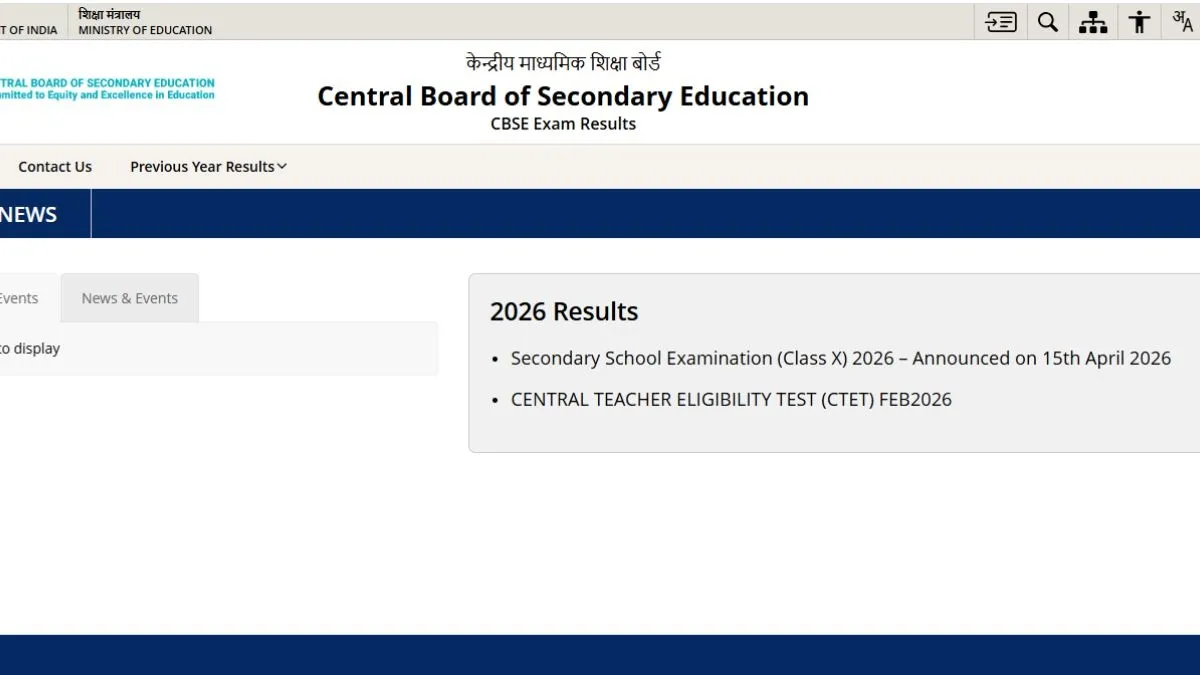
The CBSE Class 12 result websites and links are - cbse.gov.in, results.cbse.nic.in. The CBSE 12th scorecard PDF login credentials are - application number, date of birth.
The students can check and download CBSE 12th scorecard 2026 PDF on the official websites- cbse.gov.in, results.cbse.nic.in. To download CBSE 12th scorecard 2026, students need to visit the official websites- cbse.gov.in, results.cbse.nic.in and click on Class 12 scorecard PDF link. Enter login credentials - registration number, roll number/ date of birth. CBSE 12th scorecard PDF will appear on the screen for download, save CBSE Class 12 scorecard PDF and take a print out.
Visit the official websites - cbse.gov.in, results.cbse.nic.in
Click on CBSE Class 12 scorecard pdf link
Use registration number, roll number/ date of birth as the required login credentials
CBSE 12th scorecard PDF will be available for download
Save CBSE Class 12 scorecard PDF and take a hard copy out of it.
CBSE 12th scorecard via UMANG App: Steps to download
- Download UMANG app from Google Playstore
- Enter the login credentials - registration number/ mobile number
- Select CBSE 12th marksheet PDF link
- CBSE 12th marksheet PDF will be available for download on the screen
- Save CBSE 12th marksheet PDF and take a hard copy out of it.
How to download CBSE 12th scorecard PDF via Digilocker
The candidates can download CBSE 12th scorecard PDF via Digilocker. To download CBSE Class 12 scorecard PDF, students need to first register with the school-provided 6-digit access code, school code and Class 12 roll number. Then confirm your mobile number through OTP. Now login to Digilocker with your mobile number, email ID and password. Locate your CBSE 12th scorecard PDF and take a hard copy out of it.
For details on CBSE 12th exam result 2026, please visit the official websites - cbse.gov.in, results.cbse.nic.in.
