
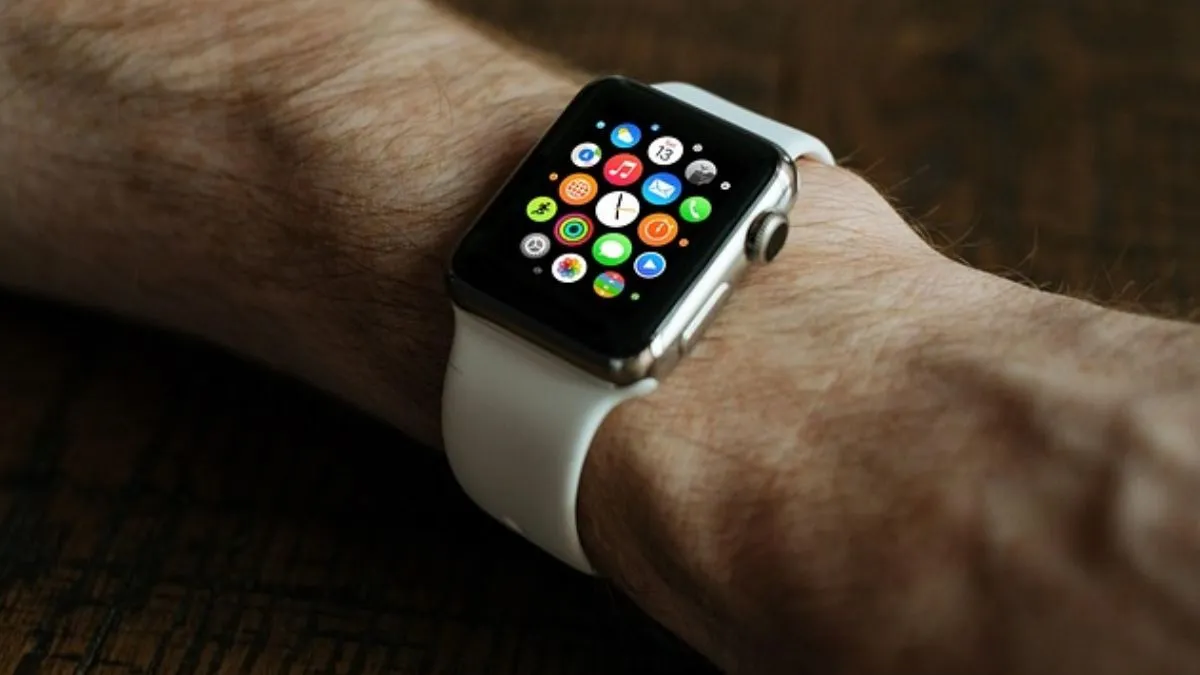
WhatsApp has finally launched its much-anticipated standalone Apple Watch app that allows users to control chats directly from their wrists. Beginning November 4, Apple Watch wearers around the globe will now be able to read full messages, reply to them, record voice notes, and view recent chat history without necessarily having their iPhones nearby.
This is one of the biggest cross-platform expansions undertaken by WhatsApp and takes the messaging service closer to offering a seamless multi-device experience across phones, desktops, and wearables.
WhatsApp Apple Watch App: What's new?
Until now, Apple Watch users could see only limited notifications and send preset replies. The new app introduces full messaging capabilities on the smartwatch with the following features:
- Read the whole WhatsApp message on your wrist: You can now view the full conversation directly from the watch screen.
- Reply via dictation, emojis or preset responses: The app comes with quick reply support. All you need to do is use emoticons, pre-drafted messages and scribble too.
- Send and receive voice notes: A major highlight for this feature is that you can easily send voice messages without touching your handset.
- Improved viewing of images and stickers: The app will display stickers and emojis very clearly on compatible Apple Watch models.
- Notifications on the wrist: Users will be notified about incoming WhatsApp messages.
It is important to note that WhatsApp has confirmed that all messages and calls made on the Apple Watch app will be end-to-end encrypted – just like we have on mobile and desktop devices.
How to Install WhatsApp on an Apple Watch?
To access the new app on your Apple Watch, follow the steps below:
- Apple Watch Series 4 or later
- watchOS 10 or later
- WhatsApp is installed on an iPhone with the latest version.
- The latest version of iOS on the paired iPhone
Steps to install:
- Update WhatsApp on your iPhone via the App Store.
- On the iPhone, open the Watch app.
- Go to Available Apps
- Tap Install next to WhatsApp
- Open WhatsApp on your Apple Watch and sign in.
- Enable notifications, and you will start receiving messages on your wearable.
Once installed, the Apple Watch app works standalone, meaning you can stay connected even when your iPhone isn't anywhere near you – as long as the watch has Wi-Fi or mobile connectivity.

Privacy, security and global availability
WhatsApp has added end-to-end encryption to the Apple Watch and all the linked devices. The contents of messages are accessible strictly to the sender and receiver.
The global rollout for this app has already started, and it will be available to download today from the App Store, provided device and software requirements are met.