
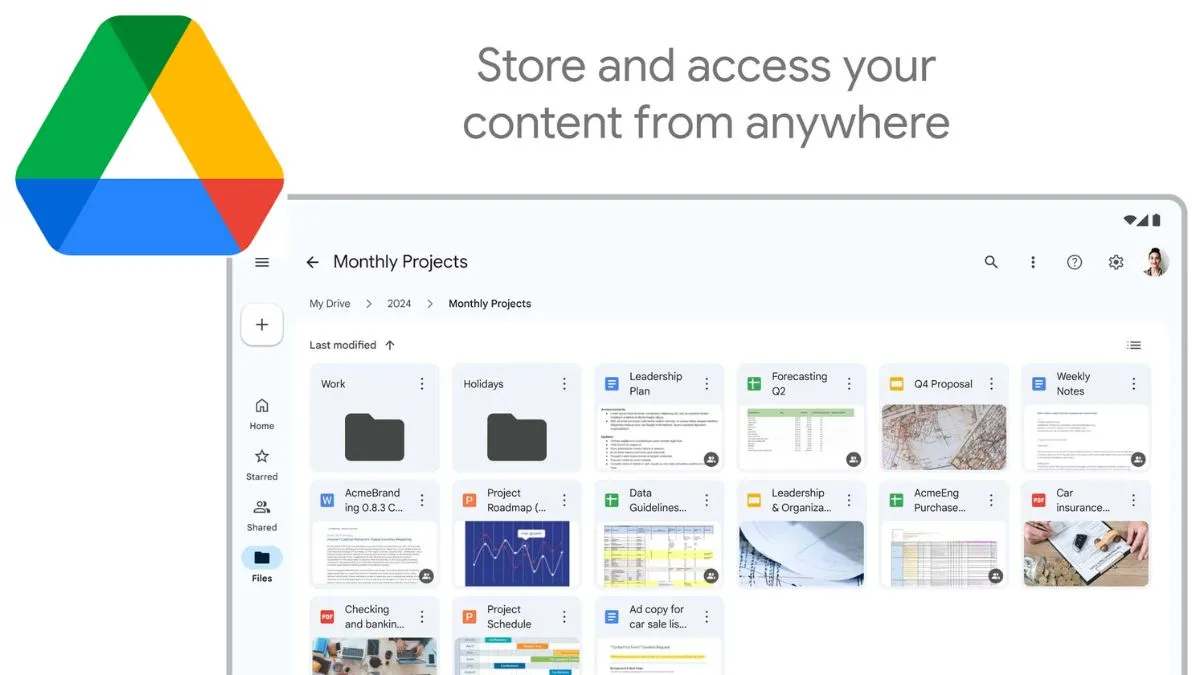
Google has rolled out a new update that will enable users to edit videos directly within Google Drive. This could happen by using its AI-powered tool, Google Vids- the new feature simplifies workflows by enabling users to trim, add music, add text, along with effects, without switching to third-party apps. The integration is now available for Google Workspace users, making video editing more accessible for professionals, students, and casual creators.
Editing videos made simple
With this new update, users will now see an ‘Open’ button while previewing videos in Drive. Clicking it will launch the video in Google Vids, automatically loading the file for editing. Users can then:
- Trim clips
- Insert text and music
- Add creative elements and effects
Once opened in Vids, a new editable file is created. To share or save, users will need to export it into a non-Vids format.
Supported formats and limits
Google Vids supports the following file formats: MP4, QuickTime, OGG, WebM.
- Each clip can be up to 35 minutes long.
- The maximum file size supported is 4 GB.
Users can also upload images and clips directly from Google Drive, Google Photos, the web, or their computer.
How to enable or disable Google Vids
By default, Google Vids is turned ON. Admins can manage access via the Google Admin console:
- Sign in as Admin
- Then go to apps
- Then tap on Google Workspace
- Then go to Drive and Docs.
- There, select Google Vids.
- Toggle ON/OFF as per organisation needs.
- Save settings.
If Google Docs is disabled, Vids will not be available.
Browser support
Google Vids works best with the latest two versions of:

- Google Chrome
- Firefox
- Microsoft Edge (Windows)
Other browsers may not support the tool fully.
Availability
The feature is available for:
- Google Workspace (Business Starter, Standard, Plus, Enterprise editions)
- Education plans (Fundamentals, Standard, Plus)
- Nonprofits
Add-ons: Gemini Business, Gemini Enterprise, Google AI Pro, Google AI Ultra