
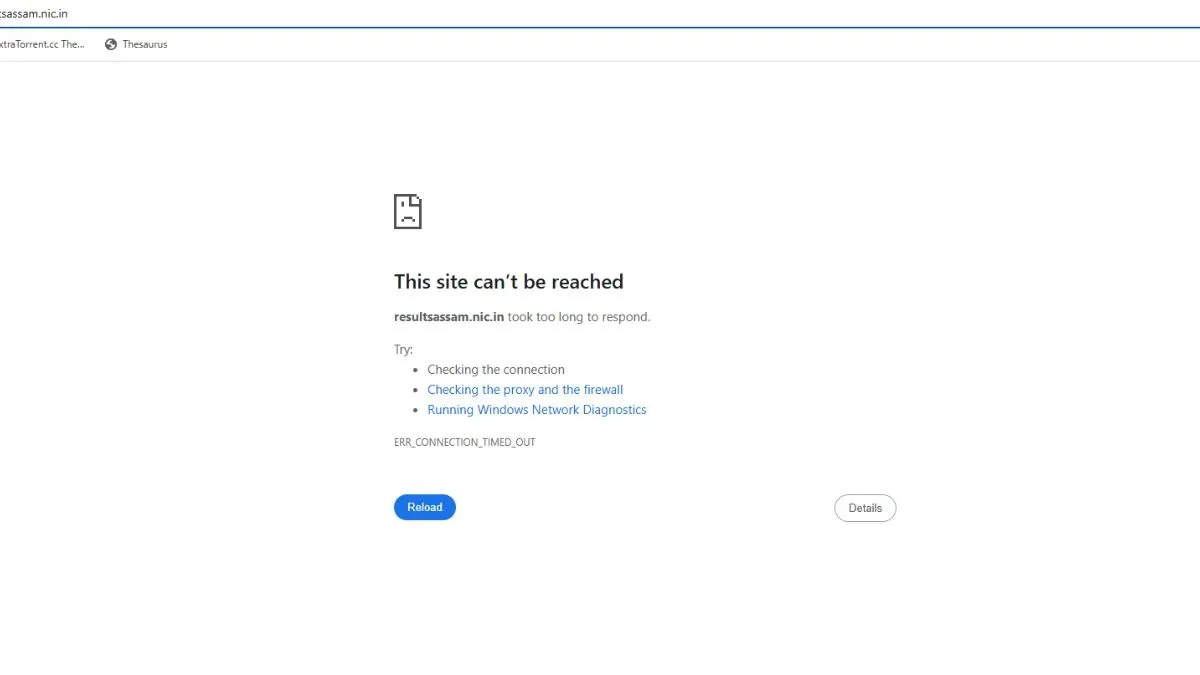
The SEBA HSLC, Class 10 result 2026 has been declared, but the students find difficulties in getting their Class 10 result as the official websites - sebaonline.org, asseb.in and resultsassam.nic.in are down. For the students who could not get their result through the official portals - sebaonline.org, asseb.in and resultsassam.nic.in, here are the alternative ways to download HSLC 10th scorecard, marksheet pdf. The SEBA HSLC 10th candidates can download scorecard via indiaresults.com, Umang App, Digilocker. resultsassam.nic.in SEBA HSLC 10th result 2026 (OUT) Live: 65.62% pass, Jyotirmay Das tops
How to download SEBA HSLC 10th scorecard PDF at indiaresults.com
To download SEBA HSLC 10th scorecard at indiaresults.com, students need to visit the alternative website - indiaresults.com and click on scorecard PDF link. Enter login credentials - application number, date of birth. SEBA HSLC 10th scorecard will appear on the screen for download, save SEBA HSLC 10th scorecard and take a print out.
How to check SEBA HSLC 10th result 2026 via SMS
Students can check SEBA HSLC 10th result 2026 via SMS. They need to type AS10 Roll Number and send it to the designated number.
How to download SEBA HSLC 10th scorecard 2026 via UMANG App
- Visit the Google Play Store on your mobile device
- Download and install UMANG App
- Open the app and click on SEBA HSLC 10th result link
- Enter application number and date of birth as login credentials
- SEBA HSLC scorecard will appear on the screen for download
- Save SEBA HSLC 10th scorecard pdf and take a print out.
How to download SEBA HSLC 10th scorecard pdf via Digilocker
The students can download SEBA HSLC 10th scorecard PDF via Digilocker. To download SEBA HSLC scorecard PDF, students need to first register with the school-provided 6-digit access code, school code and Class 10 roll number. Then confirm your mobile number through OTP. Now login to Digilocker with your mobile number, email ID and password. Locate your SEBA HSLC scorecard PDF and take a print out.
For details on SEBA HSLC 10th exam result 2026, please visit the official websites - sebaonline.org, asseb.in and resultsassam.nic.in.
Also Read:
| SEBA HSLC result 2026 out; 65.62% pass, male students outperform female |
| SEBA HSLC merit list 2026: Jyotirmay Das tops; Akankha Bhuyan is the female topper |
