
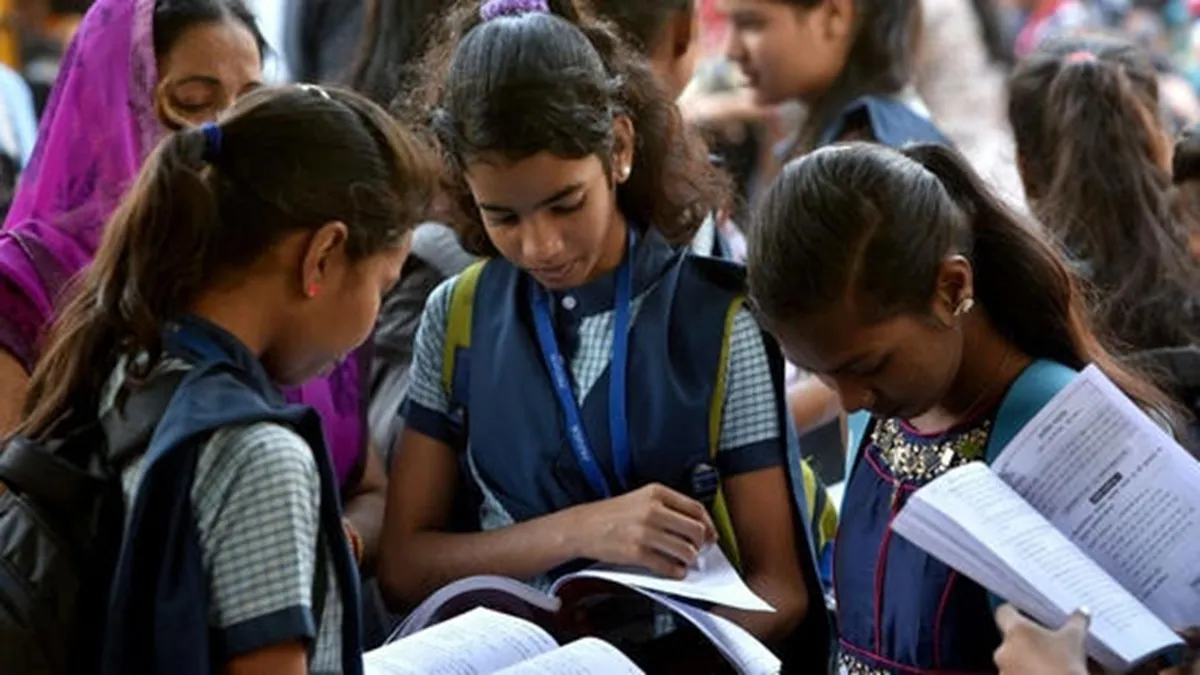
The MP Board Class 10 and 12 results are expected to be announced today, April 15, 2026. For many students, this is a big day. And yes, it can feel stressful, especially when websites slow down due to heavy traffic.
The good part is that you do not have to rely on just one method. There are multiple ways to check your result and download your marksheet PDF. If one option does not work, you can quickly switch to another.
MP Board 10th, 12th result 2026: 5 ways to download scorecard PDF
Here are five simple ways you can check your result:
1. Official websites
You can visit the official websites:
- mpbse.nic.in
- mpresults.nic.in
- mpbse.mponline.gov.in
Click on the result link, enter your roll number or registration number and date of birth, and your result will appear on the screen. Download the PDF and save it.
2. DigiLocker
You can also use DigiLocker to access your marksheet:
- Open the DigiLocker website or app
- Log in to your account
- Go to the MPBSE results section
- Enter your details
Your digital marksheet will be available to download.
3. SMS option
If internet speed is slow, SMS can help. You can send a message in the required format and receive your result on your phone. This is useful when websites are not working properly.
4. MPBSE mobile app
The MPBSE app is another option.
- Download the app on your phone
- Log in using your details
- Check your result directly
It is simple and works well if you prefer using your phone.
5. Alternative websites
If official websites crash, you can try platforms like indiaresults.com.
- Visit the site
- Click on MP Board result link
- Enter your roll number and date of birth
Your result will be displayed, and you can download the marksheet.
Having these options makes things easier. Even if one method does not work, you still have others to rely on.
