iPhone green and orange dots: What these lights reveal about your privacy
If you use an iPhone, you may have noticed small green or orange lights near the Dynamic Island or status bar during calls or app usage. These indicators are important privacy alerts introduced by Apple. They tell you when your camera or microphone is being accessed, helping you stay protected.
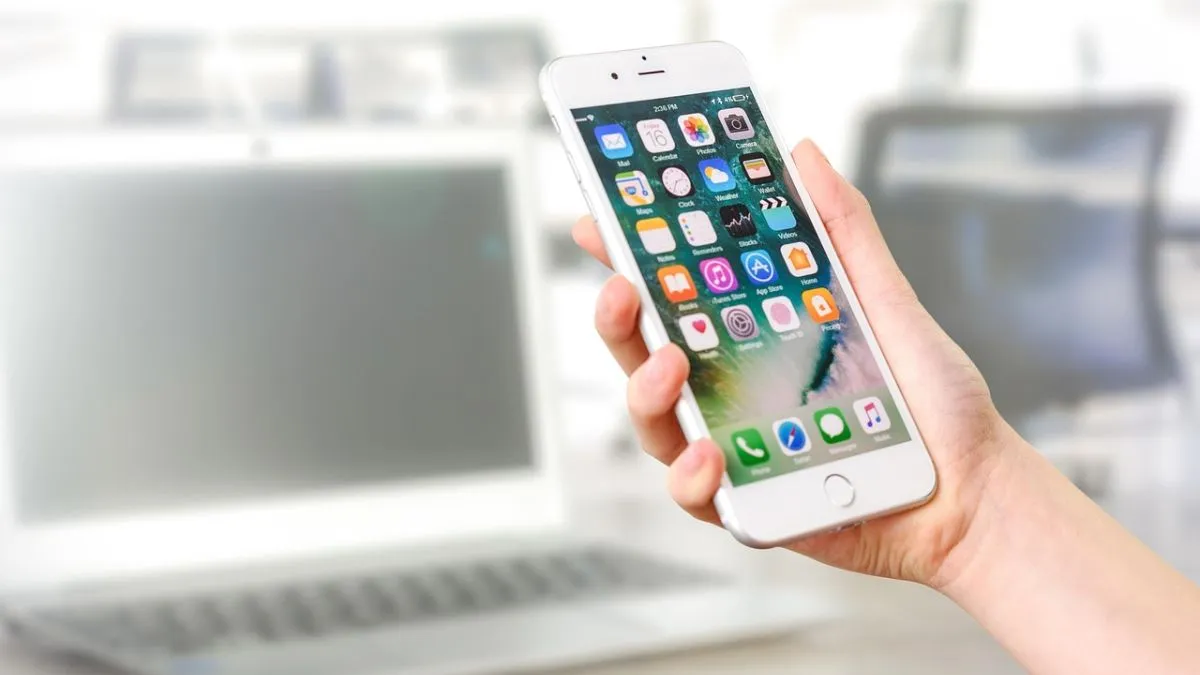
Apple is known for prioritising user privacy; there are different ways in which the phone informs the user of multiple alerts. As a matter of fact, the green and orange indicator lights are part of this effort, which is not much talked about but does play a vital role in life. These indicative lights appear near the Dynamic Island or status bar and further focus on notifying the users whenever an app accesses sensitive hardware like the camera or microphone.
Many users ignore these signals, but understanding them can help you identify suspicious app behaviour instantly.
What does the green light on iPhone mean?
If you see a green light indicator on or blinking on your iPhone display, it means your camera is currently active. This usually happens when you are on a video call, using the camera actively or using the camera feature on social media apps- for live videos, making boomerangs, taking photos by using multiple filters, and more.
And if you are using your mobile camera intentionally, it is ok too, as this is normal.
But you must be extra cautious if your phone camera is working automatically, like:
- Make sure you shut down the camera
- No camera-based app is open.
- The green light appears unexpectedly.
This could indicate that an app is accessing your camera in the background.
What does the orange light on the iPhone indicate?
The orange light signals that your iPhone’s microphone is in use. It appears when you are on a voice call, using voice recording, voice assistants, and apps accessing audio input.
Apple has come up with this indicator to make sure that when the recorder is on, the user may get an indication.
If the orange light appears without a clear reason, you should check the following immediately:
- Check app permissions
- Close suspicious apps
- Review microphone access in settings.
Why are these lights important for your privacy?
These indicator lights on the iPhone are not decorative, but are very important for knowing when the device is not working. Apple has intentionally designed them as real-time privacy alerts so users can:
Detect unauthorised camera or mic access
Identify suspicious apps instantly.
Take quick action to protect personal data.
These lights are hence very important and make the iPhone one of the most privacy-focused handsets which are available today.
How to stay safe if you see these lights unexpectedly on your iPhone?
In a situation when you see the light suddenly blinking, here is how you can secure your device with simple steps:
- Go to ‘Settings’
- There, tap on ‘Privacy & Security’
- Check ‘Camera’ and ‘Microphone’ permissions.
- Remove access from unused or unknown apps.
- Update your iPhone to the latest iOS version.
The green and orange lights on your iPhone are powerful privacy tools which could help you to stay secure while using the device. One must never ignore them and consider them a security alert.
And if something does not feel right, the user must take action immediately; your personal data and privacy matter.