How to make your smartphone battery last longer: Easy tips for daily use
Smartphone batteries drain fast due to poor charging habits, background apps, and high screen usage. To make your battery last longer, keep it between 20 per cent to 80 per cent while charging, use battery saver mode, restrict background apps, reduce screen brightness, and more.
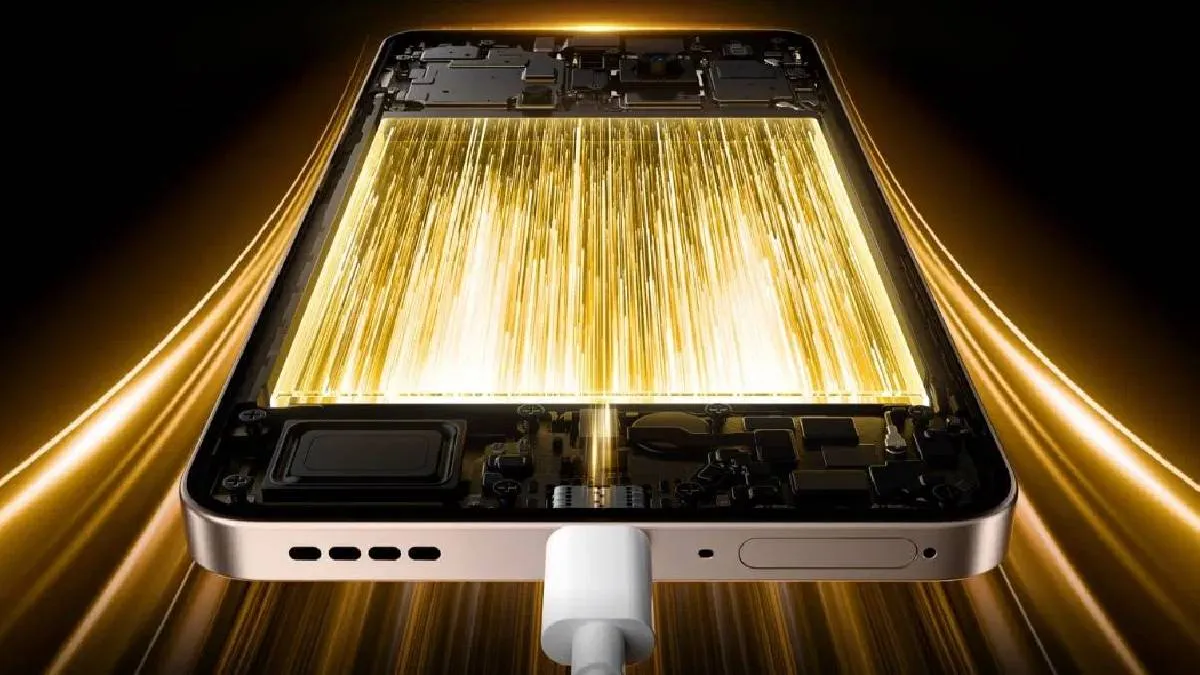
Stressed about your smartphone's draining battery, despite all the care and precautions? One of the biggest factors that affects battery life is how you charge your handset. Experts suggest avoiding both overcharging and letting the battery drain completely to 0 per cent. The ideal practice is to keep your smartphone battery between 20 per cent and 80 per cent. Overnight charging should be avoided if possible, as it keeps the phone at 100 per cent for long hours, which may stress the battery in the long run.
If your phone supports fast charging, use it only when required. For daily charging, a standard charger helps reduce heating and extends battery health.
Use battery saver mode
Most smartphones today come with a battery saver or power saving mode. Enabling this feature reduces background activities, lowers screen brightness, and limits high battery-consuming processes. On Android phones, you can find this option in Settings > Battery, while iPhone users can turn on Low Power Mode.
This small step can help you squeeze out extra hours of usage when the battery is running low, especially during travel or power cuts.
Manage background apps
Many apps continue running in the background, even when you are not actively using them. Social media, maps, and shopping apps are common culprits. Go to Settings > Apps > Battery usage and restrict background activity for apps you don’t use frequently.
Additionally, turn off auto-sync for emails, cloud storage, and messaging apps if not needed. This reduces unnecessary updates and saves power.
Control display and connectivity
Your smartphone’s display consumes the maximum battery. Reducing screen brightness, enabling adaptive brightness, and shortening the screen timeout can help save energy. If your phone has an AMOLED display, using dark mode also helps.
Similarly, turn off Bluetooth, Wi-Fi, GPS, and Mobile Data when not in use. Switching to Airplane Mode in low-signal areas can prevent the battery from draining too quickly.
Keep software updated
Smartphone makers often release software updates that improve battery management. Keeping your phone updated ensures you get the latest optimisations and bug fixes that can improve battery efficiency.