How to enable Emergency Alerts on Android and iPhones: Quick guide
This initiative by the Department of Telecommunications (DoT) will send messages to Android and iOS users through mobile operators. Here’s how to ensure your phone is ready to receive these critical alerts and keep you informed during real emergencies.
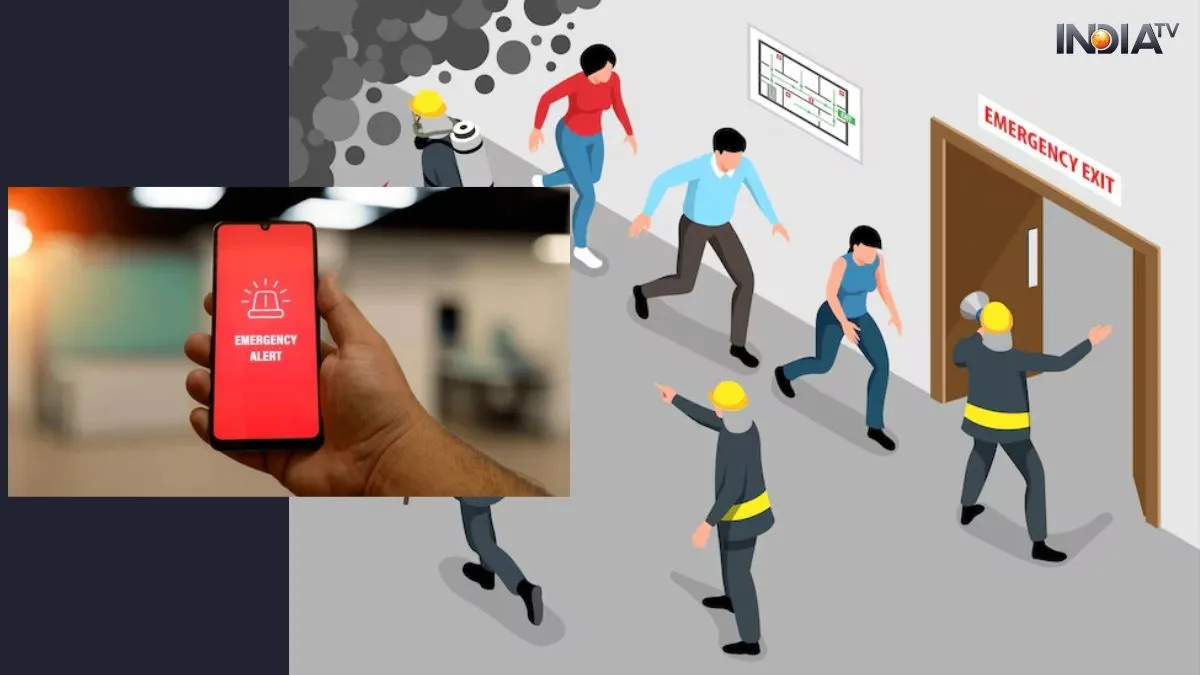
The Indian government, through the Department of Telecommunications (DoT) and National Disaster Management Authority (NDMA), will conduct a mock drill today (May 7, 2025). The test aims to evaluate India's emergency broadcast systems, including air raid sirens and real-time mobile alerts to warn the public in times of crisis, like natural disasters or attacks. It’s yet to be confirmed if the mock drill will send a notification to the user, but one must know how to enable the emergency alert on their handset.
Android users: How to enable Emergency Alerts
If you are using an Android 11 or newer device, you can receive these alerts, but only if the feature is turned on.
Steps to activate emergency alerts on Android:
- Open Settings
- Scroll down to Safety and Emergency
- Tap on Wireless Emergency Alerts
- Turn on all available alert options
Note: The exact terms may differ on phones like Samsung (One UI), Xiaomi (HyperOS), or OnePlus. Alerts may still arrive even without an active SIM or while roaming.
iPhone users: How to enable government test alerts?
Apple iPhones also support government emergency alerts, including mock drills like the one on May 7.
Steps to activate alerts on iPhone:
- Go to Settings
- Tap on Notifications
- Scroll to the bottom and look for Government Alerts
- Enable the Test Alerts toggle
Why does this matter? Ensuring nationwide readiness
Back in September 2024, many users in Delhi-NCR received a sample alert from the DoT which read:
"This is a SAMPLE TESTING MESSAGE sent through Cell Broadcasting System by the Department of Telecommunication... No action required."
These systems are part of India’s preparedness strategy to send real-time warnings for natural disasters, terrorist threats, or any national emergency.
Final Tip: Stay alert, stay safe
This test is not a cause for panic — it's a step toward better disaster preparedness. Make sure your phone is ready, and encourage friends and family to enable alerts too.