- News
- Technology
- Apple iPhone getting too hot in summer? Common reasons and easy fixes for Indian users
Apple iPhone getting too hot in summer? Common reasons and easy fixes for Indian users
iPhone overheating during Indian summers is common, especially in extreme heat. Usually, it is temporary and manageable with better charging habits, avoiding sunlight, and reducing heavy usage.
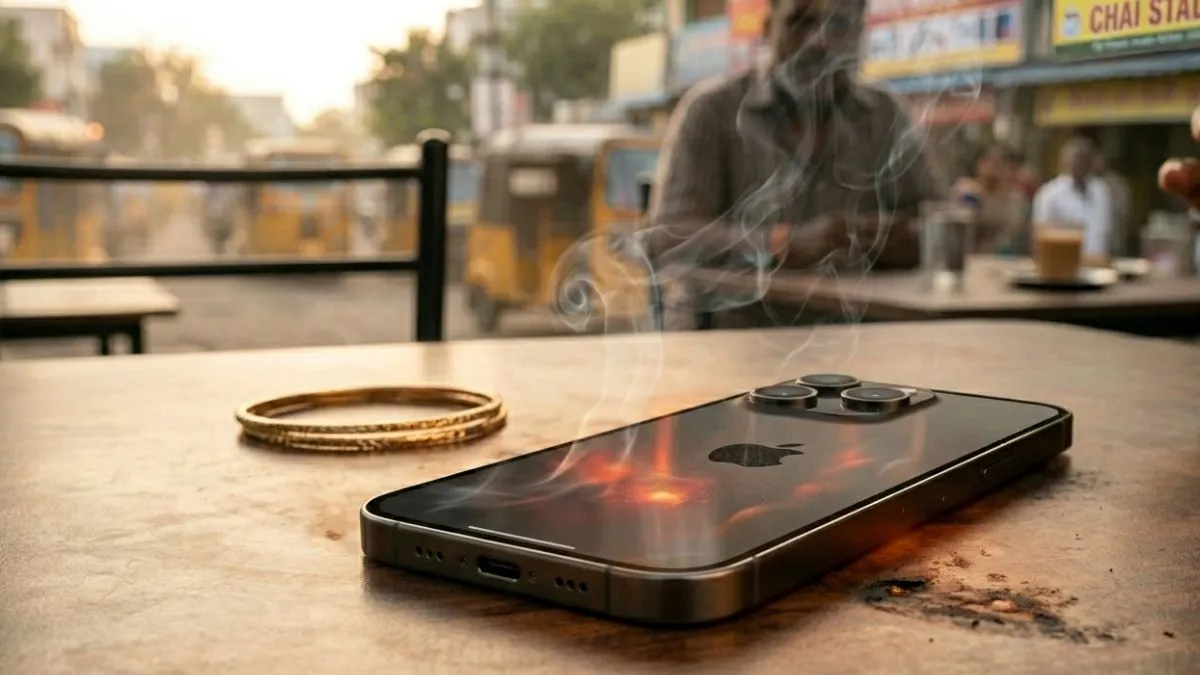
We are living and breathing in a dramatically hotter-than-ever winter, which is draining us all. Not only are humans, but also the gadgets are responding to go beyond tolerance. It was recently noticed that iPhone users have been struggling with heating issues. Many have posted on their social media about the concerning issues, where they can't even use the device to make calls or text. The brutal heatwave has certainly taken on the US premium handset brand, which is heating up faster than expected by many. This is because Apple has built it to work best between 0 degrees and 35 degrees Celsius. If things go beyond the set temperature (meaning getting hotter), the phone might slow itself down to stay safe.
Why your iPhone may be overheating this summer
When your iPhone starts to overheat, it will shift into a protection mode. The smartphone will not want its battery or the insides getting wrecked, so you’ll see some obvious signs:
Common signs of overheating:
- The screen dims all of a sudden.
- Charging stops, and you get that “Charging on Hold” alert.
- Everything starts to drag, and the phone may feel sluggish.
- The camera might stutter, or the flash just won’t fire.
- Apps take ages to open.
In bad cases, a thermometer symbol pops up as a warning.
These are not glitches; rather, they are built-in ways to cool down the iPhones.
Main reasons why iPhones heat up
- Hot weather conditions: Leaving your phone out under direct sunlight or just being out in high temperatures will result in your device heating up.
- Using the device while it is plugged in: never play games or watch videos while the device is connected to the charger to get faster results.
- Wireless chargers give off more heat than wired ones, and plugging in with a cable does.
- Heavy apps and gaming could give a load to the processor, and all that will increase the pressure on the device and cause it to emit heat.
- Apps running in the background for a longer time: Many background apps, GPS trackers on, and Bluetooth being connected to multiple devices for a longer run will keep consuming the battery of the device and will secretly be turning up the heat.
Tips to cool down an overheated iPhone
It does not take a lot in order to reduce the heated device’s temperature. Here are some things to follow, which are easy enough:
- Move the device somewhere cooler, like indoors, where the temperature is lower.
- Do not use bulky phone cases or back covers, as they trap the heat.
- Plug in your device with a regular charging cable instead of using wireless charging, which will put more pressure on the processor.
- Shut down the heavy apps from the background when they are not in use.
- Choose to use your iPhone in Low Power Mode, which will help to ease the load and cut the background activities.
- Keep your device away from direct sunlight and never leave it in a parked car or on a bike dashboard.
Important warning: What not to do?
- Do not throw your iPhone in the fridge or freezer.
- Do not pour water on it.
- Do not force it to charge if it’s already overheating.
- Sudden, drastic cooling can seriously damage the inside.