5 Free photo editing tools available in India: Benefits and usability
If you are looking for some easy-to-use tools for your photo editing, but are confused, then here we bring to you around five editing tools for you, which will help you to make edits just like a professional content creator.
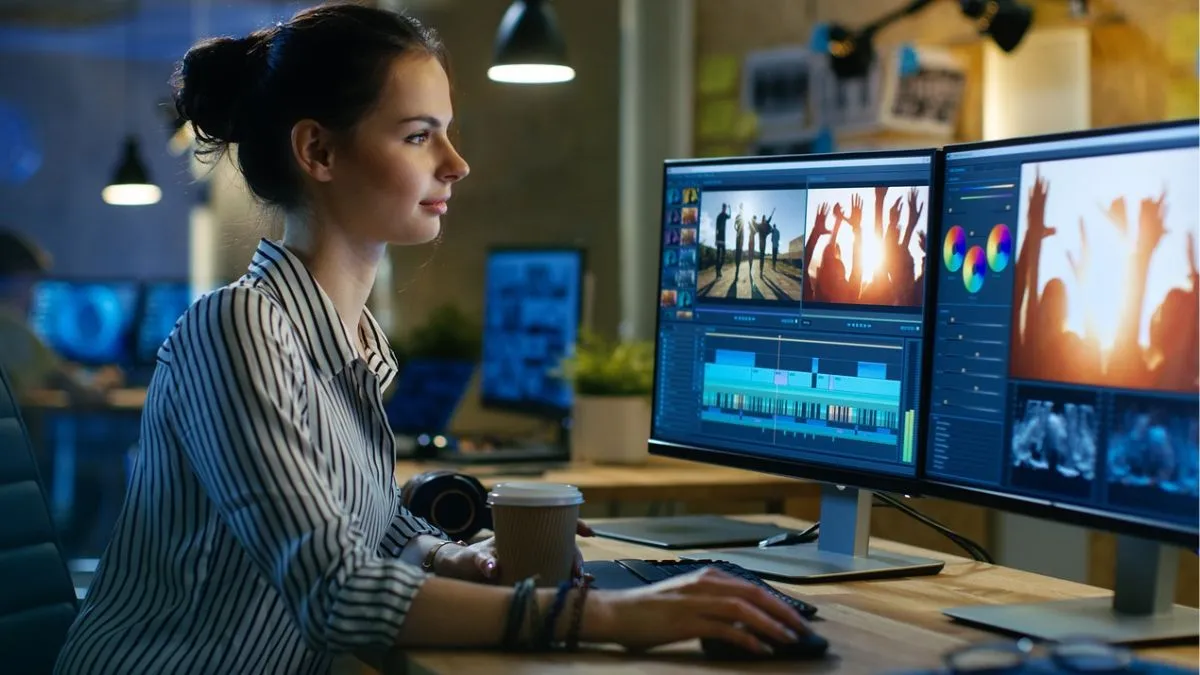
Photo editing does not have to cost a fortune. No matter if you are new to this (maybe a beginner) or an experienced professional in editing, there are plenty of free photo editing tools which are available currently. You can easily make professional-like edits to your photographs, having features like filters, background removal, layers and text editing. Here's a look at the top 5 free tools, their benefits, and how you can make the most of them for your social media, blogging, or personal use.
1. Canva (Available for Web, Android and iOS)
One of the top players is the Canva app, which helps in graphic designing as well as photo editing. It comes with a drag-and-drop interface and free templates for Instagram, YouTube, and posters as well.
You can easily remove the background (which is limited in a free plan)
Usability:
- The Canva app is ideal for content creators who are beginning their journey to become professionals. It enables them to edit photos, add text, and filters and create collages easily.
2. Snapseed (Available for Android and iOS)
This app is quick for those who prefer mobile photo retouching. This app has been developed by Google, and it further offers selective editing, healing and curves for its customers. It does not have any ads or watermarks.
Usability:
- This app is easy to use for smartphone photographers. It is powerful enough to make edits easy for the users (just like pro) to make decent edits from anywhere.
3. Pixlr (Available for Web, Android and iOS)
- This app is quick for browser-based editing.
- It comes with Layer editing and smart AI tools, enabling users to easily remove the background from the images, and you will not be in need to do any sign-up.
Usability:
- This is a lightweight alternative to Photoshop and further offers quick editing from any browser. This is said to be a great way to make edits without high-end PCs for users.
4. Photopea (Available for Web)
- This platform is perfect for performing Photoshop-style editing.
Benefits:
- It supports PSD, Sketch, XCF and RAW formats
- It comes with full layer and mask controls
- Users do not have to install anything
Usability:
- Photopea has been designed for those who need an advanced editor without paying for Adobe tools.
5. Fotor (Available for Web, Android, iOS)
This editing tool is perfect for quick AI-powered edits for all sources.
Benefits:
- It comes with one-tap enhancement
- These AI tools could be used for skin smoothing, HDR shots
- Design templates for social media
Usability:
- Fotor is a beginner-friendly app/platform and offers a balance of editing and design tools, especially useful for influencers and marketers.
These free tools are good enough to make decent edits with premium-like editing capabilities, right at your fingertips. Whether you are using them for editing on a smartphone or desktop, these apps and websites can enhance your photos without spending a rupee.
They are indeed easy and certainly smooth to use for students, influencers, or small business owners in India looking to upgrade their visuals.