
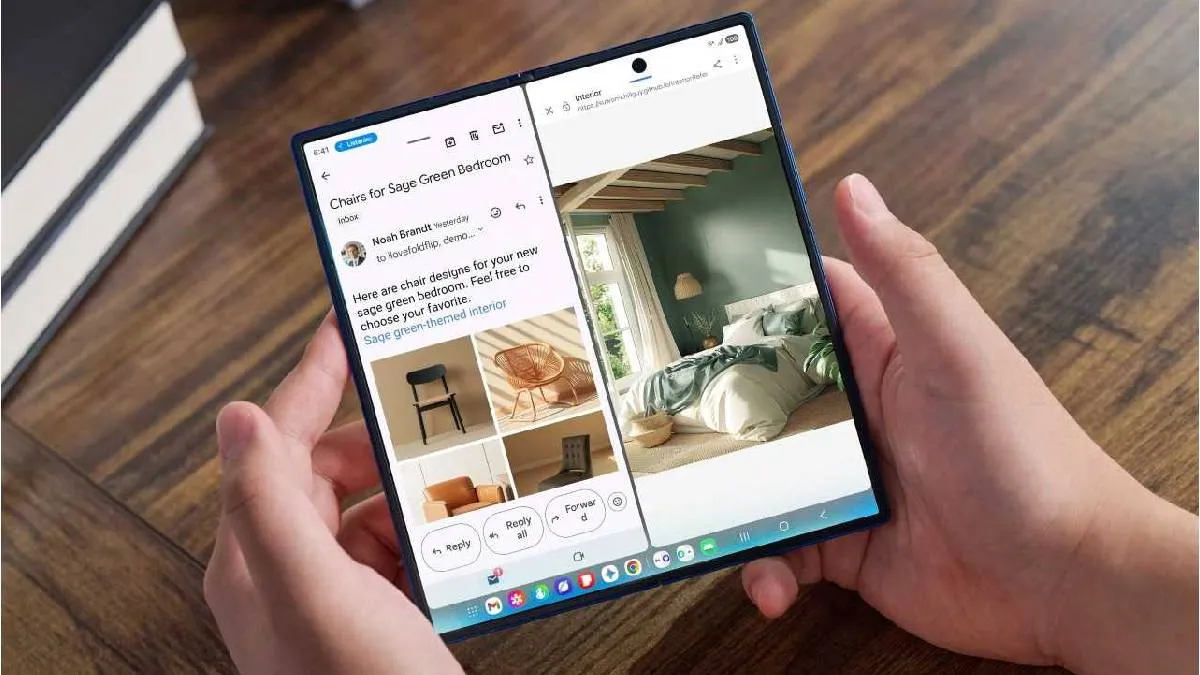
Samsung has officially begun the rollout of its One UI 8 operating system for eligible smartphones. The latest OS, based on Android 16, introduces advanced multimodal AI capabilities, a user experience optimized for various device form factors, and personalised, proactive suggestions. The update will first be released for the Galaxy S25 series, followed by the Galaxy S24 series, Galaxy Z Fold6, Galaxy Z Flip6, and Galaxy S24 FE. The company has also announced that One UI 8 will reach additional eligible models later this year.
Samsung One UI 8 key features
Personalisation and Productivity
- One UI 8 recognises a user's context to provide personalised, proactive suggestions that support their unique daily routines.
- Now Bar: Shows real-time app activity and media player progress directly on the Galaxy Z Flip’s FlexWindow and is now integrated with even more third-party apps.
- Now Brief: Provides more personalised daily updates, including traffic reports, important reminders, and Samsung Moments, which allows users to reflect on their daily routines. Users can also get tailored music and video recommendations based on their subscriptions and interests. Additionally, personalised health insights from the Galaxy Watch are now easily accessible.
Enhanced security
- Knox Enhanced Encrypted Protection (KEEP): A new security architecture that creates encrypted, app-specific storage environments within the device, ensuring each app can only access its own sensitive information.
- Knox Matrix: Takes security a step further by automatically signing devices out of the Samsung Account if they are flagged for serious risks. It sends notifications across connected Galaxy devices and provides additional guidance on how to protect data.
- Upgraded Secure Wi-Fi: Features a new cryptographic framework with post-quantum cryptography (PQC), designed to strengthen network protection against emerging threats and ensure robust privacy, even on public networks.
AI and workflow integration
One UI 8 is designed to boost productivity and efficiency through seamless functionality.
- AI Results View: Displays results from AI features in a separate Split View or Floating View, keeping the original content visible and unobstructed.
- Multi Window: Allows users to drag and drop AI-generated content—including images and text—directly into their workflow.
- Gemini Live: Now available directly on the Galaxy Z Flip's FlexWindow for hands-free voice search.
- Audio Eraser: Proactively detects and removes unwanted background noise like wind or traffic with a single tap on a new toggle in video and audio apps.
Customisation and communication
- Customisable Clock: A new clock design stretches and adapts to match the user’s wallpaper. The clock's font wraps around objects or contours, ensuring visibility without disrupting the image. Users can also customize the thickness, size, and color of the font to match their personal style.
- FlexWindow Customisation: Users can easily create a custom wallpaper for the FlexWindow by receiving recommendations and auto-curated wallpapers from their Gallery. Emojis and background colors are also customizable for FlexWindow Emoji wallpapers.
- Portrait Studio: An AI-powered tool that captures the vibrant expressions of pets and generates artistic, studio-like pet portraits.
- Call Captions: Instantly converts voices into text during calls, allowing for seamless communication in noisy environments.
- Interpreter: Users can now translate ideas by typing on the keyboard, in addition to speaking.
ALSO READ: Check your Android phone's health for free with these secret codes
