YouTube’s Auto-Dubbing feature expands to all users, now supports 27 languages
YouTube has announced a major expansion of its AI-powered auto-dubbing feature, making it available to all users and all channels on the platform. The feature supports 27 languages and can automatically translate and dub spoken content in non-music videos, helping customers' flexibility.
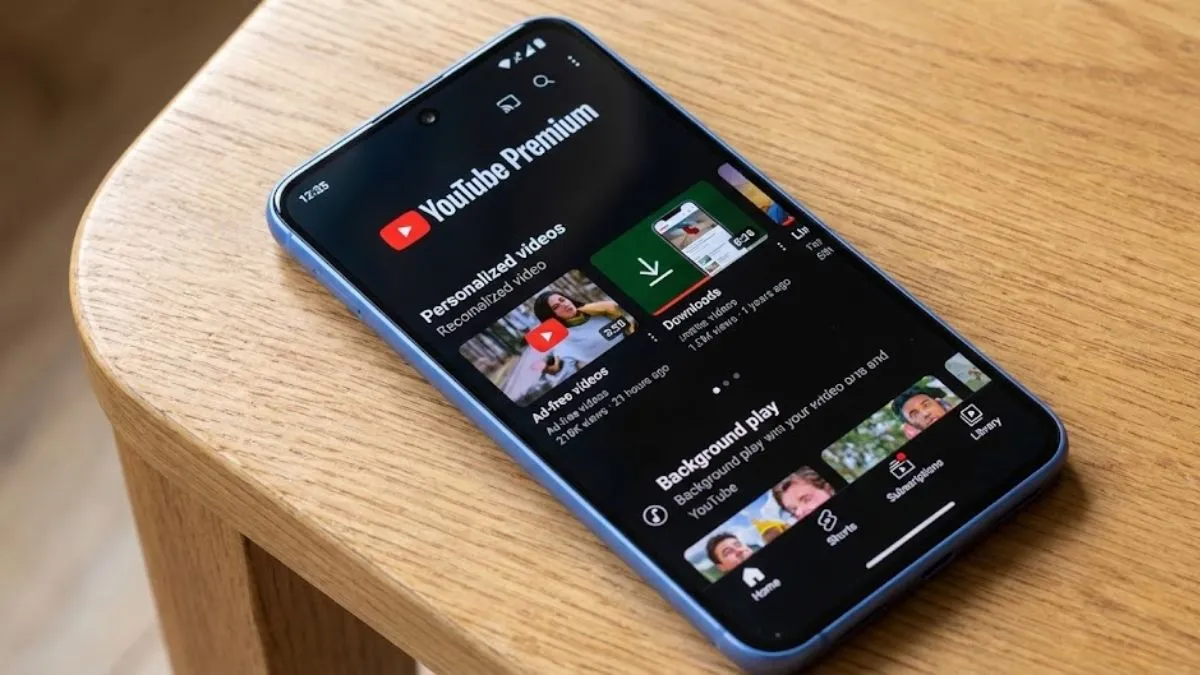
YouTube, one of the most widely used platforms, which helps millions to make money by entering the content creation field, has just given its AI auto-dubbing feature a big boost. With this upgrade, now everyone will be able to use it on any channel. The tool will now handle 27 languages and will be able to automatically translate and dub spoken parts of non-music videos. This means that you can watch videos in your own language, even if the creator speaks something totally different.
Content creators on YouTube get a language upgrade
Back when YouTube first rolled this out at VidCon 2023, there were only a handful of creators who had access. Then, in 2024, they opened it up to more educational and informational videos. Now, in 2026, the platform is a tool to reach out to the masses; it’s open season – anyone can use it, whether you are making videos or just watching them.
Language support on YouTube and its benefits
With support for 27 languages, YouTube lets people all over the world jump into videos they might’ve skipped before. And people are actually using it—a lot. In December 2025, more than six million people watched at least 10 minutes of auto-dubbed videos every day.
YouTube’s new Expressive Speech feature
YouTube’s also trying to make things sound less stiff. There is a new feature called Expressive Speech that makes dubbed voices sound more real, closer to the creator’s actual tone and energy.
Right now, you can find this in eight languages, including:
- English
- French
- German
- Hindi
- Indonesian
- Italian
- Portuguese
- Spanish
YouTube’s preferred language
For people who speak more than one language, YouTube has added a Preferred Language setting. With the new feature, users can set their dubbing preferences or turn auto-dubbing off if they want.
They are also testing a lip-sync feature so the speaker’s mouth actually matches up with the translated audio. It’s the same kind of thing you’ve seen on Instagram and Facebook Reels.
Lastly, YouTube’s system automatically skips videos that don’t make sense for dubbing, like music videos or silent vlogs. So, the tool only kicks in where it really fits.