- News
- Technology
- Your phone battery draining aggressively: 5 Reasons and how to fix it at home
Your phone battery draining aggressively: 5 Reasons and how to fix it at home
If your smartphone battery is draining aggressively, multiple factors like background apps, screen brightness, outdated software, poor network connectivity, or battery health issues may be responsible. Here are the top 5 causes and quick home fixes to improve battery life without spending money.
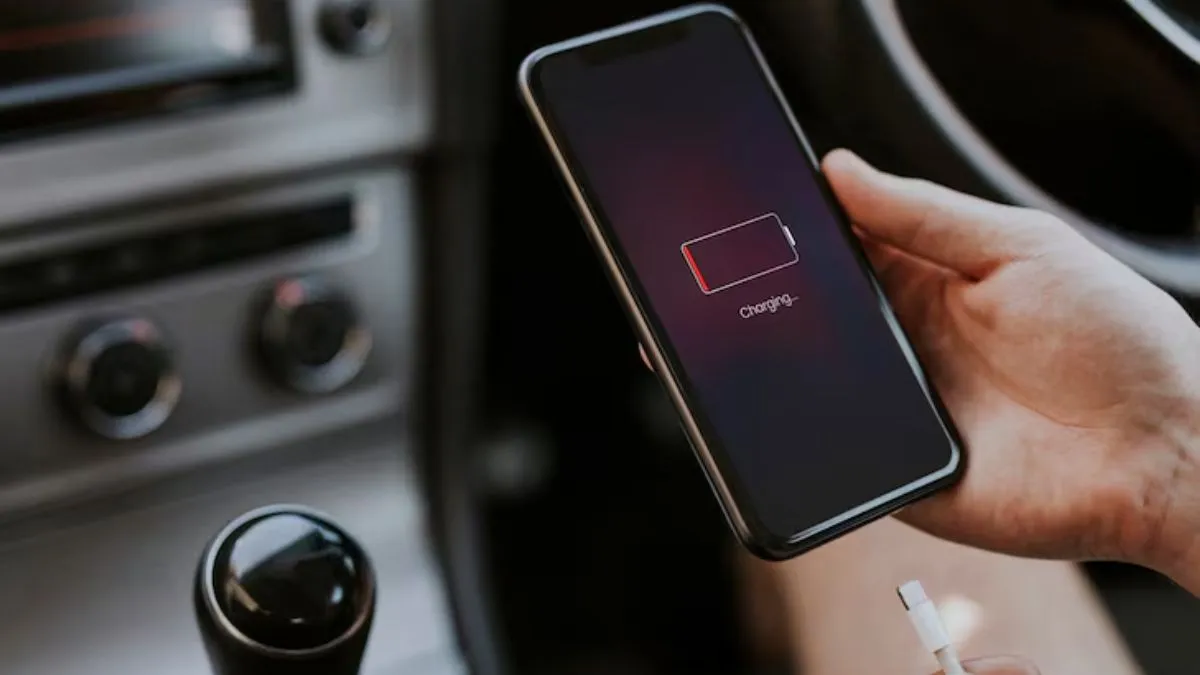
A fast-draining smartphone battery is one of the most common issues being faced recently. No matter whether you have an Android or an iPhone, several hidden factors can quickly reduce battery life. Fortunately, most such issues may be fixed easily at home with no need for expert help. Here are the top five reasons for rapid battery drain and simple solutions to restore your phone's performance.
1. Power consumption by background apps
Most applications stay running in the background, even when you are not actively using them. Social media apps, messaging services, maps, and shopping apps refresh second by second, sending notifications and using up mobile data.
How to Fix:
- Close unused apps from the Recent Apps screen.
- Turn off the background activity for power-hungry apps from Settings.
- Turn off auto-sync in applications that you are not using very often.
2. High screen brightness and always-on display
Your screen is one of the largest consumers of power. Keeping brightness higher than needed or enabling features like Always-On Display drains a lot of battery life.
How to Fix:
- Turn on auto-brightness or manually lower the brightness.
- Turn off the Always-On Display when not needed.
- Switch to dark mode, which saves extra battery on AMOLED screens.
3. Outdated software or buggy applications
Software bugs, older versions of apps, or pending system updates eventually cause battery drain due to inefficient processing.
How to Fix:
- Please update your phone to the latest software.
- Update all applications from the Play Store or the App Store.
- Uninstall buggy apps that crash often or behave abnormally.
4. Weak network or poor signal strength
During weak network coverage, your mobile phone automatically increases the signal power, which rapidly drains the battery.
How to Fix:
- Switch to Wi-Fi if mobile networks are unstable.
- Temporarily activate the Aeroplane Mode in areas of low signal.
- Turn off 5G if your network coverage is inconsistent.
5. Deterioration of battery health
Over time, lithium-ion batteries degrade naturally. If your mobile phone is more than 2 to 3 years old, battery health may have dropped considerably.
How to Fix:
- Check battery health (available on iPhones and some Android phones).
- Avoid charging overnight and using cheap chargers.
- Consider replacing the battery if the health drops below 80 per cent.